
iPhone Screenshots
Description
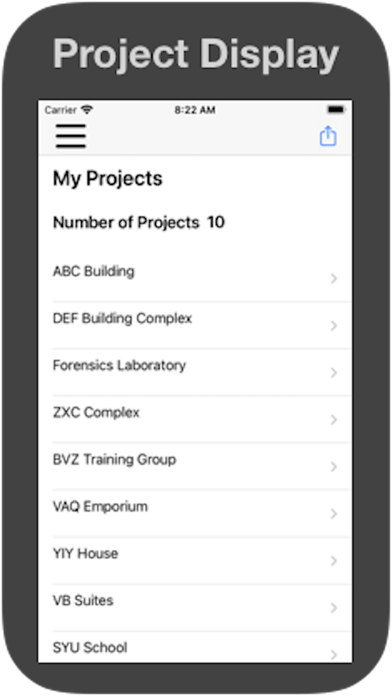
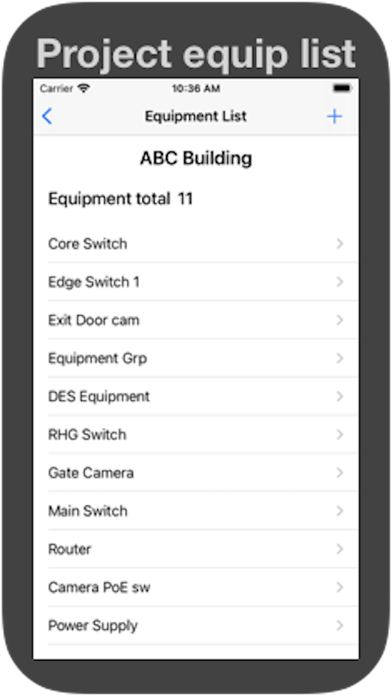
* Create a project name and add equipment to the project.
* Add IT Equipment, such as Servers and Ethernet switches.
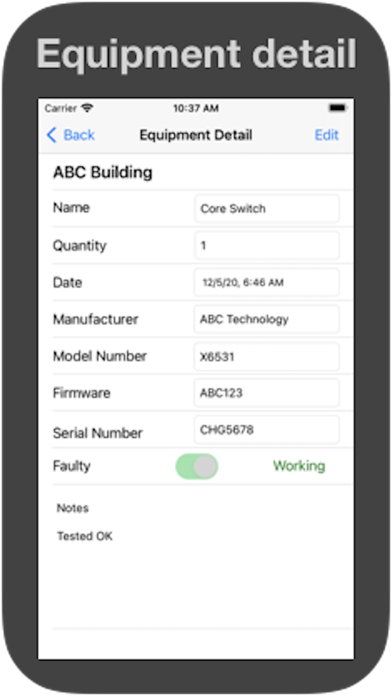
* Add details such as model number, serial number, manufacturer, firmware version, Tag number, notes, then set status if working or faulty.
* Add notes of what has been done for fault resolution by editing the notes field.
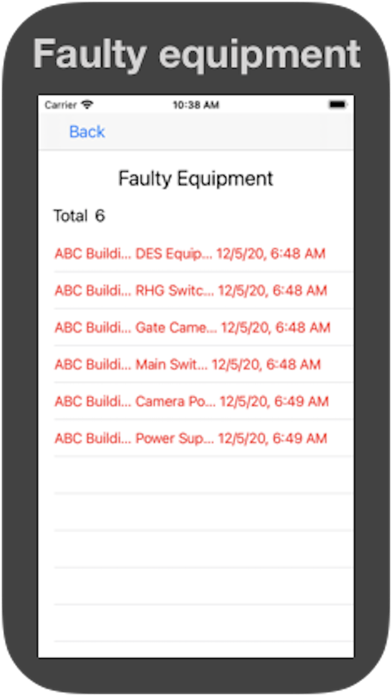
* Fault status page indicates current faulty equipment requiring action.
* When you need to send equipment details to manufactures for fault resolution, this can be done easily by exporting data as a CSV file to an email address.
* Add your email address in the profile page, to make emailing project details easier.