Screen Cast - TV Mirroring
Media to your TV and control playback
Om Solutions LLC
iPhone Screenshots

Description
Media to TV with HD and 4K quality. Connect to a smart streaming device and select content from the Camera Roll. Control playback, add or remove videos from the queue. Choose between yearly or weekly subscriptions.
How to Cast?
1. Open the app.
2. Connect to a smart streaming device
3. Select your photo, video, or music
4. Sit back, relax and enjoy the show!
FEATURES:
• Cast to TV with HD & 4k quality
• Easy connect to TV and control media playing
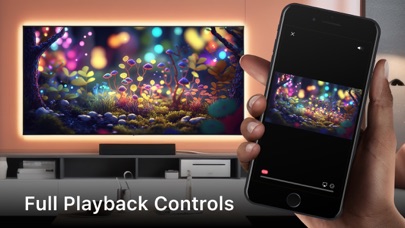
• Full playback controls, add and remove videos from playback queue.
• Cast video, photo, music from Camera Roll to TV.
You can choose a yearly subscription (3 days trial) or weekly subscription.
– Payment will be charged to iTunes Account at confirmation of purchase (After free trial period if offered).
– Subscription automatically renews unless auto-renew is turned off at least 24-hours before the end of the current period.
– Account will be charged for renewal within 24-hours prior to the end of the current period, and identify the cost of the renewal.
– Subscriptions may be managed by the user and auto-renewal may be turned off by going to the user’s Account Settings after purchase.
– Any unused portion of a free trial period, if offered, will be forfeited when the user purchases a subscription to that publication, where applicable.
Privacy Policy:
https://sites.google.com/view/tv-cast-for-airplay-policy/
Terms of Use:
https://sites.google.com/view/tv-cast-for-airplay-terms/