
PDF To Word: PDF Editor
Convert and save files
Parsottambhai Dhameliya
iPhone Screenshots


Description
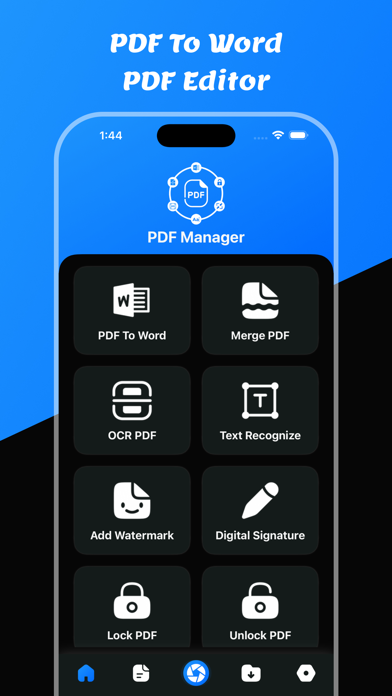
Convert PDF files to Word documents with OCR text recognition. Edit and compress PDFs. Merge multiple PDFs. Save converted files in a dedicated section. Share converted Word files directly.
Welcome to PDF To Word: PDF Editor app
Users can convert any pdf file to a word file.
It is easy to use to convert word files.
Users can share converted word files.
Users can save converted word files in the word files section.
Users can convert pdf to word files using pdf to word converter
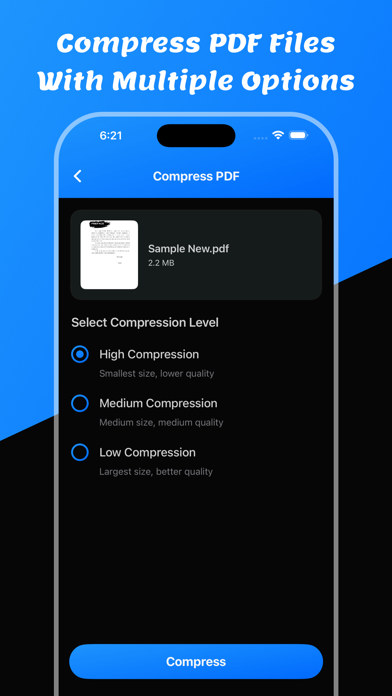
Users can compress pdf files using PDF To Word: PDF Editor app
Users can merge pdf documents using this app.
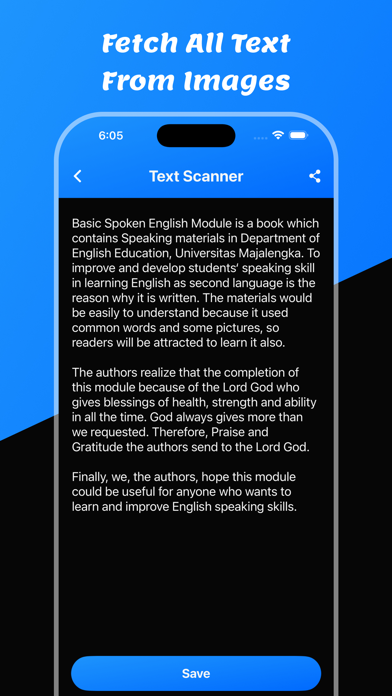
Users can convert pdf to text converter with OCR.
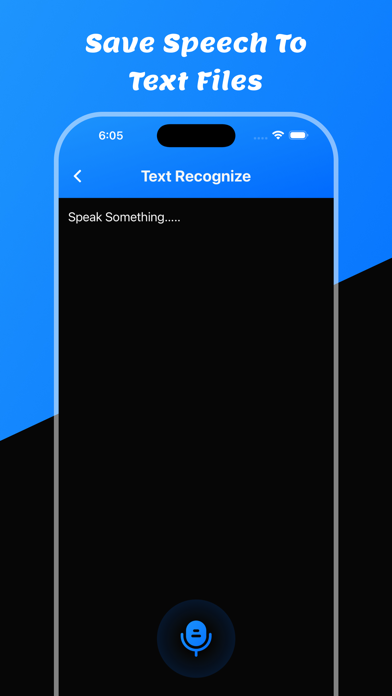
Users can recognize text using text recognize.
Users can remove pdf pages.
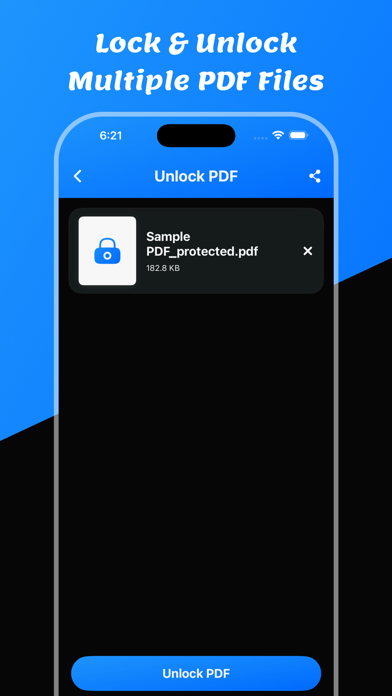
Users can unlock pdf using unlock option.
Users can convert pdf to images using this app.
Users can make pdf using images to pdf files.
Users can save all PDF, Word, Text, and all images in the saved files section.
Features:
- Easy to convert pdf to word
- View Converted Word File
- Save the Converted word file
- Share Converted word file
- Show Saved all word files
- Delete & Share saved word files
- PDF To Word
- Compress PDF Files
- Merge PDF Files
- PDF To Text
- Text Recognize
- OCR PDF
- PDF Page Remove
- Unlock PDF Files
- PDF To Images
- Images To PDF File
Download and enjoy the PDF To Word: PDF Editor app
Privacy Policy: https://glistensolution.com/Apps/App_Privacy.html
Terms of use: https://glistensolution.com/Apps/App_TOS.html