
Link to Windows
Connect phone to PC and manage calls
Microsoft Corporation
iPhone Screenshots


Description
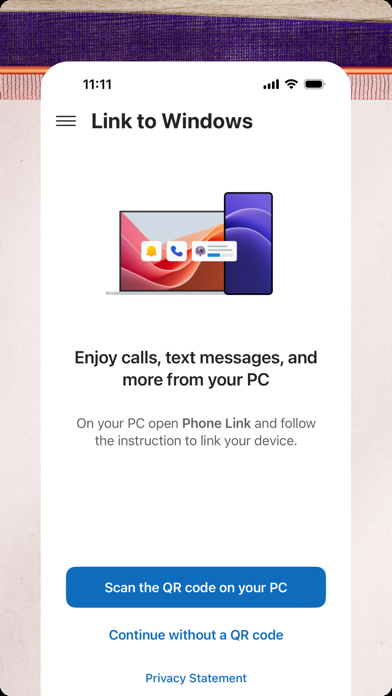
Access your iPhone features from a PC via Phone . Make and receive calls, manage notifications, read and reply to texts, view contacts, and transfer files between devices. Requires iOS 16 or later and Bluetooth-enabled PC.
You love your phone. So does your PC. Get instant access to everything you love on your phone, right from your PC. To get started, connect your iPhone with the Phone Link Feature on your Windows PC.
Enjoy these Phone Link features on your PC:
• Make and receive calls
• Manage your phone's notifications
• Read and reply to text messages
• View your phone contacts
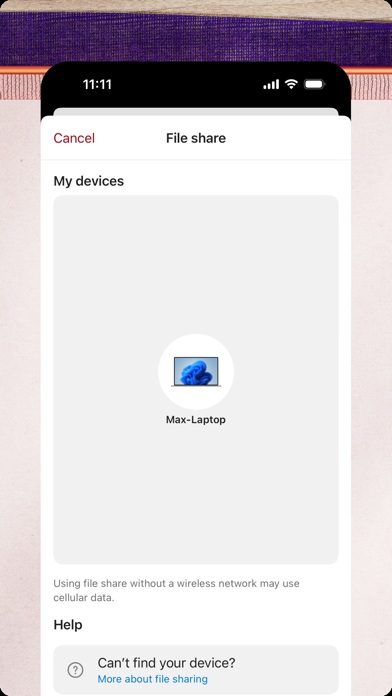
• Share files between your phone and PC
Phone Link for iOS requires iPhone running iOS 16 or higher, and a PC with Bluetooth Low Energy (BLE) support running Windows 10 (with the May 2019 Update or later) or Windows 11. Not available for iPad (iPadOS) or MacOS.
By installing this app, you agree to the Microsoft Terms of Use https://go.microsoft.com/fwlink/?LinkID=246338 and Privacy Statement https://go.microsoft.com/fwlink/?LinkID=248686