
iPhone Screenshots


Description
Great for when you just need to eyeball a calendar.
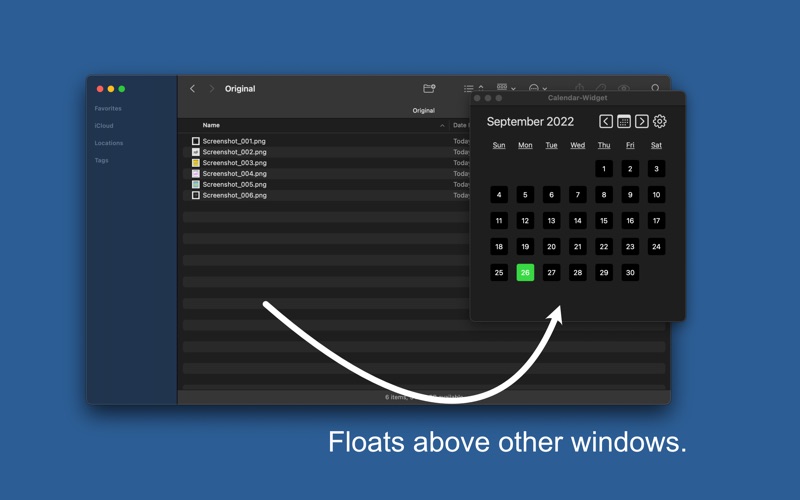
Calendar-Widget is a lightweight app to show a calendar view of a month. Switch to other months by using the Previous/Next buttons. Return to current month by using the Today button. Customize the app appearance using the Settings button. Configure colors for text, background, and current day. Calendar-Widget can float above other windows, this is configurable under the Settings, default is floating turned on.
1.) Launch app.
2.) Use Previous/Today/Next buttons to navigate between months.
3.) Click Settings (gear icon) to change text, background, current day color choices.
4.) Shortcuts - left-arrow = Previous Month, up arrow = current month, right-arrow = Next Month, CMD-E = Settings sheet.
If you accidentally changed color choices to matching colors, then you may be unable to make out certain UI features. Use CMD-E to open Settings to alter colors again.