
# Simple Table - Note as table
Create tables with notes, colors, and tasks
YUKI TANAIKE
iPhone Screenshots



Description
Create structured notes in a format with rows and columns. Add colors, images, links, and task progress indicators. Organize timetables, task lists, shift schedules, address books, and comparison tables. Export and share notes directly.
This Simple Table App allows you to easily take notes in a table format like Excel.
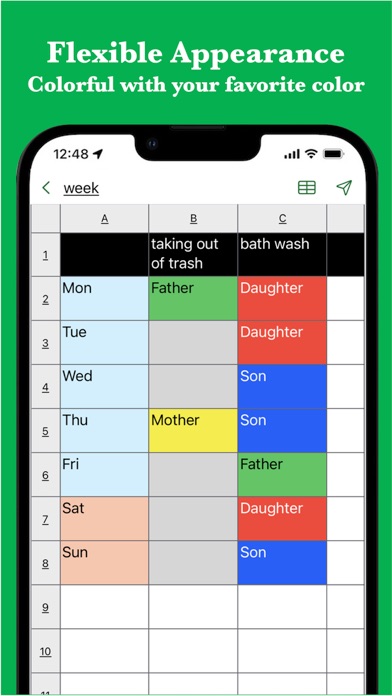
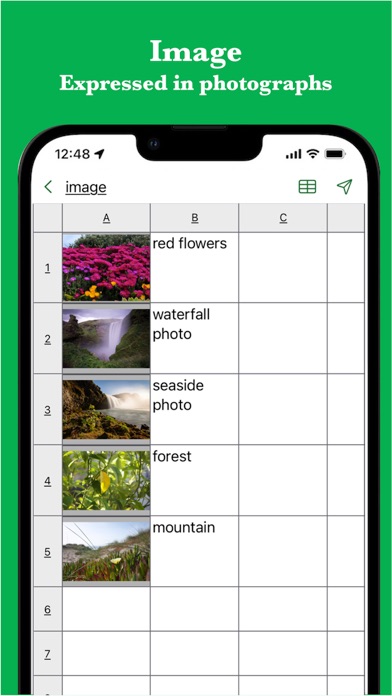
It also supports various expressions such as colors, images, links, and task progress.
It is used in the following situations.
- Create timetable
- Creating a task table
- Creating a shift table
- Creating a schedule
- Create an address book
- Create a comparison table
In addition, because it can be used for anything managed in a table
There are reports of various uses.
If you want to make notes in a table, please try it once.
[Features]
- Intuitive operability
Ease of use is the most important thing for simple functions.
It works quickly and you can edit intuitively.
- Rich expression
You can express your preferences in a tabular format using colors and photos.
- To-do management
You can insert the progress rate for each cell and use it for ToDo management.
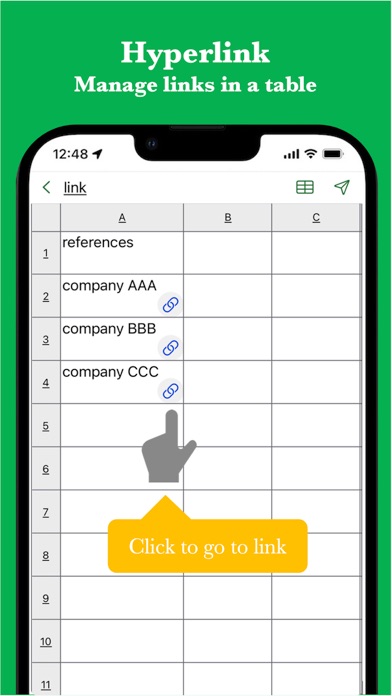
- Link
Since you can insert links, it is also useful when you want to manage reference sites.
- Ready to use
You can use it immediately without registering an account.
- Export and share
Created table data can be exported, shared, and edited on a PC.
- import
You can import csv data and edit it.
- Multi-Device Support
Sync seamlessly across multiple devices via Google Drive.
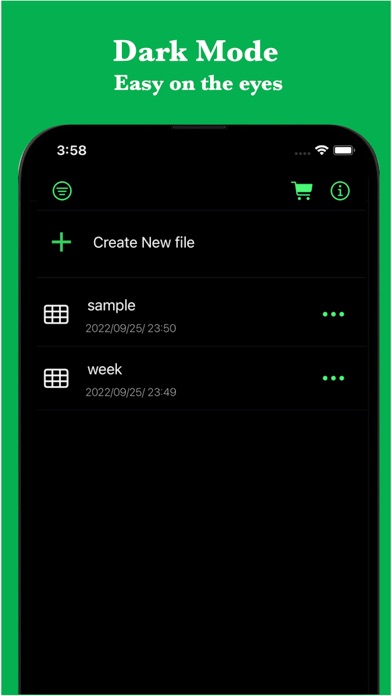
- Dark theme support
Since it supports a dark theme, it is also ideal for use at night.