
iPhone Screenshots



Description
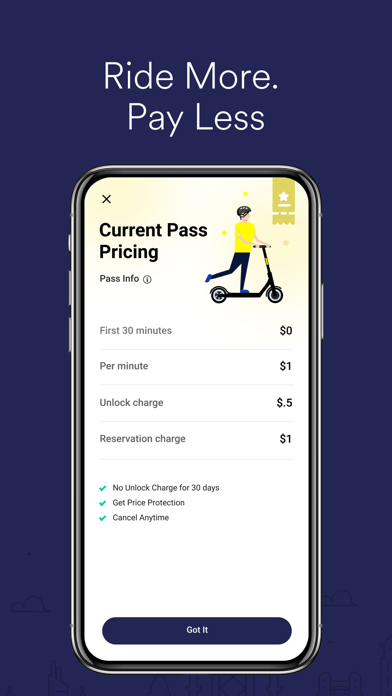
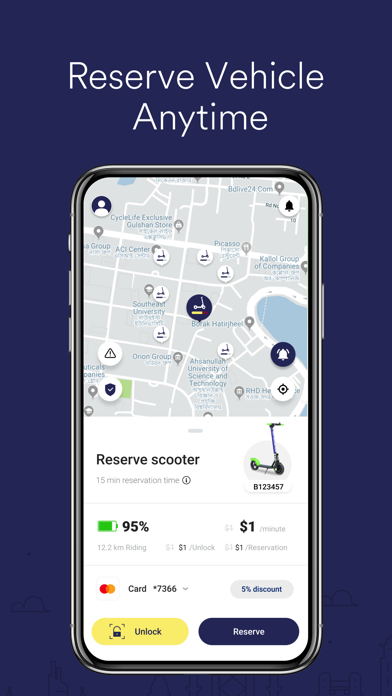
Book and manage micromobility rides by scanning QR codes on handlebars. Locate and return vehicles to designated parking zones. View ride instructions and find nearby service areas. Track ride duration and parking locations.
Enjoy, explore, and live the micromobility experience
with ElecRide!
Steps to get riding:
1. Download the app.
2. Register.
3. Learn about our services and find an ElecRide.
4. Read the riding and parking instructions .
5. Scan the QR code, located on the top of the handle bar.
6. Return the ElecRide to a designated parking zone shown in the app.
7. End your ride.
Ride with your friends and family,
to explore the areas.
Leave your car parked on the
same spot and save time by
avoiding traffic.
Go to where you want to go, while
helping the planet by using
green transportation.
With ElecRide you can see more in a short period of time, and experience the areas like no other way.
Go to elecride.app for more information, offers, rules, and business opportunities.