
Hindi Dictionary | हिंदी कोश
Learn to English and vice versa
Kazi Mohammad Ekram
iPhone Screenshots



Description
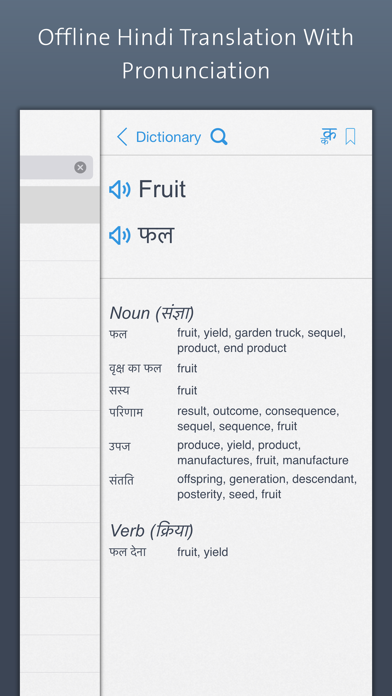
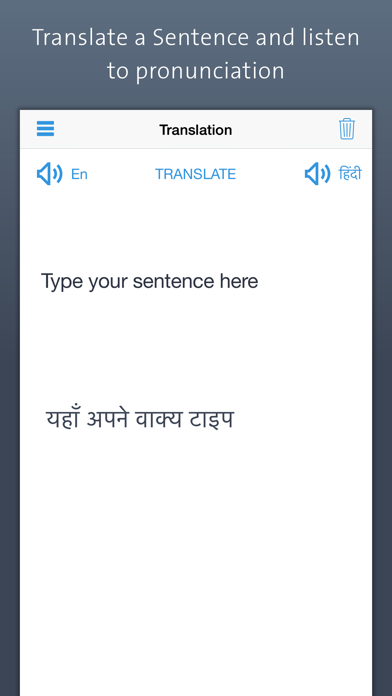
Offline -English allows users to look up to English and English to words without an internet connection. Features include word translation, pronunciation guides, and vocabulary building tools tailored for Indian students studying abroad.
A quiet place to look things up.
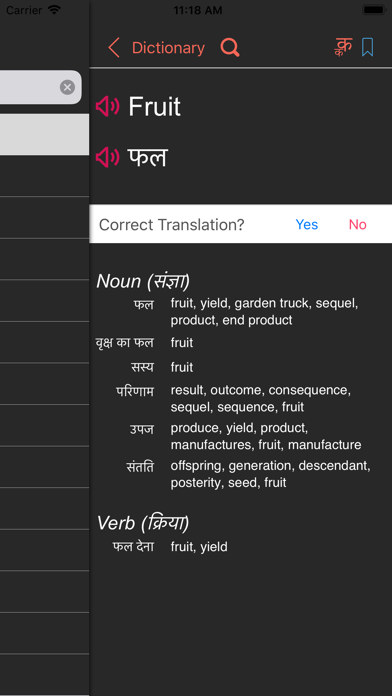
Hindi Dictionary is a fully offline Hindi ⇄ English dictionary built for students, professionals, and anyone preparing for Indian competitive exams. No internet, no ads in the way, no clutter — just words.
Why people use it
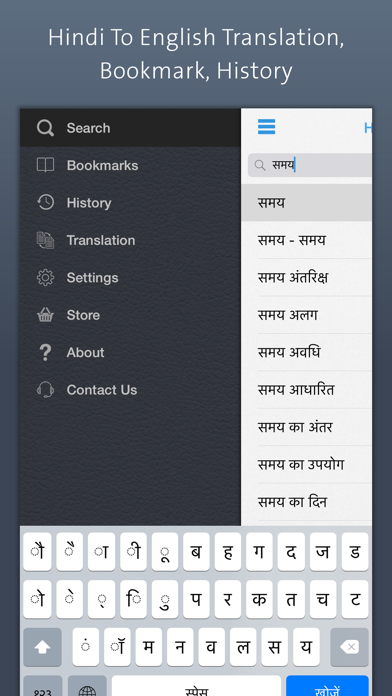
• Smart phonetic search. Type Roman, Hindi, or even a casual misspelling. namaste, dhanyavad, kya, namste — all resolve.
• Native rendering. Words load instantly. No web view, no spinning.
• Curated for India. Eleven word lists tuned for UPSC/SSC, JEE/NEET, CAT, Banking exams, and daily life.
• Daily Review with SM-2. The same spaced-repetition algorithm Anki uses, applied to your own bookmarks.
• Streak + reminders. Optional, gentle, and configurable to the hour.
What's inside
• 84,941 English → Hindi entries
• 82,291 Hindi → English entries
• Noun, Verb, Adverb, Adjective, Pronoun, Preposition, Conjunction, Interjection — all categorized
• Pronunciation in both languages (works on silent mode)
• Bookmarks, recents, history
• Word of the Day, with a share-ready image
• Word quiz: 10 multiple-choice questions per round, instant feedback
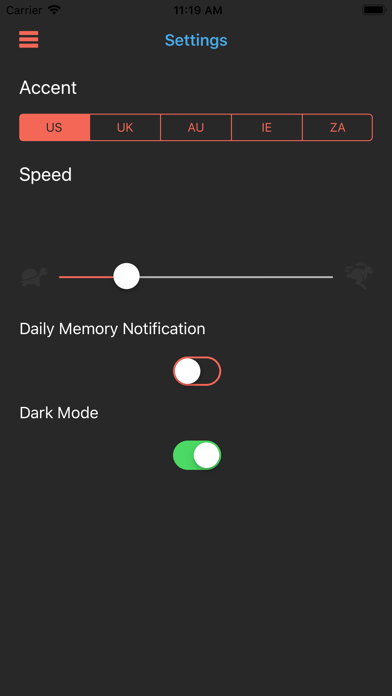
• Light & dark mode that follow the system
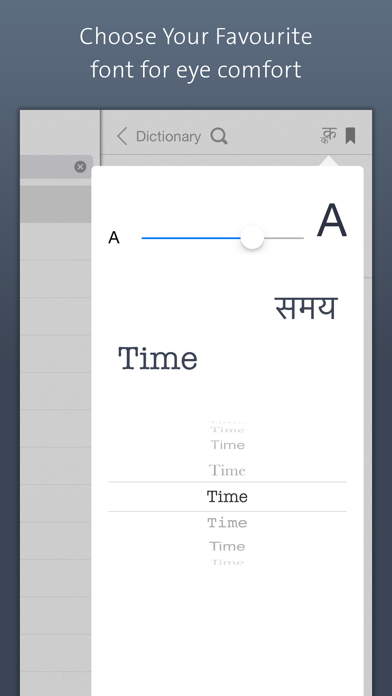
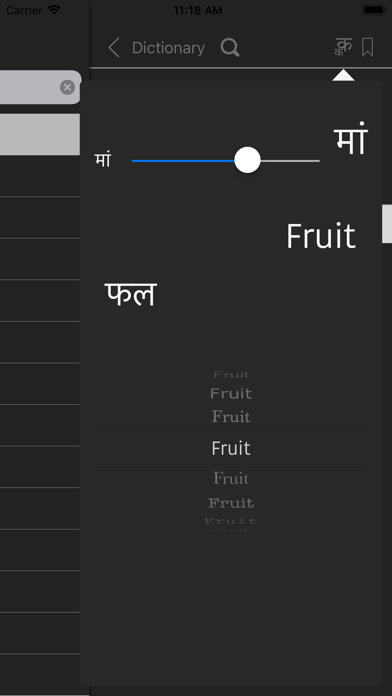
• Devanagari font picker with live preview
• Adjustable text size (0.7× – 1.6×)
• Universal: iPhone, iPad
Built for the Indian audience
Whether you're prepping for civil services, sitting JEE or NEET, taking CAT, applying through banking exams, studying abroad, or just learning English alongside Hindi — this dictionary meets you where you are.
Hindi keyboard
Settings → General → Keyboard → Keyboards → Add New Keyboard → Hindi.