iPhone Screenshots
Description
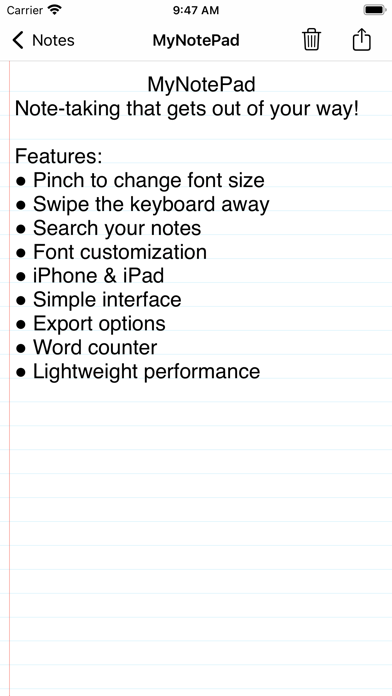
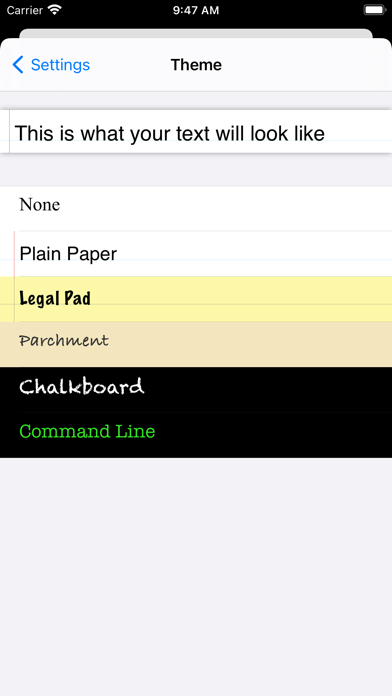
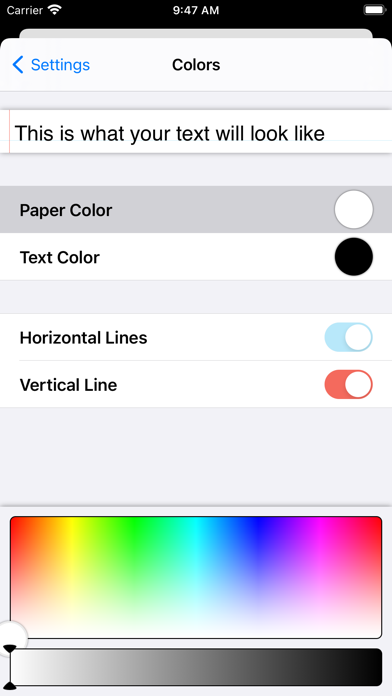
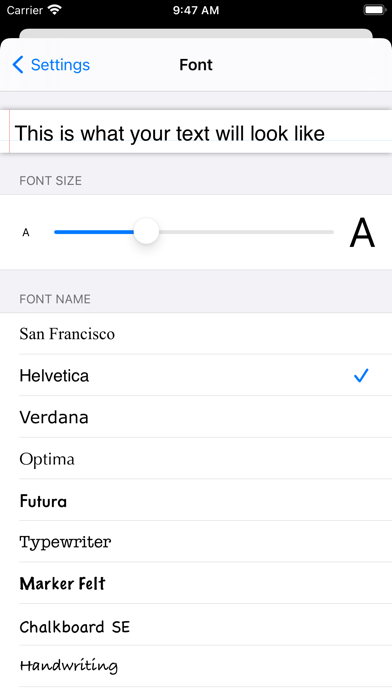
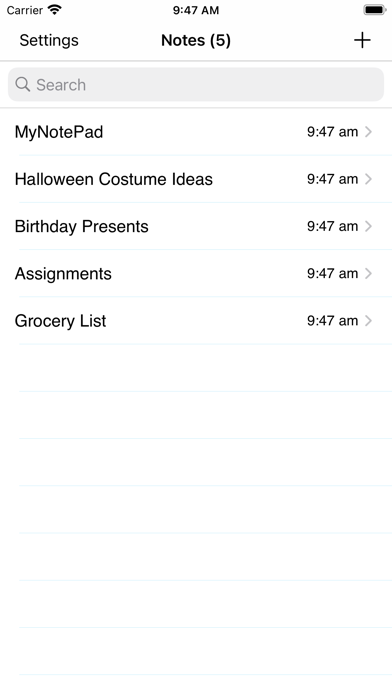
Write notes with natural gestures and minimal buttons. Adjust font size via pinch-to-zoom. Slide notes aside to hide the keyboard. Flip through notes with finger flicks. Customize text appearance without predefined fonts or paper styles.
Writing notes on your iPhone should be simple. There should be fewer buttons and more natural gestures. You shouldn't have to deal with "Marker Felt" font or yellow-lined paper. TextPad was built from the ground up to be easy to use and as "finger friendly" as possible.
Want to change the font size? Just pinch-to-zoom! Want to key the keyboard out of the way? Push it off of the screen! Want to go to another note? Turn the page with a flick of your finger! TextPad was built to be the best way for you to take notes on the go.