
Geo converter -- location
Convert coordinates to map points and vice
杨 张
iPhone Screenshots
Description
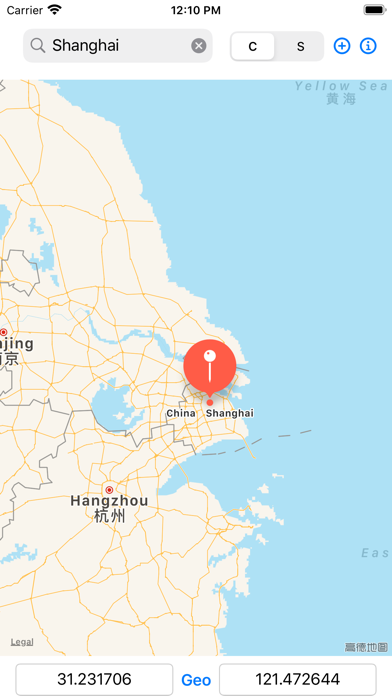
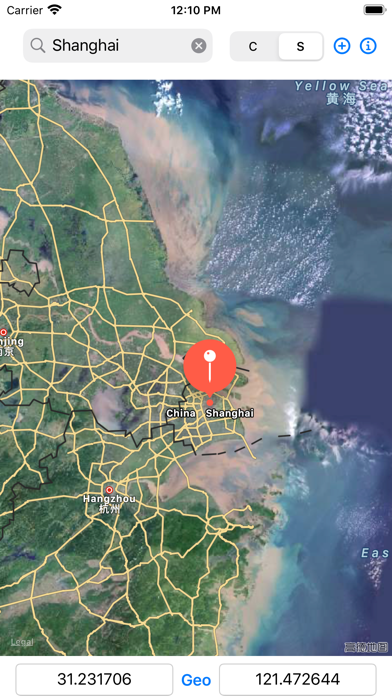
Convert geographic coordinates to map locations and vice versa. Input latitude and longitude to place a red pin on the map. Long press a map point for 0.5 seconds to display its coordinates.
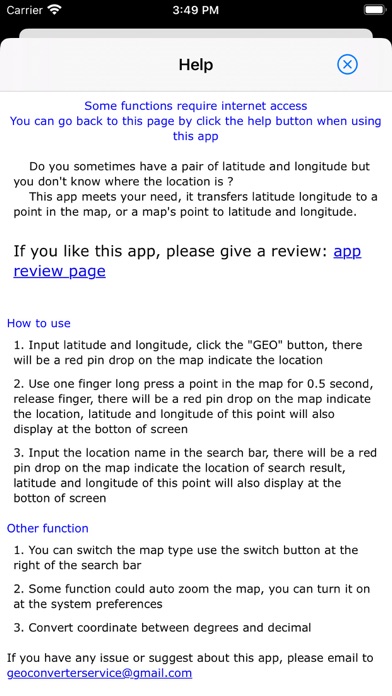
Do you sometimes have a pair of latitude and longitude but you don't know where the location is ?
This app meets your need, it transfers latitude longitude to a point in the map, or a map's point to latitude and longitude.
How to use
1. Input latitude and longitude, click the "GEO" button, there will be a red pin drop on the map indicate the location
2. Use one finger long press a point in the map for 0.5 second, release finger, there will be a red pin drop on the map indicate the location, latitude and longitude of this point will also display at the botton of screen
3. Input the location name in the search bar, there will be a red pin drop on the map indicate the location of search result, latitude and longitude of this point will also display at the botton of screen
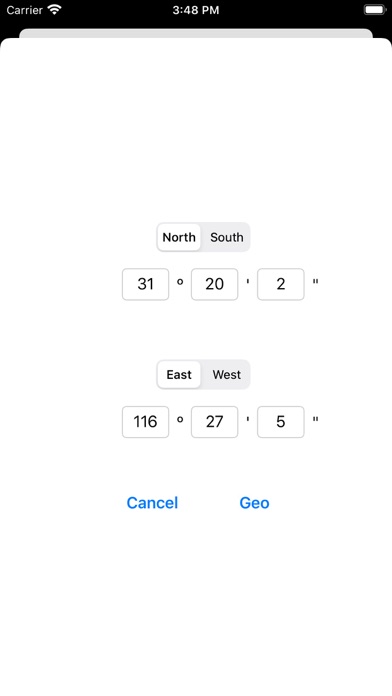
4. Convert coordinate between degrees and decimal
This app support iPhone, iPad, Apple watch
=SUPPORT=
- Email to: [email protected]