
USBA Member Service Center
View policies and make premium payments
Uniformed Services Benefit Association
iPhone Screenshots
Description
View insurance policies, make premium payments via credit card or EZ PAY, and access finance lists for military allotment payments. Manage EZ PAY settings and update bank account information.
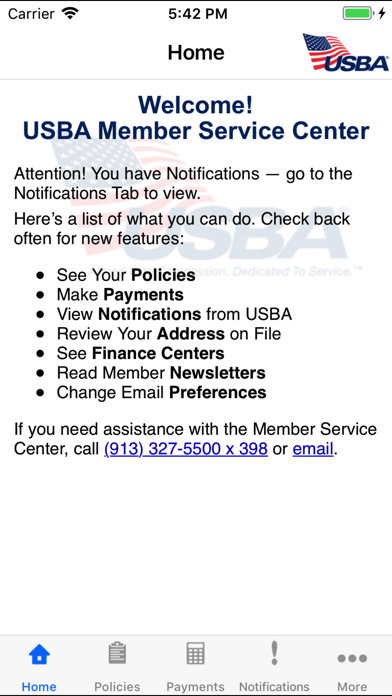
The USBA Member Service Center is now available for USBA members’ exclusive, secure use from their mobile devices. Members can:
· VIEW POLICIES – Access all Member insurance policies held with USBA.
· MAKE PREMIUM PAYMENTS – Sign up for USBA EZ PAY, change your EZ PAY bank account, make a credit card payment.
· ACCESS FINANCE CENTER LIST – If you pay your premium with military allotment, review available finance centers for payment set up or to make changes.
· VIEW NOTIFICATIONS – See important member notifications from USBA regarding your insurance policies.
· REVIEW YOUR ADDRESS – Verify the member address on file with USBA.
· READ MEMBER NEWSLETTERS – All USBA MEMBER BRIEFING newsletters are available from your mobile device.
· CHANGE EMAIL PREFERENCES – Update your email address on file with USBA, elect which types of messages to receive from USBA including newsletter notification, patriotic eCards, and USBA Proxy voting by email.
If you have any questions regarding USBA, please contact Member Services at: (800) 821-7912.
*Powered by InAppSettingsKit