
Stereo System Network Setup
Connect stereo system to wireless network.
PANASONIC ENTERTAINMENT & COMMUNICATION CO., LTD.
iPhone Screenshots


Description
The app connects Panasonic network compatible stereo systems to a home wireless router. Users can easily connect the stereo system to the home wireless network without browser setup.
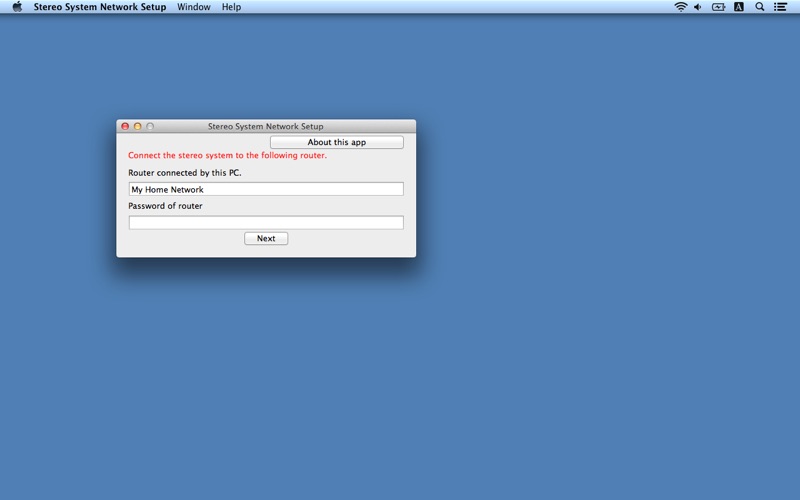
Network Setup is an application to connect the Panasonic network compatible stereo system to your home wireless router.
By using this application, such as SSID input and setup in browser are not necessary and you can easily connect the stereo system to your home wireless network.
The procedure to use Network Setup.
1. Connect your Mac to your home wireless network.
(Check the password for the home wireless network.)
2. Turn the stereo system on, and enter NET SETUP mode.
3. Start this app.
4. Enter the password for the home wireless network.
5. Complete the setup when "SUCCESS" is displayed on the stereo system.
Supported devices are as follows.
[Supported devices]
SC-NE3, SC-NE5
(As of April 1st, 2013)