
iPhone Screenshots

Description
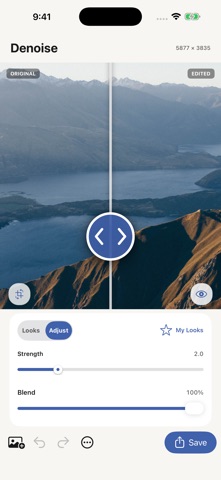
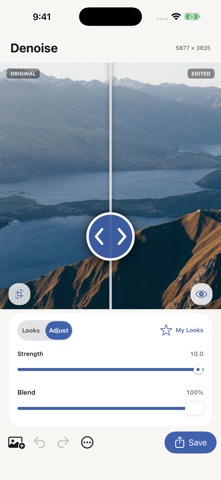
The app offers photo noise reduction with a live split preview. Users can explore presets, blend effects, and save custom settings for later use.
Create polished photo noise reduction in seconds with Denoise Me. Reduce grain and color noise while preserving useful detail for cleaner low-light photos.
Designed for fast, visual editing:
• Compare the original and edited image with a live split preview
• Explore curated presets made for different photo styles
• Blend the effect with your original for a subtle or bold finish
• Save favorite effect settings in My Looks and reuse them
• Share a labeled before-and-after image
• Undo, redo, and resume your last edit
• Save and share at high resolution
• Process photos directly on your device
Choose a photo, try a preset, and adjust until the result feels right. The focused editor keeps the image and its transformation visible throughout the process.
Start creating for free in this ad-supported edition.