
iPhone Screenshots

Description
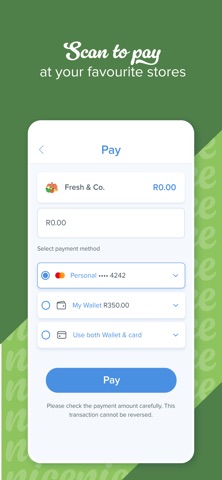
The app allows users to make quick and easy payments in-store and online. Users can load up to three cards, add nicknames, and authenticate payments with a PIN or biometrics.
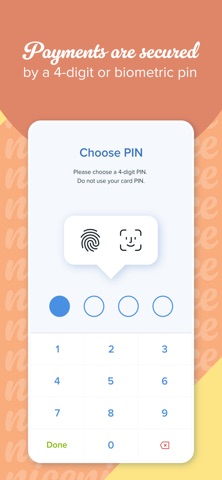
Payments shouldn’t disrupt the joy of simple pleasures. Whether you’re on the go or on the couch, SnapScan allows you to make quick and easy payments. After installing the app, simply load your bank card and add a secure PIN or enable biometric authentication. It’s as simple as that.
Pay nice:
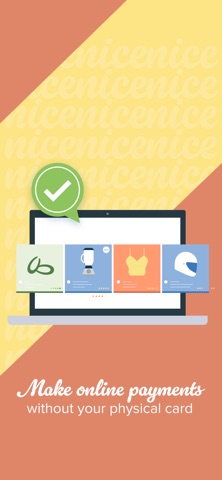
- Shop in-store and online
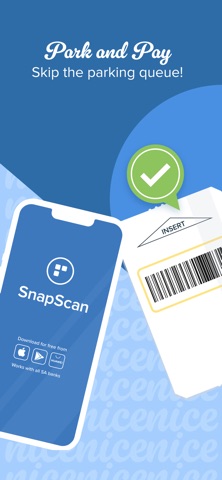
- Pay for parking at various locations
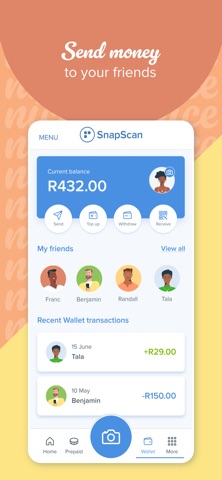
- Send money to friends
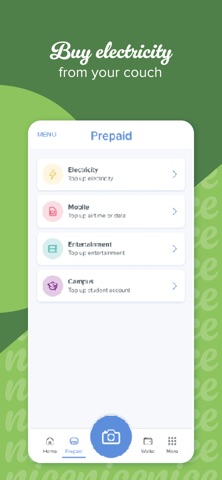
- Buy prepaid electricity, airtime and data
- Settle bills (via invoices and in the app)
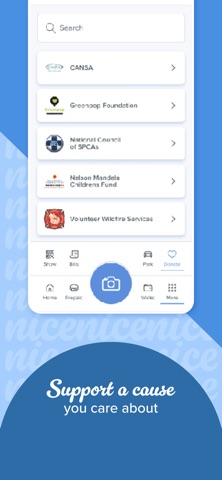
- Donate to charities, and set up recurring monthly donations
Manage your account:
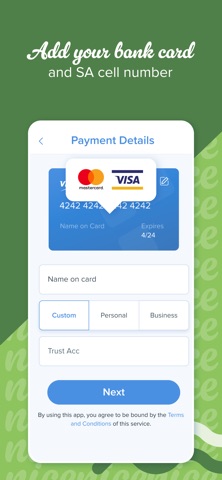
- Load up to three cards to use for payments
- Add a nickname for each card so you always know which card you’re using
- Top up your SnapScan Wallet and make payments using the funds you loaded
- Authenticate your payments with a 4-digit PIN or biometrics
- Verify your account to withdraw money from your Wallet to your linked bank account, or send money in your Wallet to a friend
What you need:
A valid credit or eCommerce-enabled debit card (SnapScan works with all South African banks and most international credit cards).
A South African cellphone number
Need help?
Our team is here for you at [email protected]
For additional information or to sign up as a merchant, visit our website: www.snapscan.co.za
Powered by Standard Bank