
iPhone Screenshots


Description
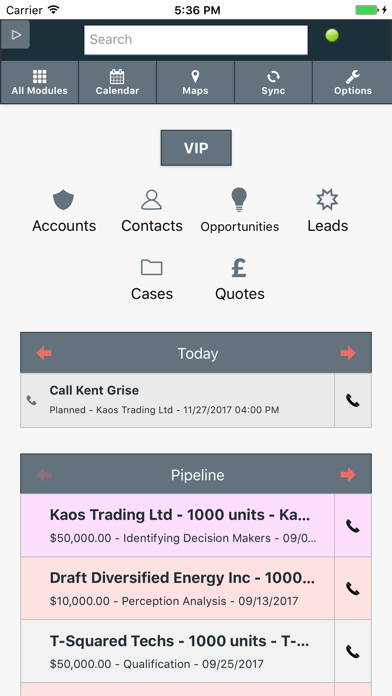
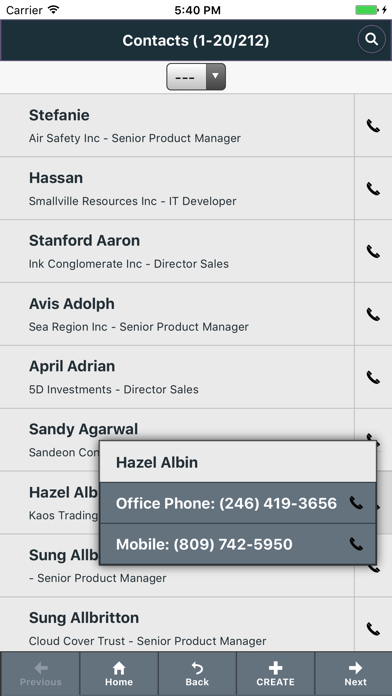
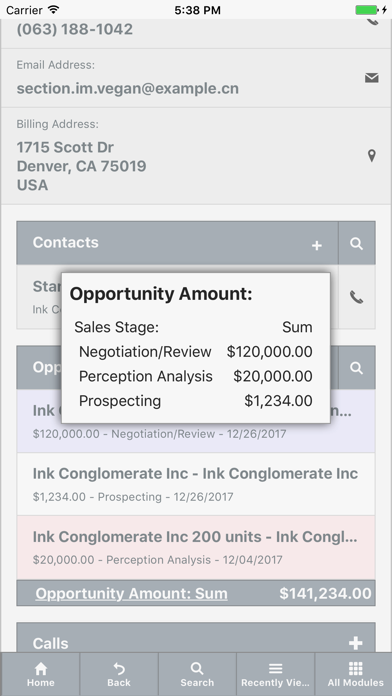
The app provides access to major CRM modules, including contact management and calendar functions. It allows users to search for items, view maps of contacts, and place calls directly from the application.
QuickCRM for SuiteCRM and Sugar® provides:
- Access to all majors CRM Modules
- Search by name and "My items"
- Global Search
- Display Map of Contacts/Accounts/... close to your current location or a given address
- Customize Sort Order
- Calendar / Shared Calendar
- Place calls to contacts, leads and accounts from lists
- Copy contacts to iPhone/iPad contacts
- Quick access to Last Viewed items
- Alerts for new assignments or modifications of your data by other users
QuickCRM requires the installation of an extension in your CRM:
- QuickCRM Mobile Basic
- or QuickCRM Mobile Full.
Users of QuickCRM Mobile Full will have the capability to:
- Manage other modules and custom modules
- Access SugarCRM or SuiteCRM Offline
- Customize records colors in list view
- Customize search fields, search by from/to for dates or numbers
- Take pictures with camera in Picture fields (SuiteCRM) or Photo fields
- Save Searches (private or public)
- Display Dashlets on your Home Page
- Display Map of Contacts/Accounts/... close to a given Contact/Account/...
- Manage Custom modules.
- Manage Custom fields
- Upload Documents
- Copy iPhone/iPad contacts to CRM
- Capture QR codes on Business cards to create contacts or leads
- Quick create Audio notes
- Automatic log calls in your CRM
- Generate PDF (SuiteCRM)
- Display reports (KReporter, SuiteCRM Reports)
- and gives you full access to our support team.
You can download free QuickCRM Mobile Basic on GitHub.