
IP Test - Bandwidth test
Test IP connectivity and rates remotely.
Romain Fliedel
iPhone Screenshots
Description
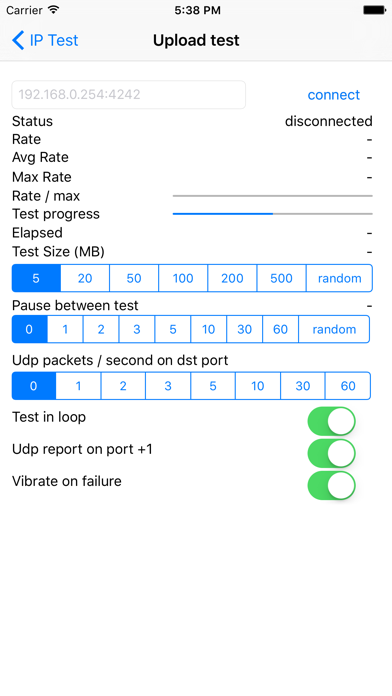
The app tests IP connectivity and rates from a mobile device to a remote host. It supports download and upload tests, with options for payload size, loop mode, and UDP rate reporting.
This app allows you to test IP connectivity and rates from your mobile device and a remote host.
== User guide ==
--- Download test ---
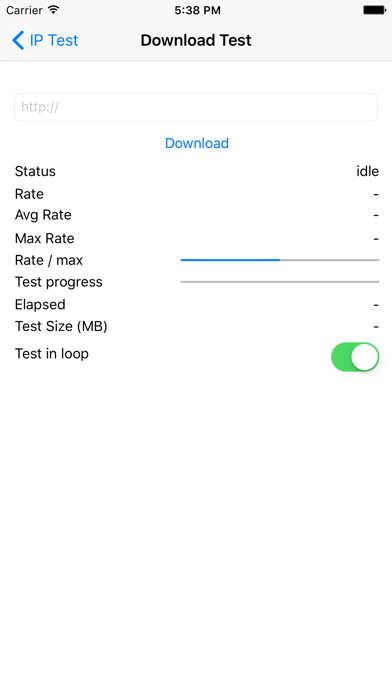
Enter the http url to download from
--- Upload Test ---
1/ on the destination launch an app accepting tcp and udp traffic on a given port (4242 for instance). This app should discard data to ensure the bandwidth is not limited by cpu processing on target.
eg: on target you can launch
# while :; do nc -l -p 4242 > /dev/null; done
2/ launch the app and fill the correct destination (eg: 192.168.1.254:4242) and press connect
3/ the device will start sending data to the destination target.
== Options ==
- You can specify the payload size: 5MB, 20MB, 50MB ..., or random size (max: 500MB)
- You can run the test in loop mode
- You can wait some time between each test
- You can get UDP rates reporting on port + 1 (for instance 192.168.1.254:4243)
- The device can vibrate on transfer failure (rate of 0 bytes/s)
- You can send UDP traffic in parallel of TCP traffic (you can choose the number of packets / seconds to send)