
iPhone Screenshots



Description
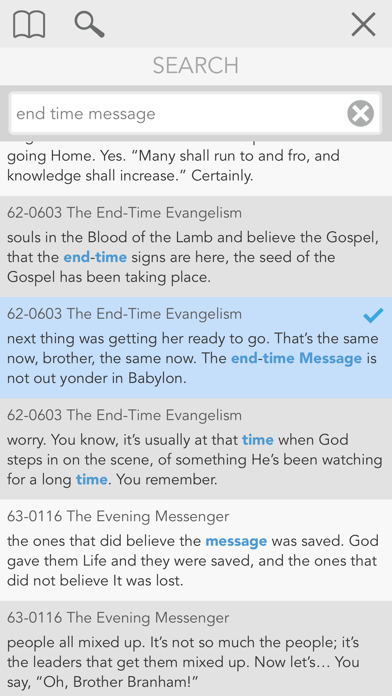
Link text to audio for playback at specific locations. Search for quotes, highlight them, and play audio directly. Scroll pages automatically as audio plays. Assign highlights to multiple categories for organization.
Tap and Play - This links the text to the audio. You can now search for a quote, highlight it, and then press a button to start playing at that location!
Read Along - Read Along scrolls the page as needed to keep the text on the page as the audio is playing.
Highlights and Notes - You can assign your highlights to more than one category. For example, a Quote that you would like to remember about the influence of music on young people could be tagged in many categories like Children, Influence, and Music. You do not have to choose the “best” category to store the highlight in. Later when you are researching any of those subjects, that quote is not missing.
Subtitle - Subtitle is a Read Along mode that has been formatted to appear as large as possible on the screen with as few distractions as possible. One of its designed uses would be in a church for the projection of the text as you are listening to the sermon. Many Tablets support adapters that allow an external monitor or projector to mirror the display. This allows many people to view the screen at the same time. The Subtitle viewer also works well if you need larger text to read. This feature will really shine as we start adding foreign languages to the app in the future.