
Wallis Bank Mobile
Check balances, view transactions, transfer funds, pay
Wallis Bank
iPhone Screenshots


Description
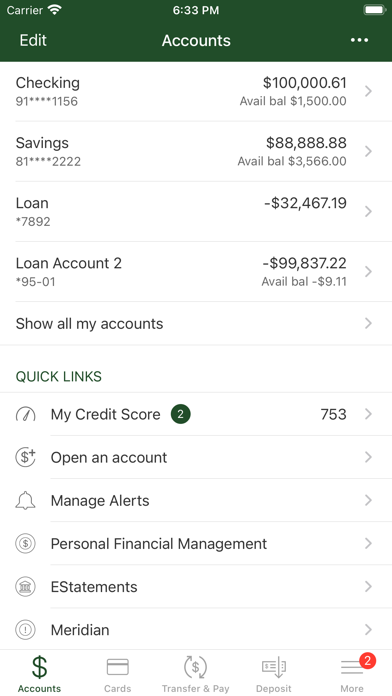
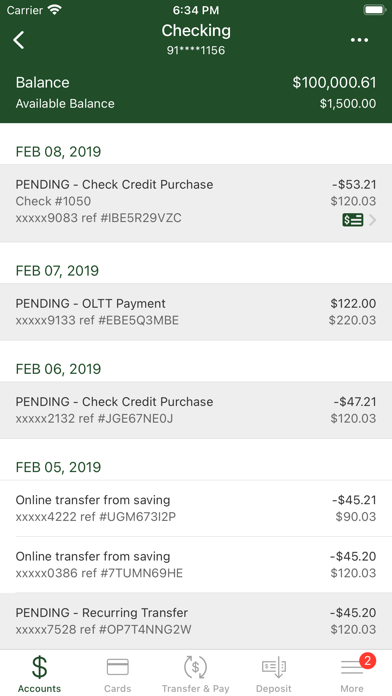
Check account balances and view recent transactions. Transfer money between accounts. Pay bills set up in Internet Banking. Locate ATMs and branches. Access features through Internet Banking enrollment.
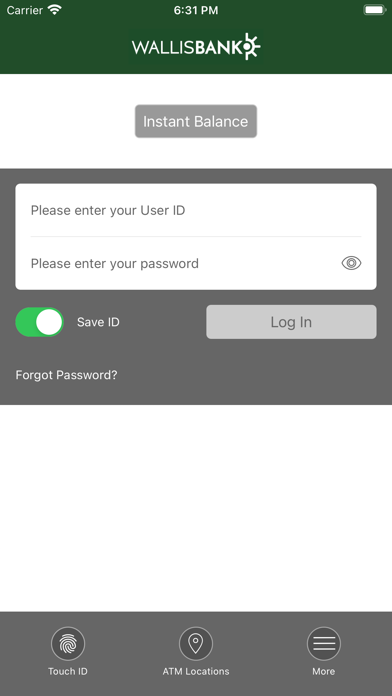
Manage your Wallis Bank checking and savings anytime, anywhere - using your Apple device. With Wallis Bank Mobile Banking you can quickly and securely:
- Check your account balances
- View your recent transactions
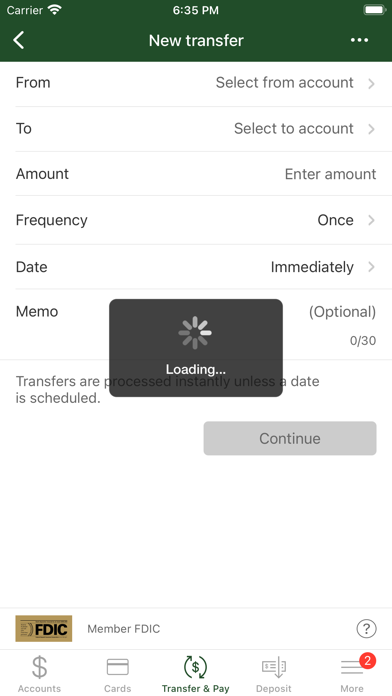
- Transfer money between your accounts
- Pay bills that you have set up in Internet Banking
- Find Wallis Bank ATMs and branch locations
To activate this application, enroll your phone from within Internet Banking. Log into the Wallis Bank Internet Banking at http://www.wallisbank.com/ibanking/index.html using your regular login, then go to the Options page from the link at the top. Edit your "Mobile Banking Profile" and follow the instructions to enroll your smartphones. After enrollment, you will receive text messages from the bank that will contain all the information needed to complete the enrollment and installation. You may then immediately begin to use Wallis Bank Mobile Banking.
Member FDIC
Disclosure - There is no charge to use this application but the use of these features and services requires internet and/or data access through a mobile device. Subject to availability and the same limitations as any service available through the internet. Your mobile carrier’s text messaging and data charges may apply.