
Organize:Me - Task Manager
Manage tasks, set reminders, track progress
taskfabric ltd
iPhone Screenshots




Description
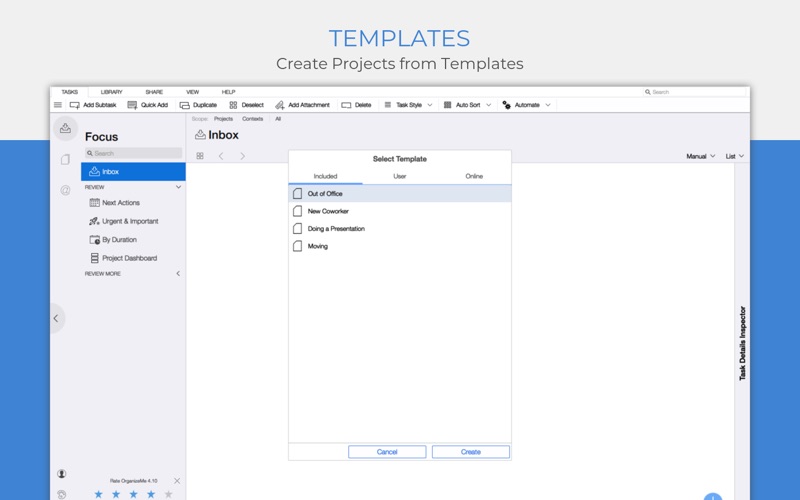
Manage tasks with priority levels, due dates, and recurring reminders. Create and assign subtasks. Sync across devices and platforms. Share tasks with team members. View progress with visual dashboards and reports. Set reminders and notifications.
Your personal task manager - if you need to handle more than just a simple list!
Organize:Me is easy to use for beginners and perfect for personal use. And if you need more, there's a whole family of products to support your business needs as well.
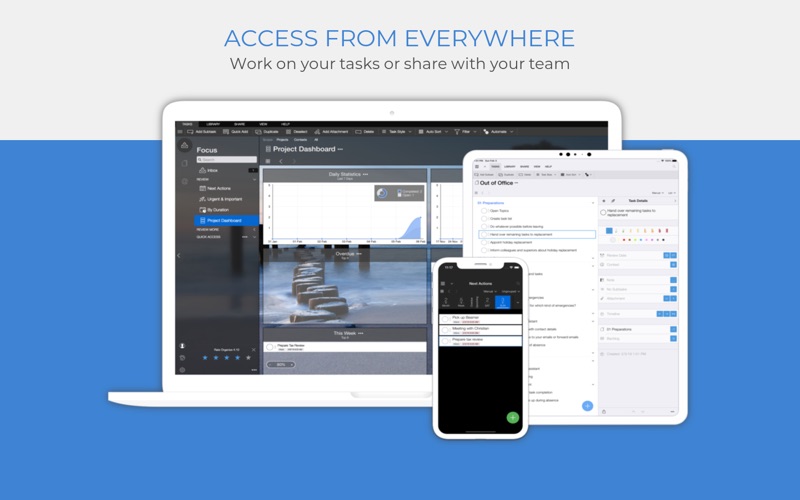
Organize:Me helps you to cut complex situations down to what matters. With the built-in sync feature you can access your tasks with Organize:Me, Organize:Pro and Taskfabric for Windows, Mac, iPhone, iPad or Android.
Take back Control over your Tasks with a simple 3-Step System to Manage your Tasks:
1. Capture your ideas and tasks – quick and easy, wherever you are!
2. Review and process your tasks – prioritize, delegate or share your tasks
3. Complete your tasks – and keep track of the results
Easily create new tasks
• Quick-Add shortcuts to "just write down" your task list
• Create subtasks by drag and drop
• Manage repeating tasks
• Drop any File or Web Link on Organize to create a Task
• Add Images, Documents and Web Links to any task
Organize your tasks
• Create subtasks by drag and drop
• Assign an unlimited number of contexts to each task
• Color code special tasks
• Unlimited number of subtasks
Powerful review features
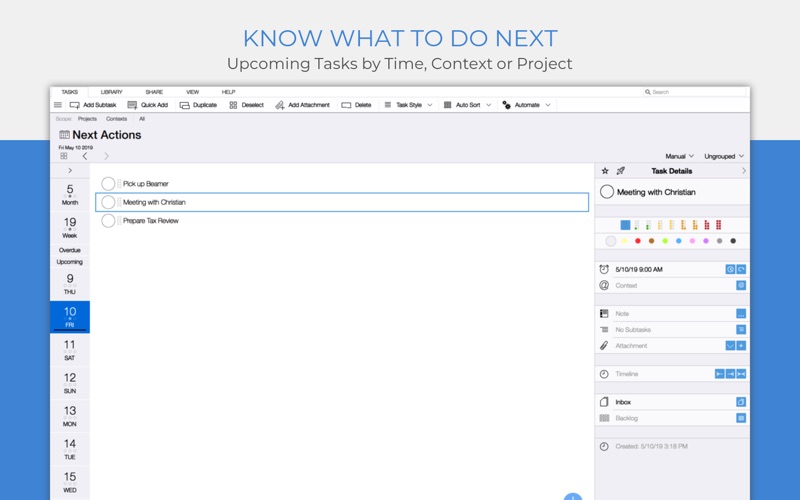
• Powerful date based review
• Review by date, project or context
• Scope Bar to quickly filter by Project or Context
Project Handling
• Supports Projects, Meetings and Folders
• Project Status: Active, On Hold, Cancelled, Completed
• Traffic Light: Green, Yellow Red
• Color code special Projects
• Unlimited number of Subprojects
Context Handling
• Use Contexts to identify people, locations or events relevant for your tasks
• Assign locations to your Contexts
• Color code special Contexts
• Unlimited number of Subcontexts
• Easily convert Address Book entries into Contexts
All the basics covered
• Sync with Organize:Me, Organize:Pro and Taskfabric for iPhone, iPad, Mac, Windows and Android
• Really fast search feature
• Quick access to completed tasks
• Multiple sorting options for projects, contexts and task lists
• Choose from different interface themes and colors
• Share task lists with others by Email, Print or Export
• Password Protection for your Tasks
Organize:Me easily handles your task lists. Straightforward and really simple to use. For a complete feature list for all Organize editions have a look at our web site.