
iEditor – Text Code Editor
Edit and files efficiently
ComcSoft Corporation
iPhone Screenshots

Description
Edit files and source with syntax highlighting for C, Java, HTML, and other languages. Create new files or import existing ones via Document Browser. Support for log files, shell scripts, and multiple file types.
Voted No. 1 text and source code editor on iPhone/iPad. Simple and fast.
iEditor is a text file and source code editing tool on iPhone and iPad. You can use iEditor to:
- Create a new text or source code file.
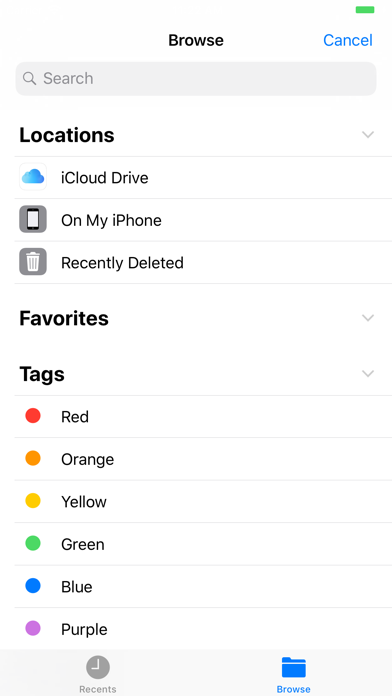
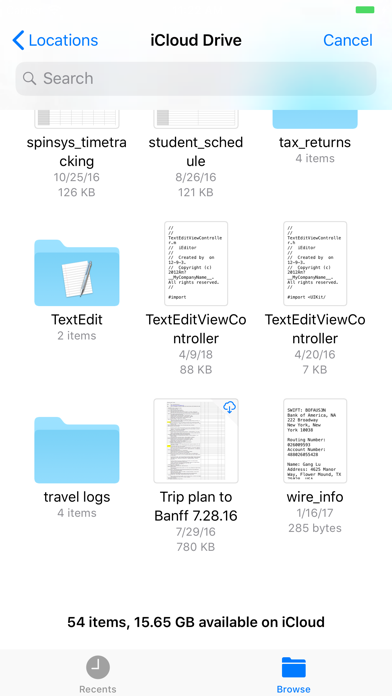
- Import files from various locations through Document Browser.
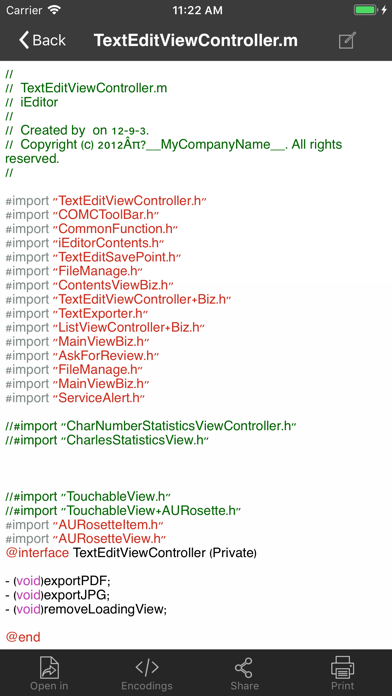
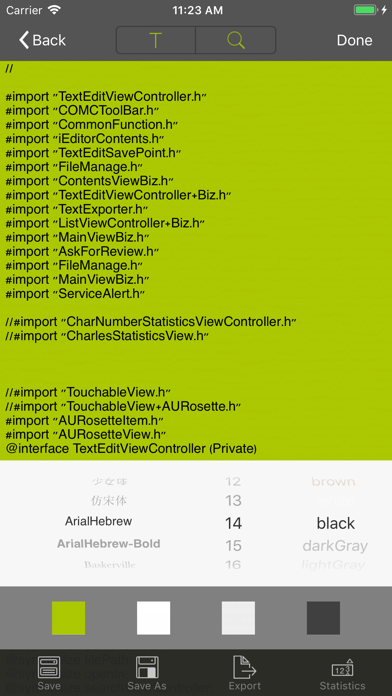
- Support Syntax Highlighting for C, Java, HTML files.
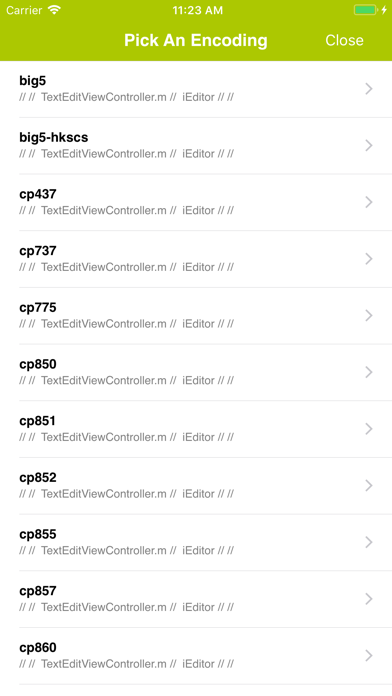
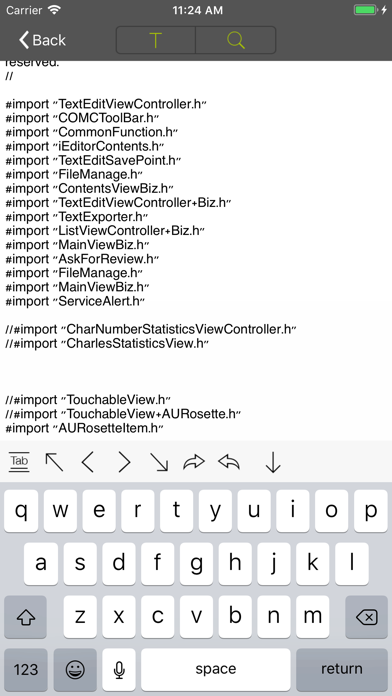
- Edit text based files and source codes. Supported files include: TXT files, C source codes, HTML files, JAVA source codes, log files, Shell scripts, etc.
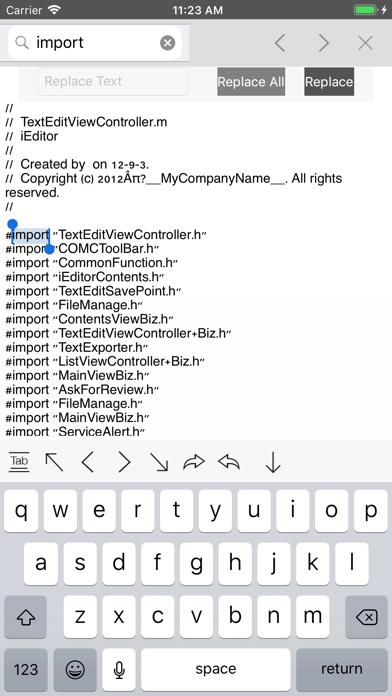
- Support Search/Replace within a text file.
- Support to export a text based file to a PDF or a JPEG file.
- Support to Print a file.
- Support to Email a file.
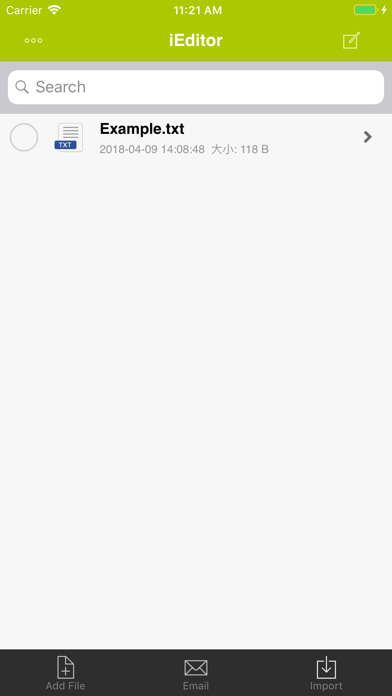
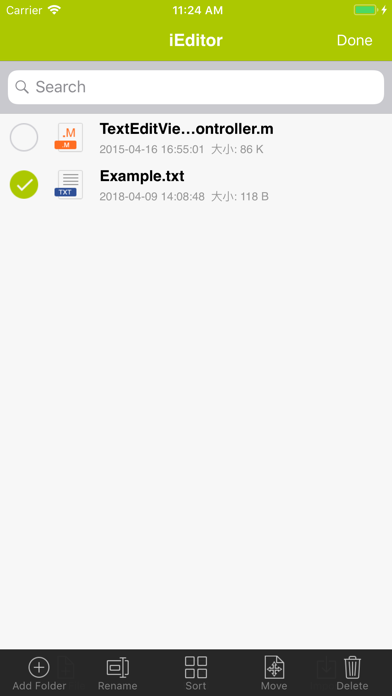
- Support File Management including: Add/Delete/Rename/Sort files.
- Support to view many file formats, including: DOC, EXCEL, PPT, PDF, image files, video files, etc.
- Support to open a file in another App.
- Support to save an image to your Photo Album.
With its simple interfaces, iEditor provides the easiest way to edit text and source code files on iPhone and iPad.
If you have any questions, please visit: http://www.comcsoft.com/Portfolio/our_apps/iEditor/iEditor_overview.php.