
Cool Themes & Wallpapers
Customize home and lock screens with themed
伟巍 杜
iPhone Screenshots
Description
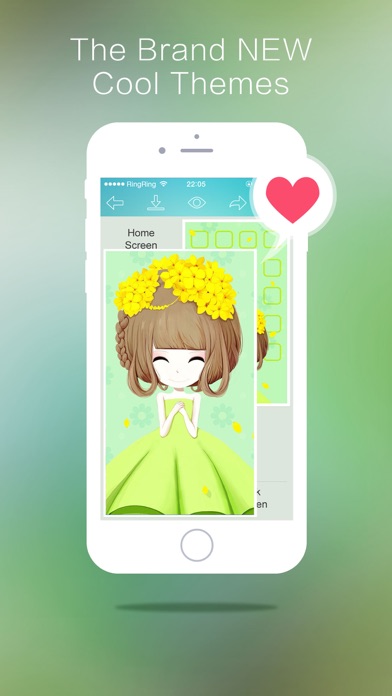
Customize home and lock screen backgrounds with themed pairs. Choose from daily updated designs across categories like Calendar, Holidays, and Romantic. Supports all iPhone and iPod touch models. Save unlimited and share favorites.
Bored of using a simple picture as your iPhone / iPod Touch's background? Wanna get a perfect match for your home screen and lock screen? Grab this cool app!
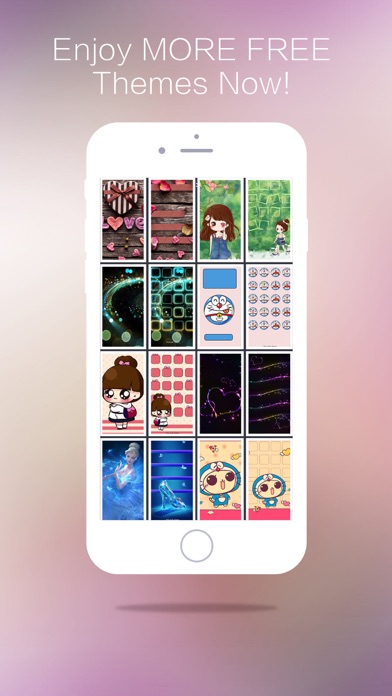
- Tons of original designed theme backgrounds updated daily
- Designed home screen and lock screen theme backgrounds in pairs
- All iPhone & iPod touch models supported
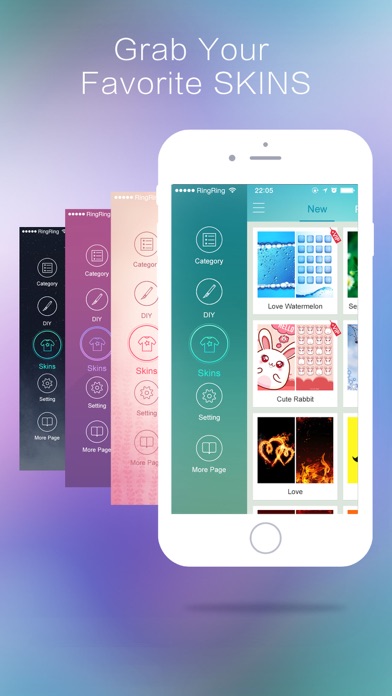
- Categories including Calendar, Holidays, Bling, Romantic, Texture, Cool, and many more
- Fully new iOS style interface
- Unlimited wallpaper savings
- Share your loved themes by Facebook, Twitter and email
How to use these theme backgrounds?
1. Browse for your loved theme backgrounds.
2. Tap the "Save" button from top bar (2nd button from left).
3. Choose "Save Home Screen", "Save Lock Screen", or "Save Both" into "Photos" in your device.
4. Open "Photos" and select the background you want to use.
5. Tap the left corner button of bottom bar. (Tap on the screen again if the bottom bar is not showing.)
6. Choose "Use as Wallpaper" > "Set" > "Set Lock Screen", "Set Home Screen" or "Set Both".
Cool Themes is aiming to provide you the most beautiful and coolest theme backgrounds! Love themes? Love us!
App information from Apple App Store. Cool Themes & Wallpapers and related trademarks belong to 伟巍 杜.