
iPhone Screenshots



Description
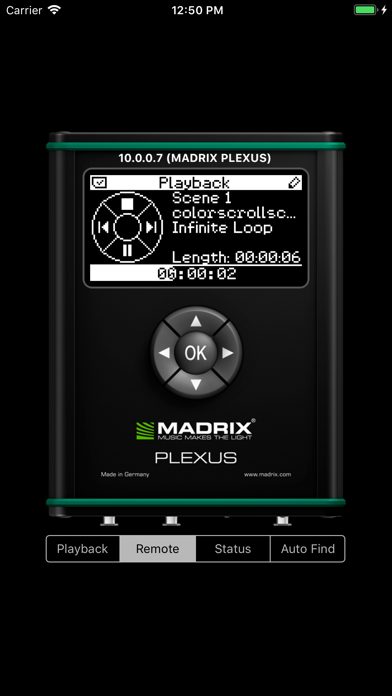
The app allows remote control of MADRIX PLEXUS LED lighting systems. Users can trigger scenes, adjust brightness, and change speed.
Universal Control
MADRIX PLEXUS is one of the smartest solutions to control your LEDs. This App let's you conveniently control the PLEXUS remotely. It was never easier to trigger Scenes or to change the Brightness or Speed of your lighting. And even if you turn off your Apple device, the light show continues just as you would expect. It is that simple.
2-Step Configuration
Call up the Settings of your iPhone, iPod touch, or iPad. First, enable Wi-Fi. Second, go to General and search for the MADRIX PLEXUS Remote App. Now all you need is to type in the
IP address of your MADRIX PLEXUS.
Connect MADRIX PLEXUS to Your Wi-Fi
Simply connect the MADRIX PLEXUS to your Wi-Fi network. Connect your iPhone, iPod touch, or iPad to the same Wi-Fi and you will be able to control the unit remotely.