
iPhone Screenshots

Description
The app provides eye care practitioners with an overview of laboratory order statuses. Users can search and sort orders by various criteria, with color-coded indicators for different stages.
Seer allows the eye care practitioner to view the status of orders sent to laboratories running Digital Vision's lab management system.
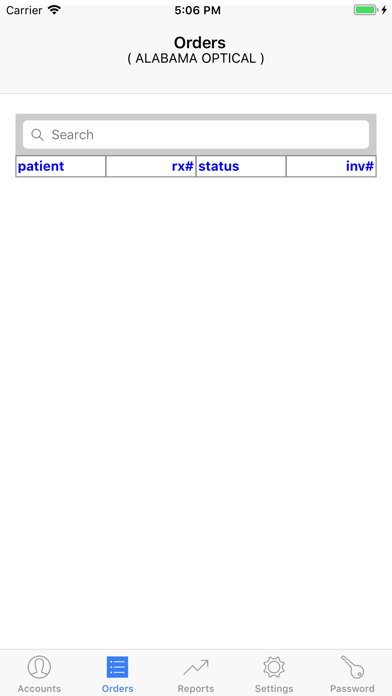
Orders can be searched by patient name or Rx number. By clicking the column headers, they can also be sorted by patient name, Rx number, status, or lab invoice number.
Orders are color coded as follows:
transmitted to lab - cream
in process at lab - blue
shipped from lab - green
cancelled by lab - orange
stock order - brown
At the beginning of each month, the lab makes a variety of reports available. View usage history by lens style, material, or coating. For comparison, the reports include the same month from the previous year.
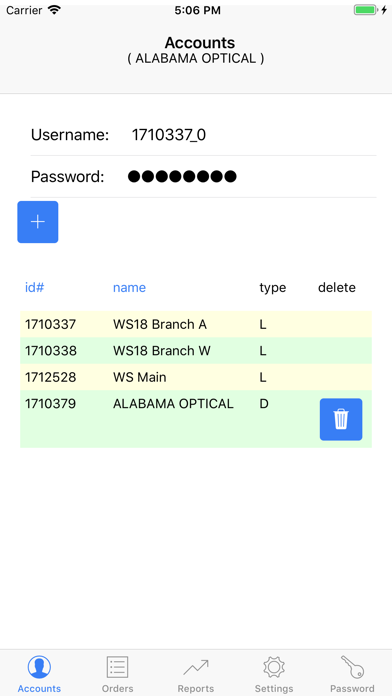
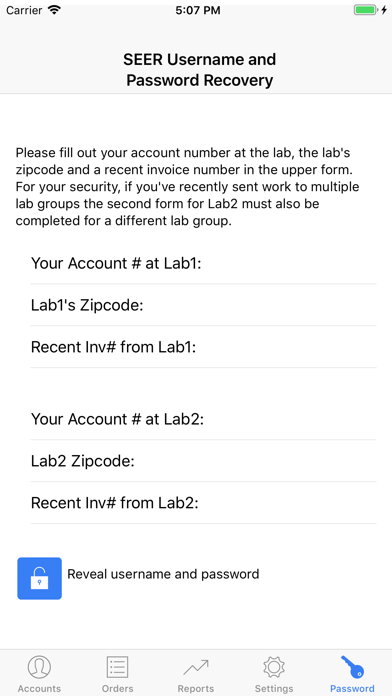
To get started, go to the "Accounts" page, enter the ID# and password supplied by your DVI laboratory or recovered via the SEER "Password" page, and press the + button to insert. When logged in as a sales representative you can view orders and reports by selecting individual accounts on the accounts page.