
iPhone Screenshots
Description
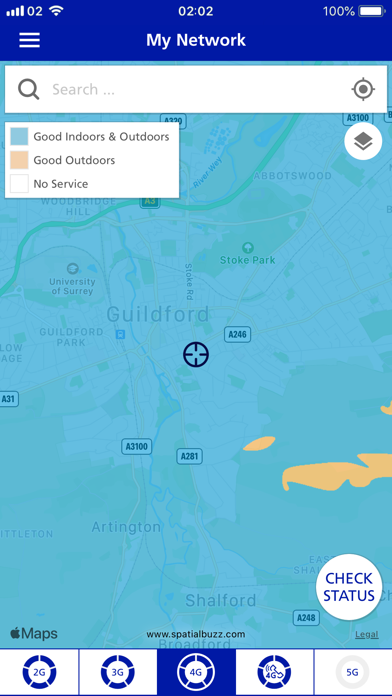
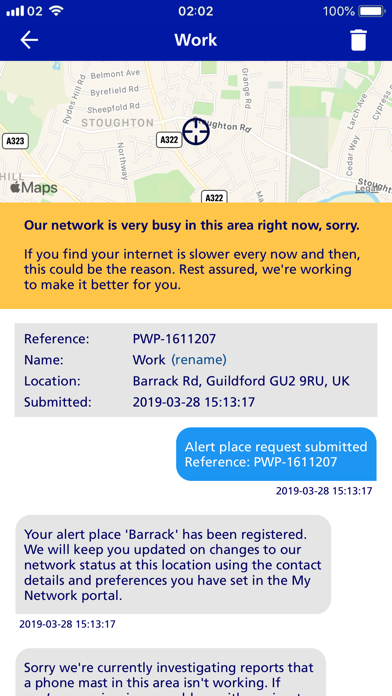
View 2G, 3G, 4G, and 5G coverage by tapping map buttons. Check status in your location with the 'Check' button. Register for fault and maintenance alerts. Report issues not shown in the . Conduct speed, web, and video tests.
What’s the My Network app for? You can use My Network to:
• See our 2G, 3G, 4G and 5G coverage. Simply tap the buttons below the map to switch between them.
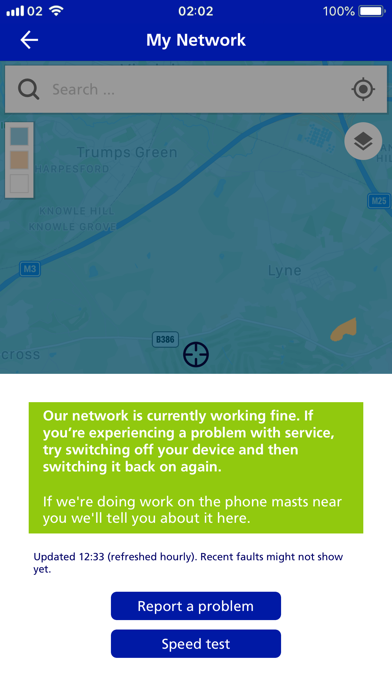
• Check the network status in your location, by tapping the ‘Check’ button on the map.
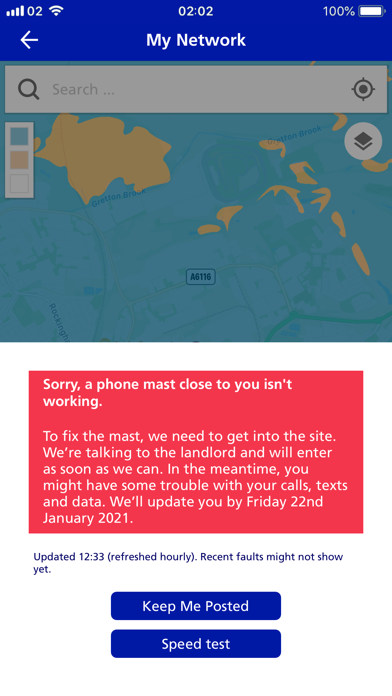
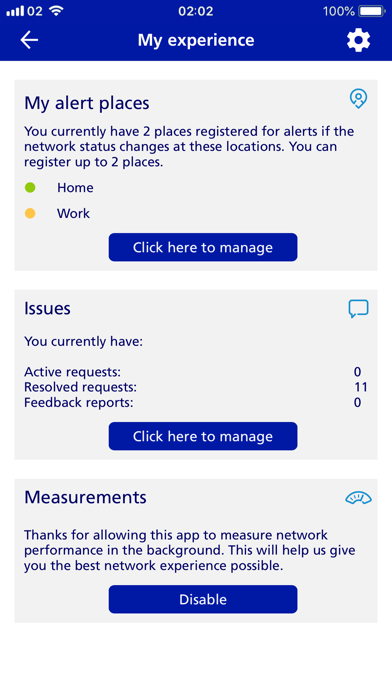
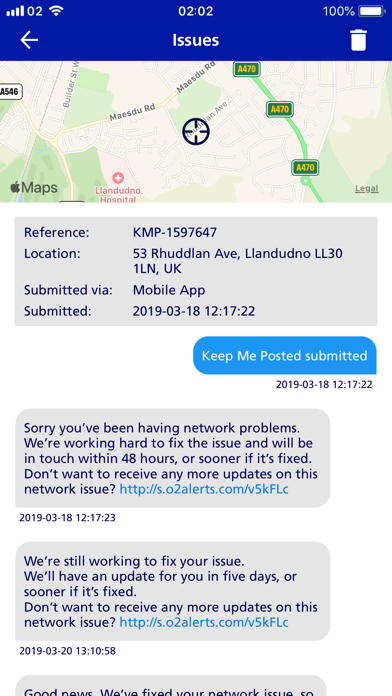
• Receive news of any faults or maintenance in your area, by registering for ‘Keep Me Posted’ updates.
• Report a problem, if it's not something we're already displaying in the app.
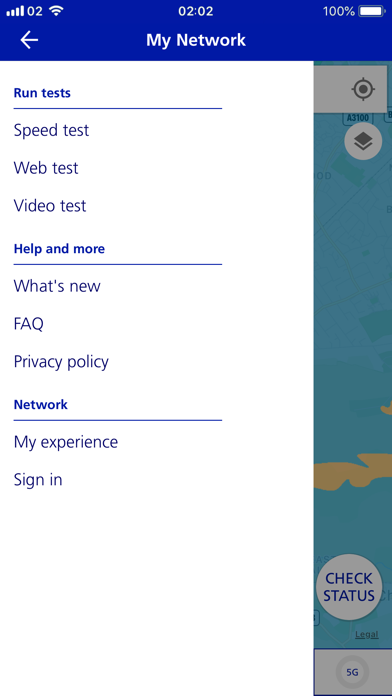
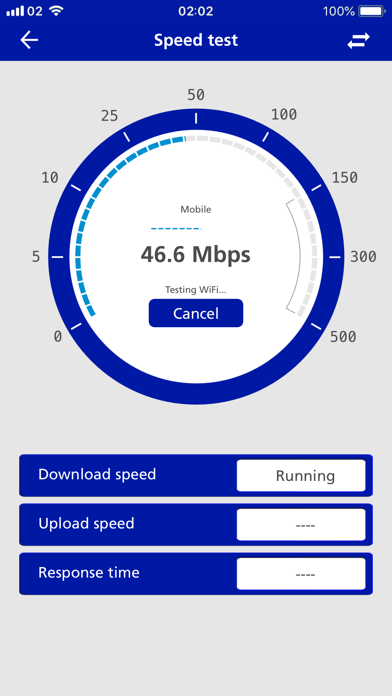
• Perform speed tests, web tests and video tests.