
iPhone Screenshots




Description
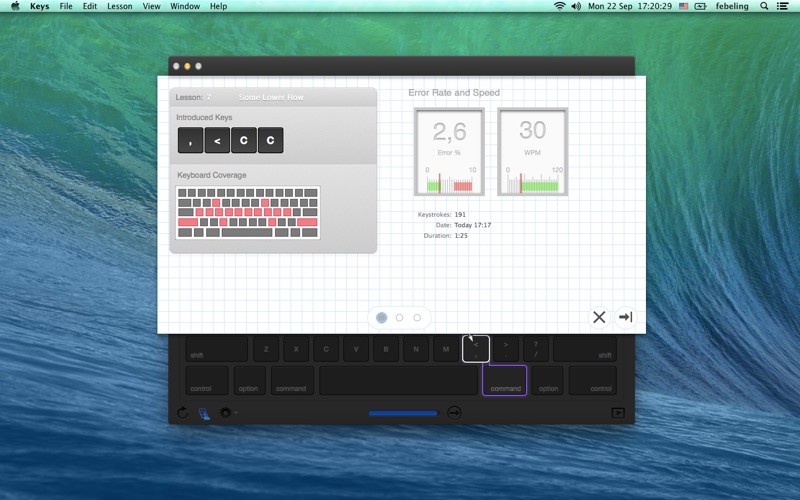
Teaches touch-typing by showing finger placement on . Guides users through movements between characters. Tracks progress and provides feedback on accuracy and speed. Allows customization of typing exercises and difficulty levels.
A simple and carefully crafted application to help you learn and
master typing with ten fingers.
Typing with all ten fingers without looking at the keyboard, or
touch-typing, is important not only to type fast, but also to remove
an additional step between your thought process and the text you work
on.
This application teaches touch-typing. It shows you which finger needs
to go to which key and rehearses the finger movements from one of its
character to the other. This way it covers more and more keys of the
keyboard with each lesson, until you know all of it.
Your training and progress is made visible by showing line charts for
your typing accuracy and speed. It is made even more detailed and
accessible by creating keyboard heatmaps of main indicator figures
like error rate, speed and keystroke.
This version supports U.S., German, British, Canadian English, and Australian keyboard layout.