
iPhone Screenshots

Description
Access files on your QNAP NAS from iOS devices. Upload photos and documents directly to the NAS. Create download links to share files via email or SMS. Email files as attachments. Manage files and folders remotely.
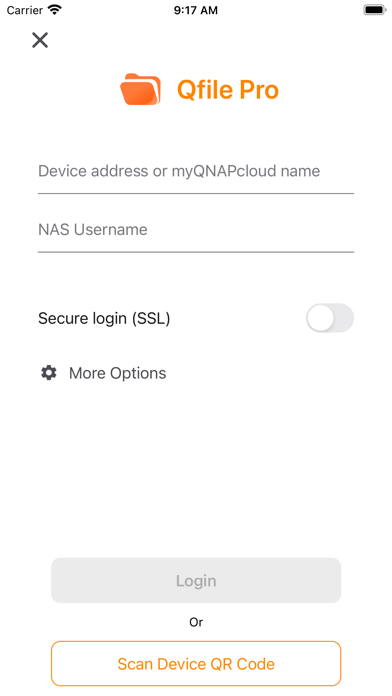
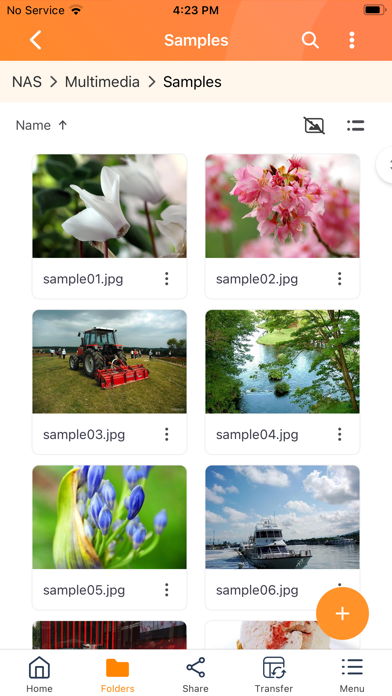
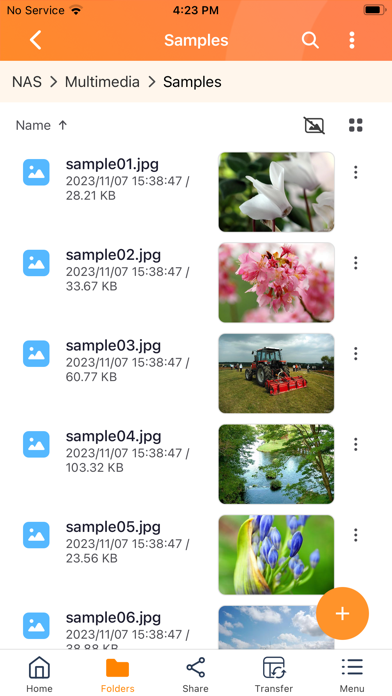
Qfile Pro is a free companion app for QNAP NAS that allows you to browse and manage the files on your NAS using your iPhone or iPad.
Prerequisites:
- iOS 16 or later
- QNAP NAS running QTS 4.0 or later, QuTS hero 4.5.0 or later
Major features of Qfile Pro:
- Access files on your QNAP NAS anytime, anywhere.
- Directly upload photos and documents from your iOS devices to your NAS.
- Easy sharing: Create download links to easily share files via email or SMS, or simply email the file as an attachment.
- Easy management: Move, copy, rename, and delete files on your NAS using your mobile device. No computer required.
- Offline file reading: Download files from your NAS to your iOS device for convenient access when you do not have an Internet connection.
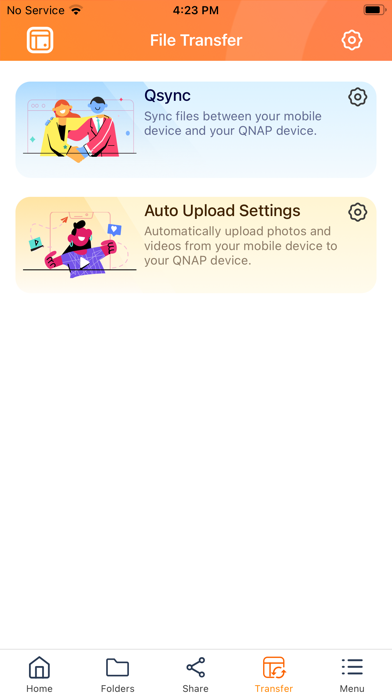
- Auto upload: Automatically upload photos from your device's photo gallery to the NAS. (To ensure that Qfile Pro can continually provide this background service, you must allow the location service - please note that this may noticeably decrease battery life.)
- Qysnc integration: Synchronize files between your mobile device and your QNAP NAS. (Requires QTS 4.3.4/QuTS hero 4.5.0 or later, and Qsync Central to be installed on your QNAP NAS device.)
Other features:
1. Support for displaying files thumbnail.
2. Supports control playback from QNAP NAS to DLNA devices. (requires QNAP Media Server, and QTS 4.0/QuTS hero 4.5.0 or later)
3. Support for file compression. (QTS 4.0/QuTS hero 4.5.0 or later)
Supported Formats:
Photos: BMP, JPG, JPE, PNG, TGA, GIF
Music: MP3, FLAC, OGG, WAV, AIF, AIFF
Videos: AVI, MP4