
QuickSearch PDF Reader
Search PDFs, highlight text, and annotate documents
Olive Toast Software Ltd
iPhone Screenshots
Description
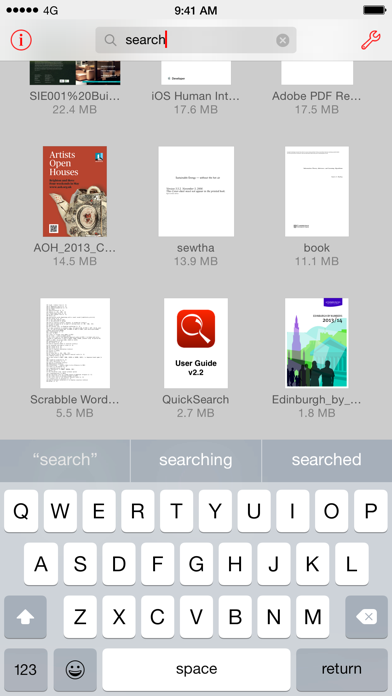
Allows users to search text within PDF documents instantly. Documents are scanned in the background for quick searches. Users can search across all documents simultaneously. The also functions as a PDF viewer with navigation and annotation tools.
"QuickSearch PDF Reader is the tool you didn't realize you needed ... searches are extra fast but it's the interface design that shines ... a terrific app" -- The Unofficial Apple Weblog (tuaw.com)
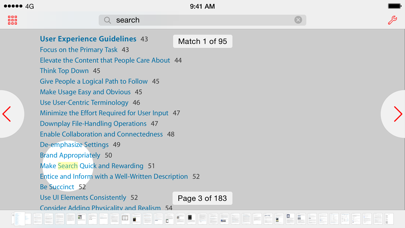
QuickSearch PDF Reader makes it fast and easy to find text in PDF documents. When you add a document, it is scanned in the background, so when you search, results are instant. And as well as searching within a document, you can search across all your documents at once.
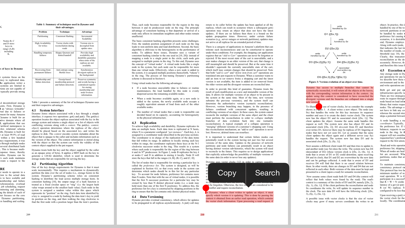
It’s also a great PDF viewer with a very natural style of navigation. It snaps to page boundaries, yet it’s easy to flick past them. Zooming is straightforward by pinching, or you can double-tap a region of text to zoom to fit. You can easily jump to any part of the document using the scrub bar. And everything is lightning-fast, even on large documents.
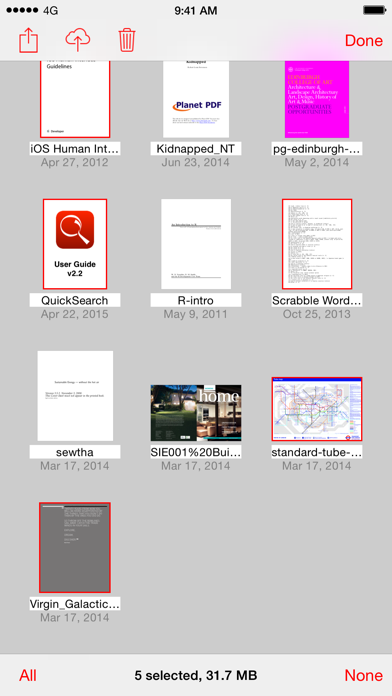
You can easily get your documents into QuickSearch from other apps on your iPad or iPhone that support the "Open In..." function, such as Mail, Safari, or Dropbox. You can also use iTunes File Sharing to transfer documents to and from your Mac or PC. Full step-by-step instructions are included.