
iPhone Screenshots

Description
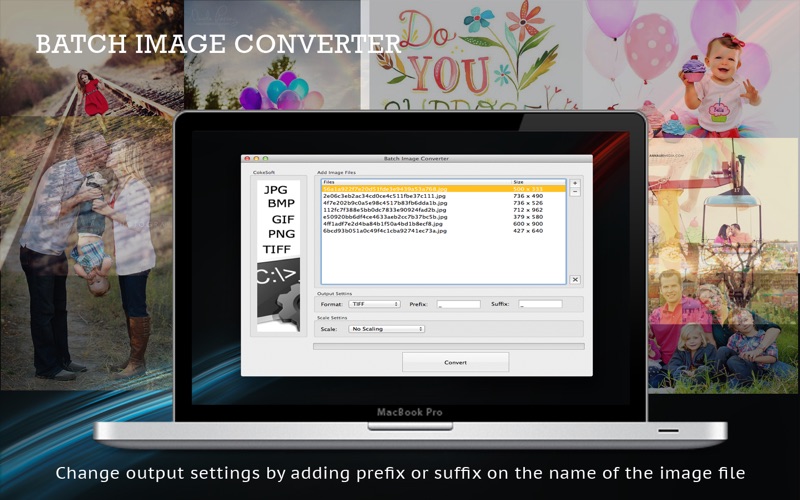
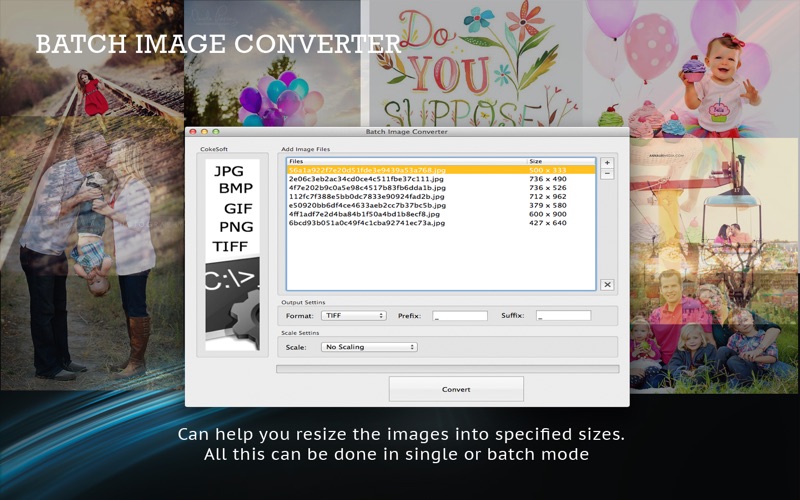
The app converts formats, resizes dimensions, and renames files for hundreds of images simultaneously. It supports HEIC, BMP, JPG, PNG, TIFF, and GIF, and can combine multiple images into a multi-page TIFF file.
Batch Image Converter is your ultimate time-saving solution for processing hundreds of images simultaneously. Whether you need to convert formats, resize dimensions, or rename files, this powerful yet incredibly simple tool handles it all in a single click—now with full support for HEIC and webP images!
Stop wasting time opening files one by one. Just drag, drop, and let Batch Image Converter do the heavy lifting!
Key Features
Effortless Drag & Drop: Instantly import hundreds of photos or entire folders into the processing list.
Versatile Format Conversion: Seamlessly convert between popular image formats including HEIC, BMP, JPG, PNG, TIFF, and GIF. Easily convert iPhone HEIC photos to universally compatible formats in bulk!
Smart Batch Resizing: Scale your images precisely by adjusting width and height to fit your needs.
Flexible File Renaming: Keep your output organized by automatically adding customizable prefixes or suffixes to filenames.
Multi-Page TIFF Support: Easily combine multiple HEIC, PNG, or JPG images into a single, professional multi-page TIFF file.
Why Choose Batch Image Converter?
High Efficiency: Easily processes massive folders containing hundreds of images without lagging.
Flexible Modes: Works perfectly for both single-file quick fixes and high-volume batch tasks.
User-Friendly Interface: Clean, intuitive layout designed for both beginners and professionals.
Bug Fixes & Feature Requests
Your feedback drives our updates! If you encounter any issues or have feature suggestions, please reach out to us.
[email protected]