
Check Point Capsule Connect
Access corporate resources securely via VPN
Check Point Software Technologies Ltd.
iPhone Screenshots

Description
Access corporate resources securely via a VPN tunnel on iPhone and iPad. to a Security Gateway to encrypt data transmission for business apps like RDP and VoIP. Requires setup by security administrator.
Securely Access all your corporate resources from your iPhone and iPad through a Virtual Private Network (VPN) tunnel.
As you launch business applications such as RDP, VoIP or any other app on your Apple mobile device, all transmitted data to corporate is encrypted, without any additional actions required by you.
This application connects to a Check Point Security Gateway. Please contact your security Administrator for first-time setup. For an SSL VPN Portal application please download the “Check Point Capsule Workspace”
Administrators: Deployment details are available on the support site: http://supportcontent.checkpoint.com/solutions?id=sk69540
Application Features
• Securely connect to corporate resources from your iPhone and iPad with a full layer-3 VPN tunnel
• Supports SSL and IPSec (including visitor mode)
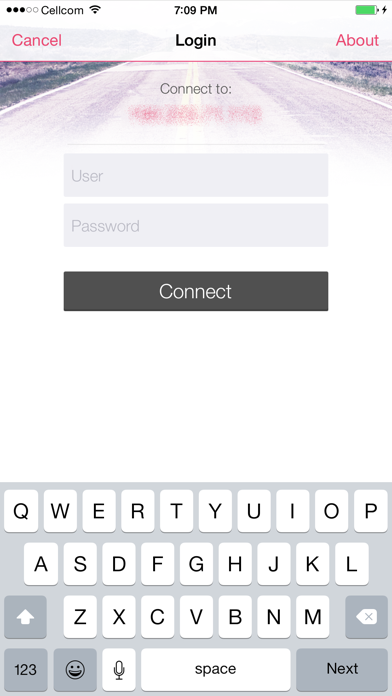
• Authentication methods: user/password, user certificate, challenge/response, one time password tokens
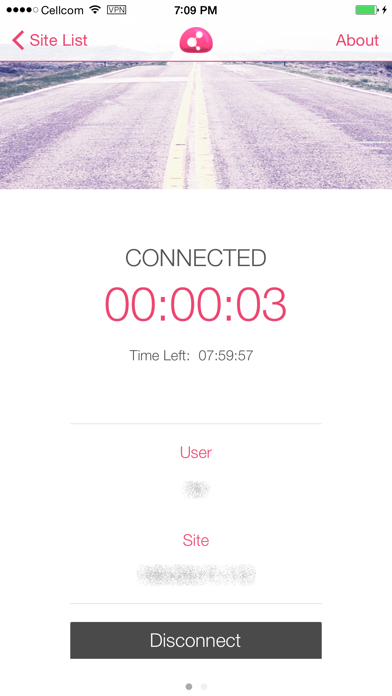
• VPN Connection persistency upon device roaming
• “On demand” automatic connection establishment upon access to corporate resources
• Scan a QR code or click a URL for a 1-step first-time-configuration
• API for external applications
To learn more about Check Point Capsule visit http://www.checkpoint.com/capsule/
About Check Point Software Technologies
Check Point Software Technologies, Ltd. is a world-wide leader in Network and Endpoint Security.
Visit www.checkpoint.com