
Library Link
Search, manage, and view library resources.
Softlink Australia Pty Ltd
iPhone Screenshots
Description
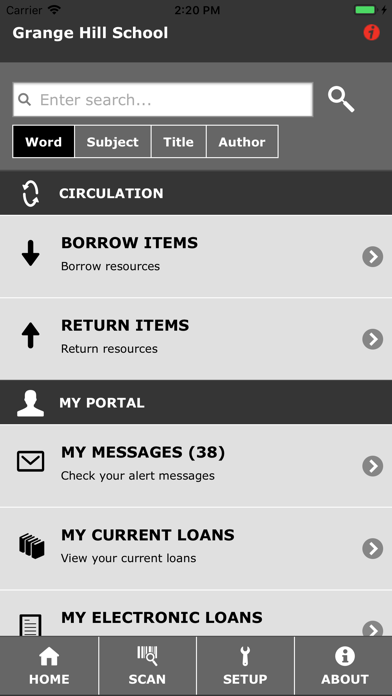
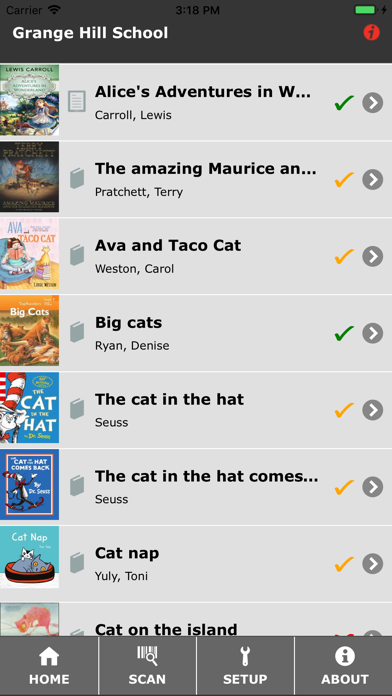
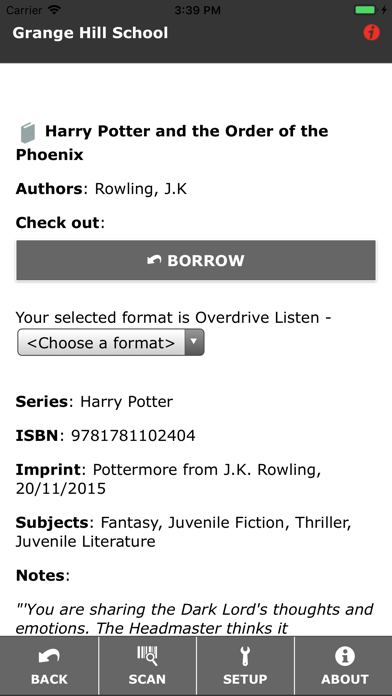
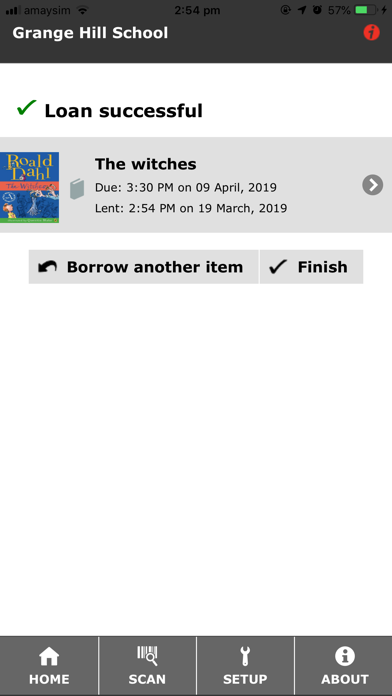
The app allows users to search for resources, check alerts for overdues or holds, and view library information. Users can also scan ISBNs to retrieve resources, view new items, and manage loaned items.
Library Link gives you the ability to:
- Search for available resources
- Check your alert messages for overdues or holds
- View library information such as location and opening hours
- Scan ISBNs or barcodes to automatically retrieve resources from the system
- View the library's latest resources
- View and place a renewal for your loaned items.
If your library supports the following features, you can also:
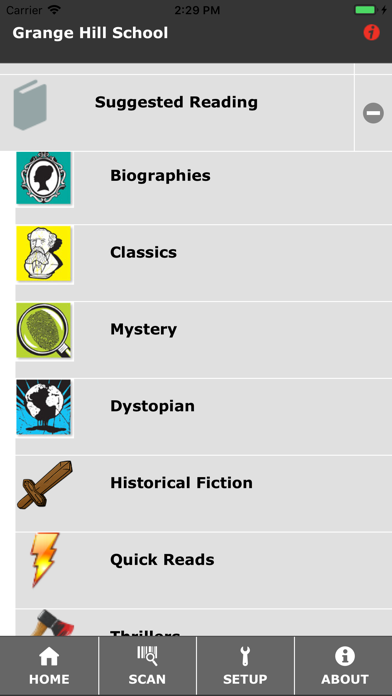
- Browse the library's reading lists.
- Borrow and return items.
Library settings will need to be provided by your local library, as long as they are using a Softlink Oliver v5 system.
Read the full release notes for the latest update at https://www.softlinkint.com/lp/oliver-v5-library-link-update/.