
Daily Report (Timesheet management)
Track time spent on tasks and projects
SIDEQUEST S.A.C.
iPhone Screenshots

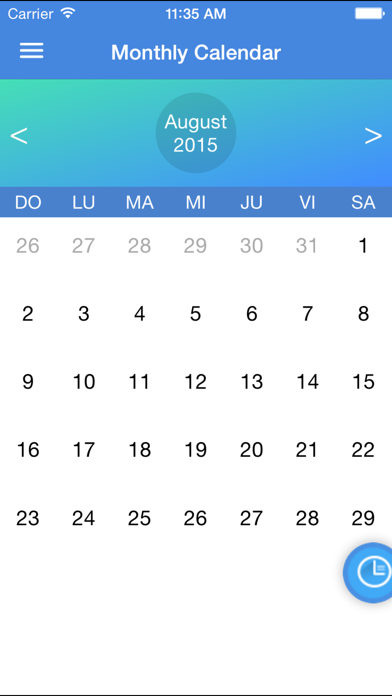
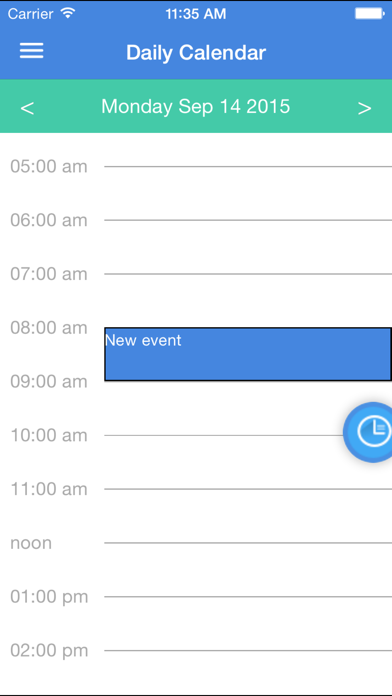
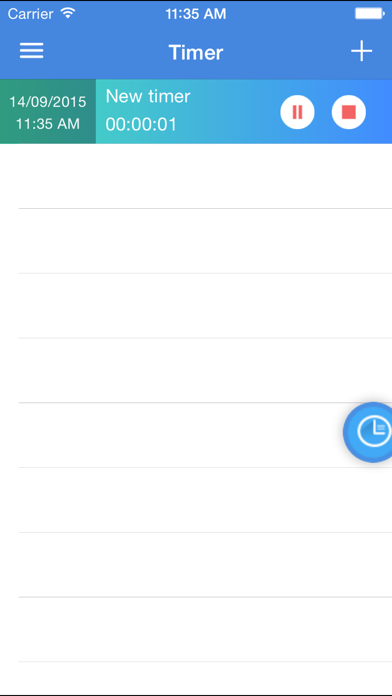
Description
Track activities by duration and categorize them into projects. Set timers for multiple tasks simultaneously. View time spent on each activity and manage folders to organize work.
Forget about your paper timesheets with our renewed Daily Report App!!!
Daily Report allows you to register every daily activity by duration, and then it will count how much of your time you spent doing something. These allows you to control how much time you are spending on that amazing project of yours. You can create several different Folders (Projects) to group your activities inside.
Daily Report also allows you to have timers running for different activities at the same time if you are good at multi-tasking!
After the day or week has gone by, you can send the report to yourself or to someone else to do the math on the time spent on each Folder (Project).
Features
* Register events by date and time duration.
* View your activities by List, Day view or Calendar
* Categorize them by using Folder groups.
* Customize your folder by background color and font color.
* Share your timesheet via E-Mail.
* Use timers for multi-tasking.
* E-Mail report is generated with activities categorized by folder.
* Calendar Sync.