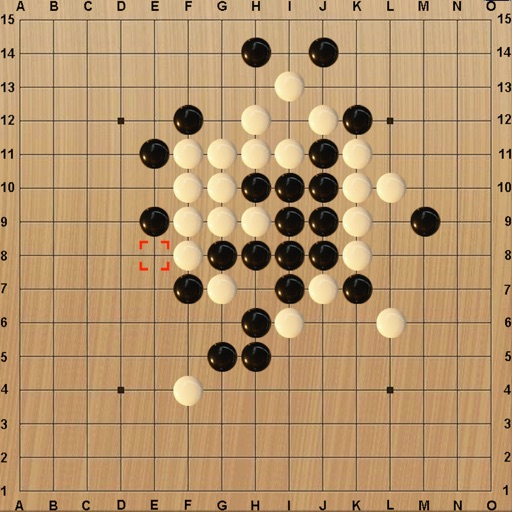
iPhone Screenshots
Description
Play a simplified game with a 5-in-a-row win rule. Place pieces on a grid to form a line of five. Compete against the computer or other players via Game Center. Track turns with an on-screen indicator. Adjust game settings for different play modes.
* There are only two base rules:
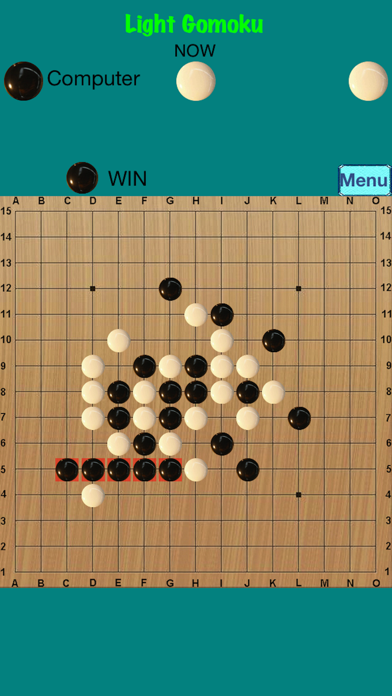
1.The player has only five pieces in a line, which wins the game.
2.The player has six or more than six pieces in a line, which doesn't win the game.
* It is a simple Gomoku game. It has no complicated rule and is easy to play. It provides Game Center Network Battle.
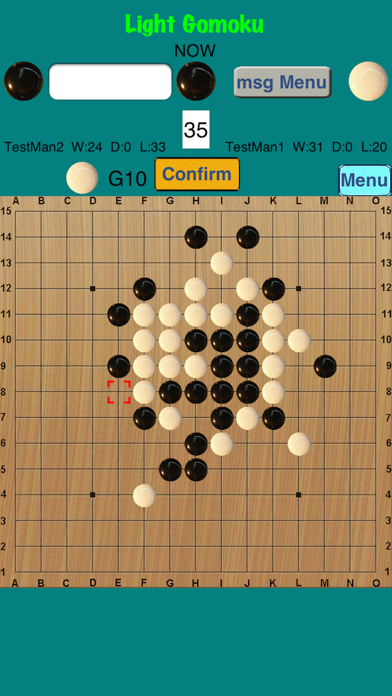
* The icon below the word "NOW" shows whose turn and the piece used.
* To provide the diversified playing methods and different settings below:
-Computer- Your opponent is the computer. This is a practice for you. The computer makes the first move.
-2 Players- Your opponent is another person. The black player makes the first move.
-Network- Game Center matches the two players and computer decides the colors. You can play with all players of the world. (Please join Game Center at first.)
-Leaderboards- Game Center saves the result of the games including the wins, draws and defeats of the players, and provides the Leaderboards.
-Achievements- Game Center saves the players’ “Points” and provides the achievements.
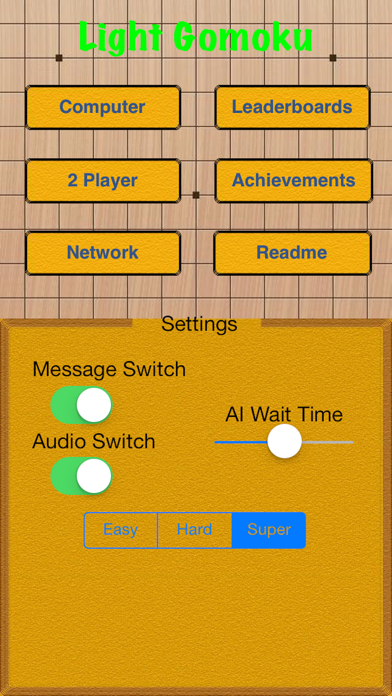
-Audio Switch- Turn on/off audio.
-AI Wait Time- Adjust the waiting time of the move of the computer.
-Message- Integrate the functions of “Look for a draw”, Resign” and “Play again” and the function of sending message.
* The point formula for Achievements:
1 win=3 score, 1 draw=1 score, 1 defeat=-1 score, ten scores=1 point, points=(wins x 3 + draws - defeats) / 10
* The player who exits game before game over loses the game at the network mode.
* The more explanations please refer to the Readme of the app or APP Support.
* We add the FAQ, please refer to "Readme".
* We add a description of the message function in "Readme" and need your comments for the text of new message, please refer to "Readme".