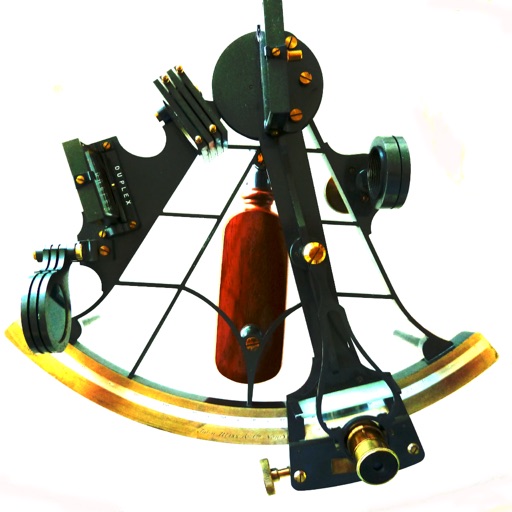
Sight Calc
Calculate LHA and declination for reductions
NUVOCOM INCORPORATED
iPhone Screenshots
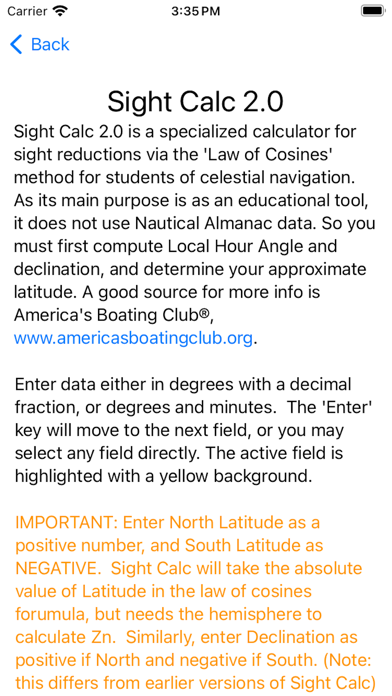
Description
Calculate celestial navigation using the Law of Cosines method. Input Local Hour Angle, declination, and latitude to determine altitude and azimuth. Track calculations and review results for accuracy.
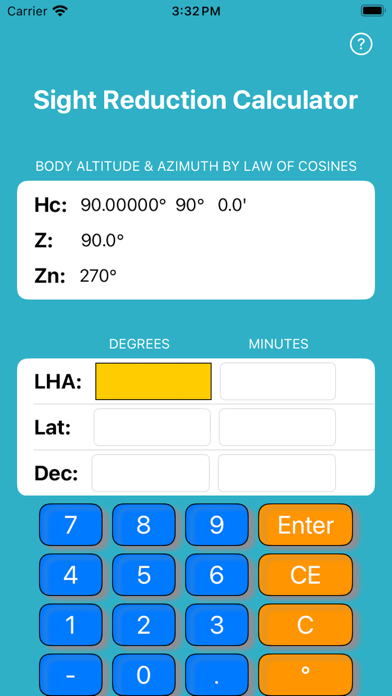
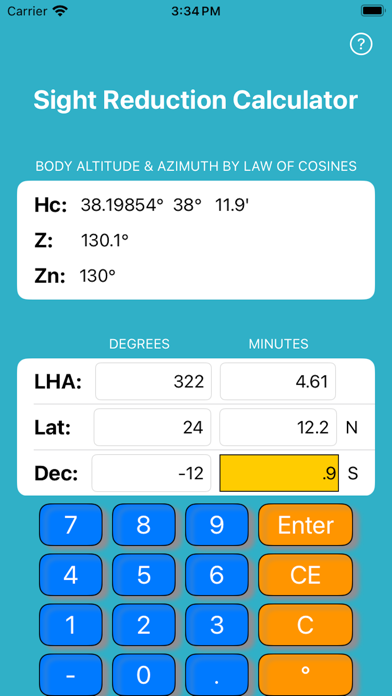
Sight Calc is a specialized calculator for calculating sight reductions via the "Law of Cosines" method. It does not use Nautical Almanac data, so you must first compute LHA (Local Hour Angle) and declination, and determine your approximate latitude. It is designed particularly for students learning celestial navigation, such as the Celestial Navigation courses taught by the United States Power Squadrons®. If you are unfamiliar with how to do sight reductions, some good resources are available from the United States Power Squadrons® at www.usps.org. In particular, this calculator is useful in conjunction with Form SR96a, www.usps.org/eddept/n/files/sr96a.pdf
Inputs may be entered as two numbers:
Degrees - left column
Minutes - right column
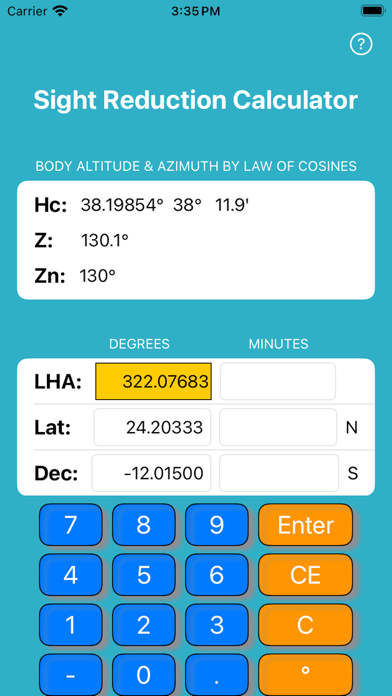
Or enter as decimal degrees (e.g., 44.48833).
Sight Calc will prompt you to enter six number in sequence:
LHA (degrees)
LHA (minutes)
Lat (degrees)
Lat (minutes)
Dec (degrees)
Dec (minutes)
In v 2.0 you may enter values in any sequence. Hc, Z and Zn are continuously computed and displayed.
Be sure to enter North Latitude as a positive number and South Latitude as a NEGATIVE number. Sight Calc will take the absolute value of Latitude in the law of cosines formula, but needs the hemisphere to calculate azimuth (Zn). Similarly, enter Declination as positive if North and negative if South. (Note: this differs from version 1.x of Sight Calc.)
If you want to do repeated calculations with some of the same numbers, just enter the changed numbers.
To start over fresh at any time, press "C" to clear everything. "CE" key clears the Current Entry. Optionally, use the "o" key to convert minutes to decimal degrees, add that to the degrees field, and clear the minutes field. This has no effect on the calculation.
Please report any bugs or suggestions to:
[email protected]