
WiFi Explorer: Scanner
Monitor wireless networks and troubleshoot issues
Intuitibits LLC
iPhone Screenshots
Description
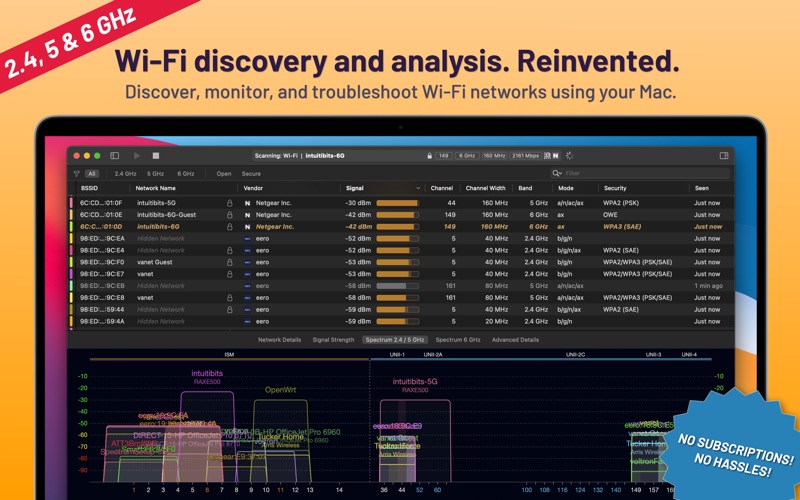
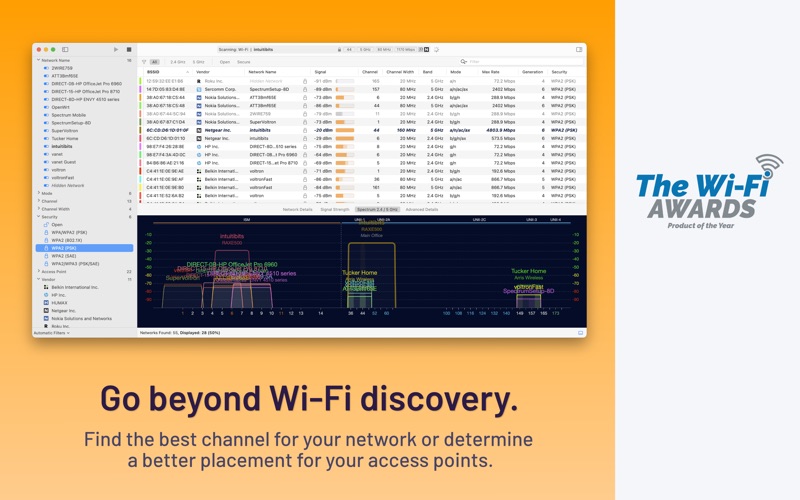
Monitor wireless networks by scanning for SSID, BSSID, signal strength, and channel information. Identify channel conflicts and signal overlaps. Troubleshoot connectivity issues and review security configurations and device manufacturers.
Discover, monitor, and troubleshoot wireless networks with WiFi Explorer.
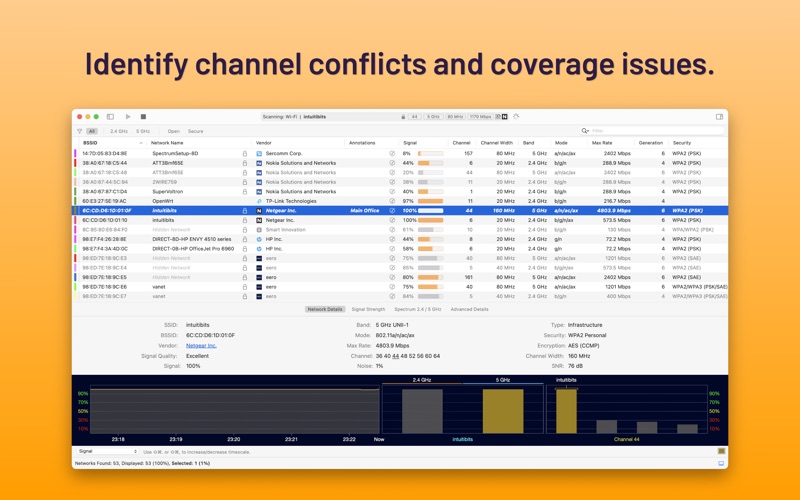
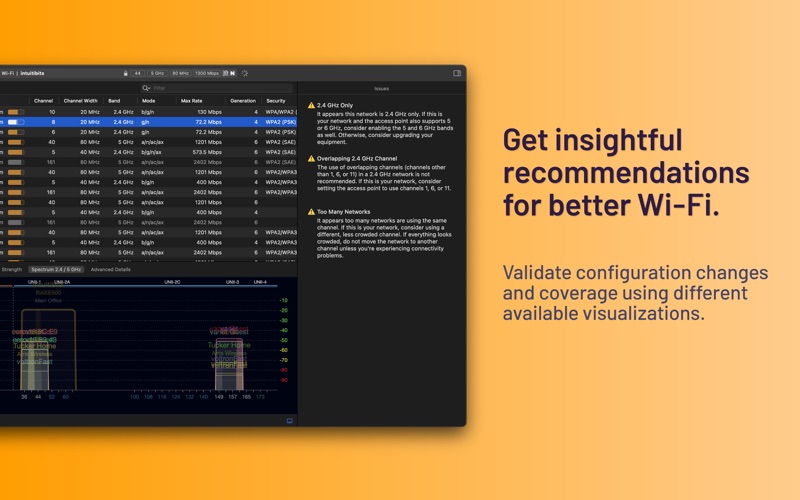
Quickly identify channel conflicts, signal overlapping, or configuration problems that may affect the connectivity and performance of your home, office, or enterprise wireless network.
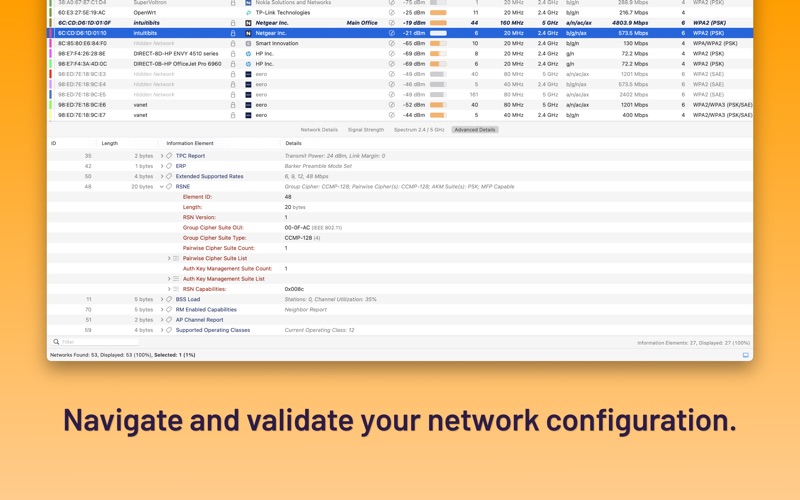
Get an insight into the network details: name (SSID), MAC address (BSSID), device manufacturer, signal strength (RSSI), noise, channel, band, security configuration, supported data rates, 802.11 information elements (IE), and much more.
• Suitable for home and small office networks
• Easy-to-use, intuitive user interface
• Graphical visualization of the Wi-Fi environment
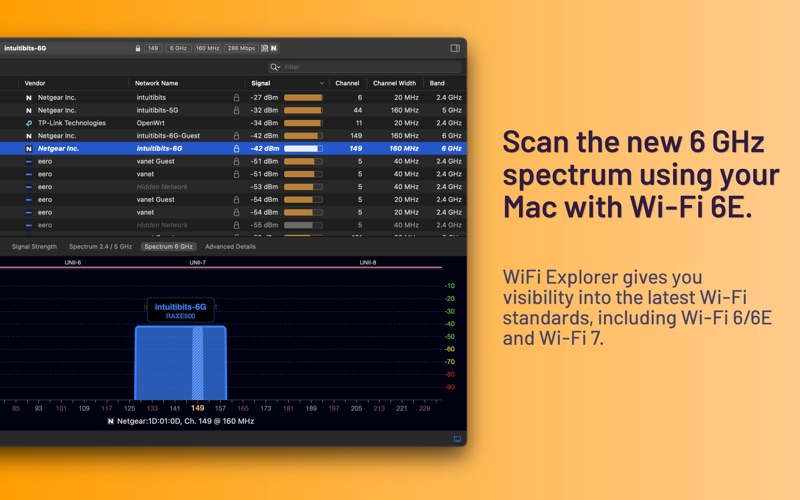
• Supports 2.4, 5, and 6 GHz frequency bands as well as 20, 40, 80, 160, and 320 MHz channels
• Supports Wi-Fi 4, 5, 6, 6E, and 7
• Works with 802.11a/b/g/n/ac/ax/be networks
Also:
• Signal quality ratings based on signal-to-noise ratio (SNR)
• Accurate conversion from dBm to percentage (%) for more straightforward analysis and optimization
• Detailed description of information elements (IE) advertised by the access point for advanced troubleshooting
• Export metrics and network details to CSV file format
• Save results for later review and analysis
• Access point name discovery (if supported)
• Editable column for labels or annotations
• Selectable and sortable columns
• Adjustable graph timescales
• Quick filtering
• Customizable colors for easily tracking particular networks
• Full-screen mode and split-view support
Are you a wireless engineer or IT professional working in the design, validation, management, or troubleshooting of enterprise wireless networks? Consider WiFi Explorer Pro 3. To learn more, visit www.intuitibits.com.
Notes:
• Requires a Mac with built-in Wi-Fi (external Wi-Fi adapters are not supported).
• Requires a Mac with built-in Wi-Fi 6E for scanning networks on the 6 GHz band.