Timetable Pad Mini
Manage tasks, track schedule, organize notes
Armchair Engineering
iPhone Screenshots
Description
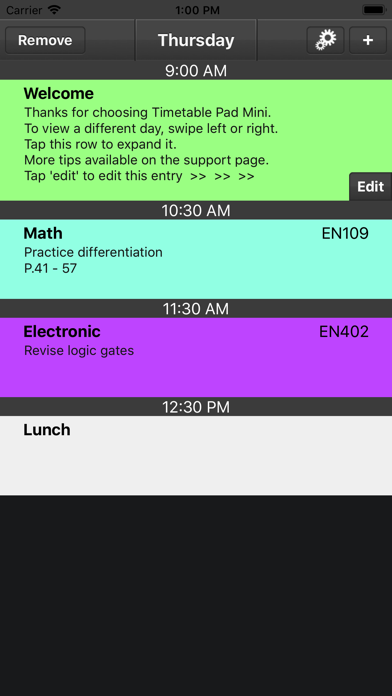
Manage your study schedule with a customizable weekly view. Add notes for assignments and tasks. Use text suggestions for faster input. Highlight classes with color codes. View full seven-day calendar optionally. Track study locations and times.
After easily entering in your schedule's details, Timetable Pad will become your 'go-to' guide for knowing when and where your studies take place.
Designed for students with feedback from students.
Features Include:
- Notes: Jot down assignment details and other important tasks.
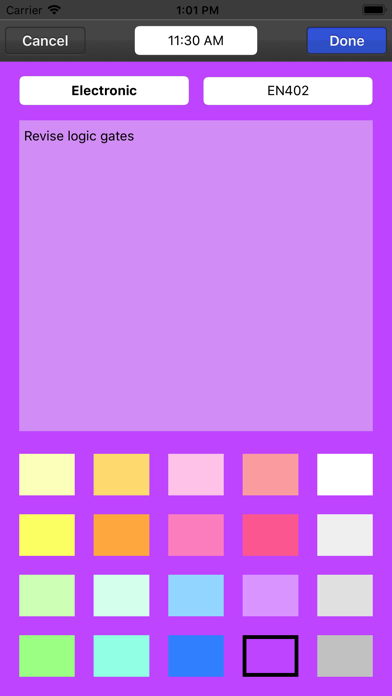
- Text Suggestion: For quicker text entry (room No. & subject title).
- Class highlighting: Easily identify subjects by colour.
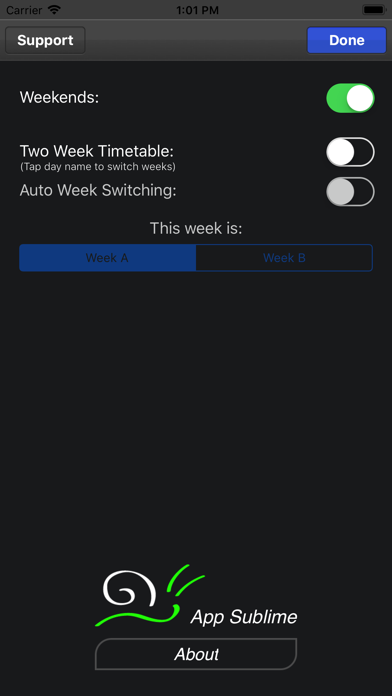
- Full seven day week (optional): For those poor souls that must study weekends.
- Two week timetable, week A & B (optional): For those with an alternating schedules.
Also available for iPad.
Please Note: Timetable Pad was designed to be a quick reference for those with static and alternating timetables.
It is not a yearly planner, calendar or diary app, in which you can schedule many different events over a long period of time.