
iPhone Screenshots


Description
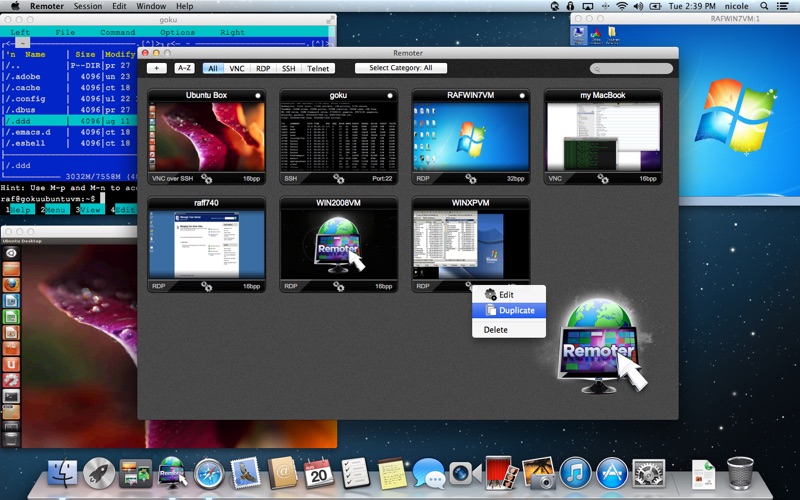
Connect to VNC, RDP, SSH, and Telnet sessions from one . Manage multiple simultaneous connections. Stream audio from MacOS and RDP servers. Access RemoterFusion compatibility for enhanced connectivity.
Remoter for macOS is a complete remote access client for VNC, RDP, SSH, Telnet, and RemoterFusion sessions from one Mac app.
Connect to Mac, Windows, Linux, and terminal servers using the workflow that fits your network: local discovery, direct host connections, RD Gateway, SSH tunnels, RDP over SSH, VNC over SSH, or RemoterFusion for easier Mac access without port forwarding or dynamic DNS.
Built for managing many machines, Remoter supports multiple simultaneous connections, saved server cards, custom ordering, fullscreen sessions, Wake-on-LAN, Bonjour and NetBIOS discovery, and international keyboard mappings.
Complete Mac Remote Access
• VNC, RDP, SSH, Telnet, and RemoterFusion included
• Multiple simultaneous connections
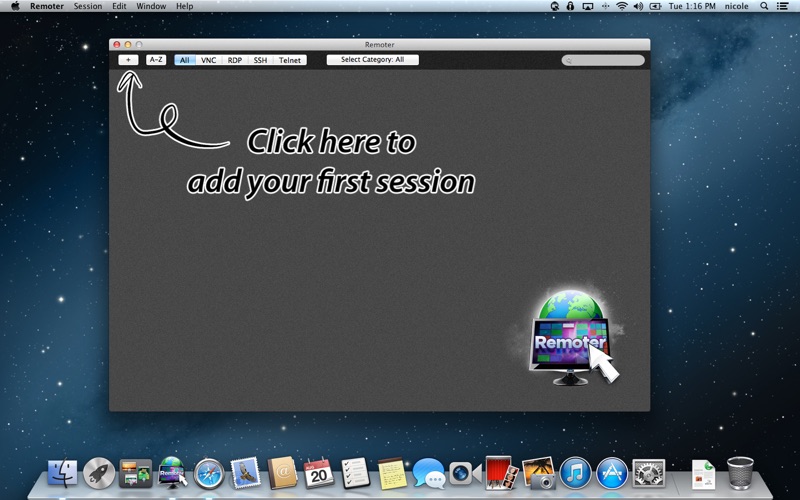
• Saved server cards with drag-and-drop custom ordering
• Native macOS search field with clear button
• Wake-on-LAN support
• Bonjour and NetBIOS computer discovery
• Fullscreen mode and preserved window size when reconnecting
• 8bpp, 16bpp, and 32bpp color depth support
VNC and Screen Sharing
• VNC protocol 3.8 support
• Compatible with macOS Screen Sharing, UltraVNC for Windows, and common Linux VNC servers
• RemoterFusion support for easier Mac setup, sound/music redirection, and connections without port forwarding or dynamic DNS
• UltraVNC MS Login authentication
• Server-side scaling support
• Send Clipboard copies your Mac clipboard to the remote computer so you can paste it there
• Cmd+V can paste directly on the remote VNC session
RDP and Windows Remote Desktop
• Windows Remote Desktop connections
• Remote Desktop Gateway support
• Network Level Authentication (NLA) support
• RDP over SSH
• RDP audio streaming
• Local printer redirection
• Folder/directory sharing redirection
• Clipboard paste, plus remote copy when supported by the server or RemoterFusion
• Font smoothing
SSH and Telnet
• SSH and Telnet terminal sessions
• VNC over SSH and RDP over SSH
• Custom SSH port tunnels
• Public-key authentication
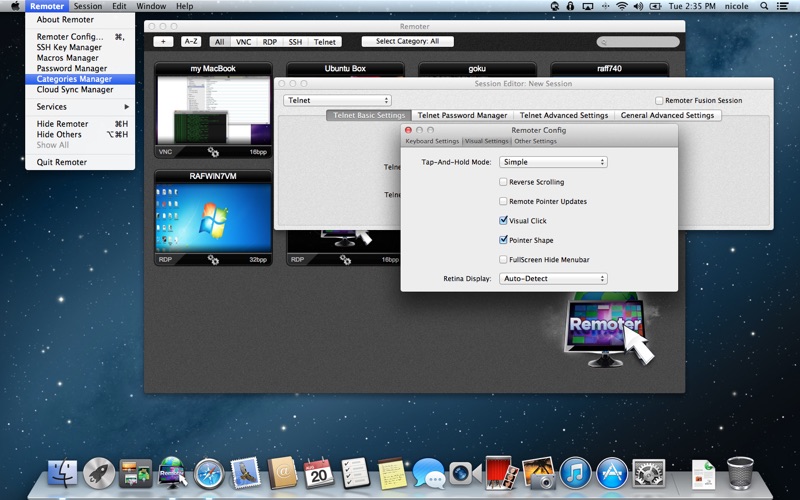
• SSH key management for generating, importing, copying, and using keys
• Record and run macros
Input and Workflow
• Hardware keyboard and mouse control from your Mac
• Special keys including Esc, Tab, Alt, arrow keys, Page Up, Page Down, F1-F12, Control-Alt-Delete, Command, and Windows key
• International keyboard mappings for German, Swiss-German, Russian, French, Danish, and Spanish
• Localized in English, German, Spanish, Italian, Norwegian, Czech, and Slovak
Requires macOS 12 or later.
Support: [email protected]