
iPhone Screenshots


iPad Screenshots


Description
Features:
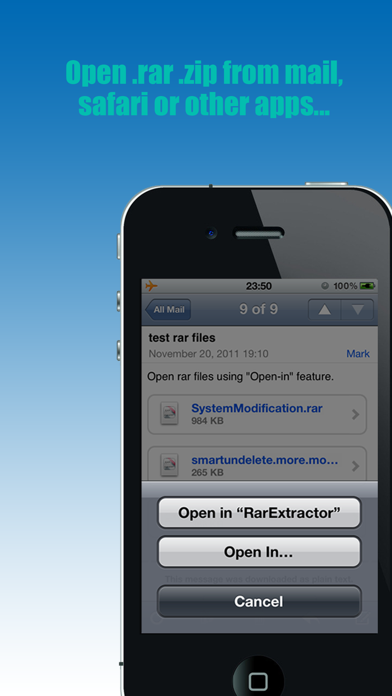
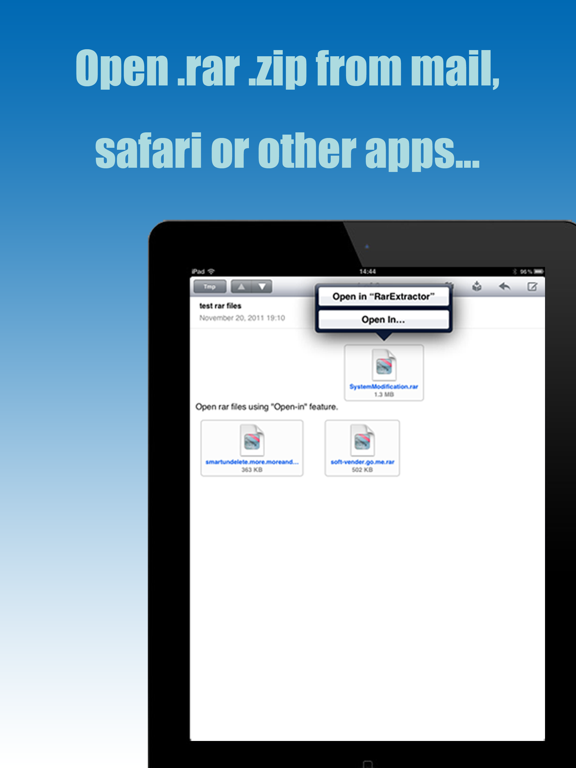
1. You can open the RAR, Zip, CBR files from mail, safari or some other apps that support open-in feature, and extract it(Supports extracting password protected RAR file, multi-volume RAR files); Also allows other apps to open local files (Just tap and hold the file’s icon, then the “Open-in” menu will appear).
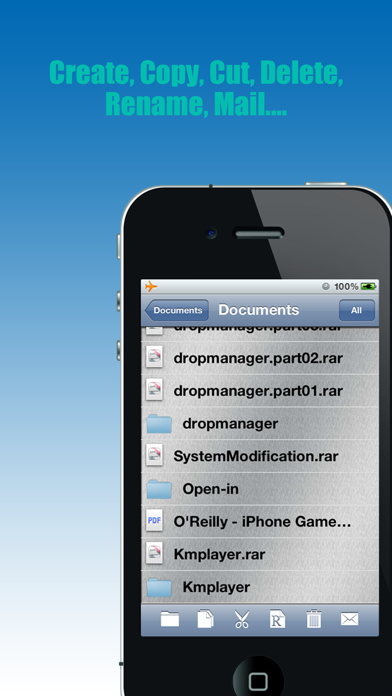
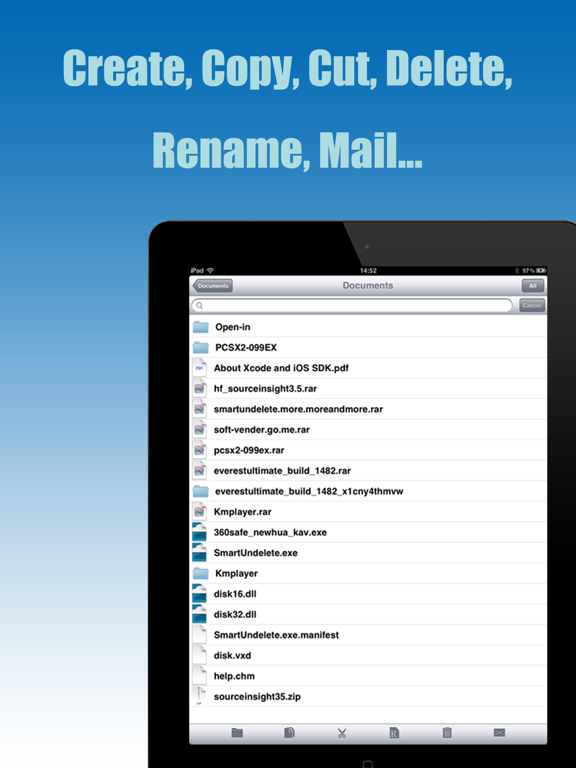
2. Multi-level folder supported, you can create folders & subfolders in “RarExtractor”, conveniently manage your files.
3. Supports rename, copy, cut, paste, delete, mail features
4. Search feature supported for finding out the files you want.
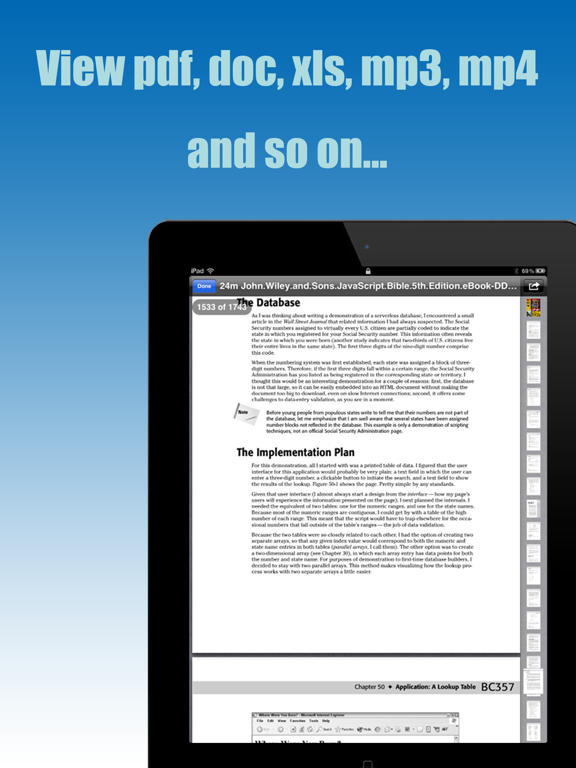
5. Supports viewing a large number of file formats (doc, docx, xls, xlsx, pdf, ppt, pptx, mp3, mp4 etc.).
6. Supports print feature.
7. Supports file sorting feature.
App information from Apple App Store. RarExtractor - Extract RAR,ZIP and related trademarks belong to 冠兰 姜.