
Pittsford FCU Mobile Banking
Check balances, view history, transfer funds, pay
Pittsford Federal Credit Union
iPhone Screenshots


Description
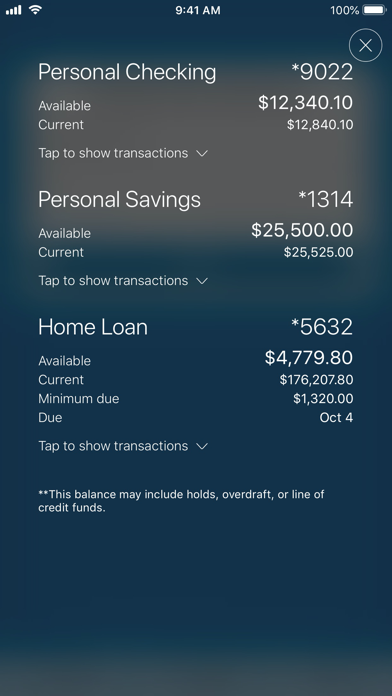
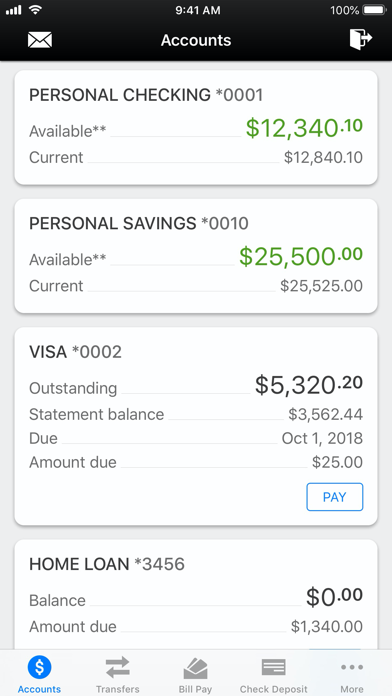
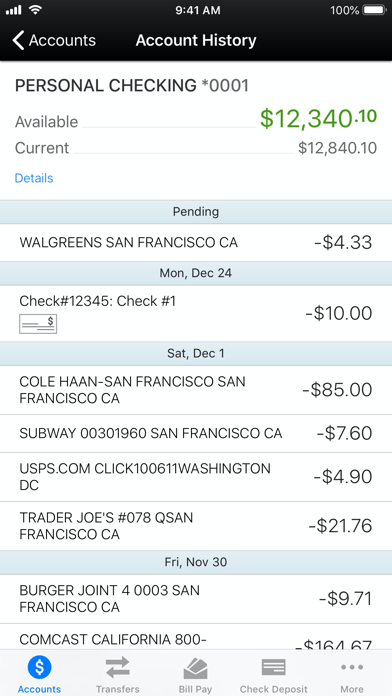
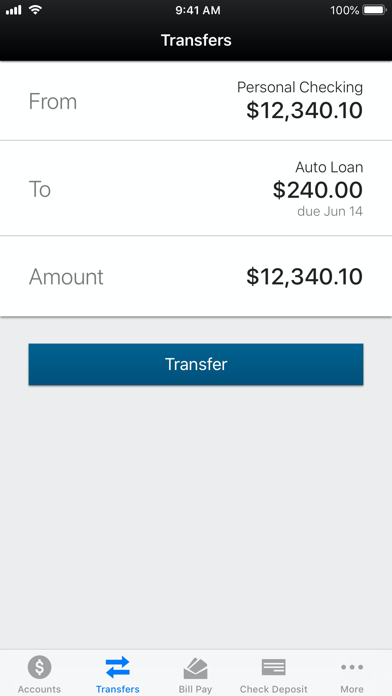
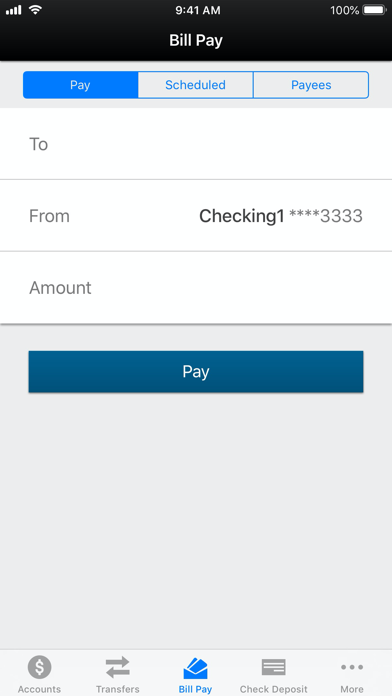
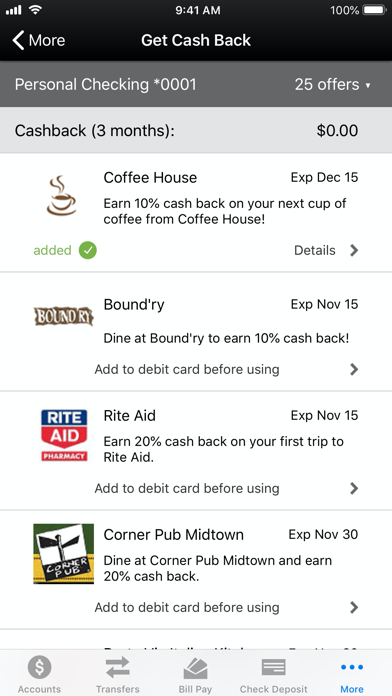
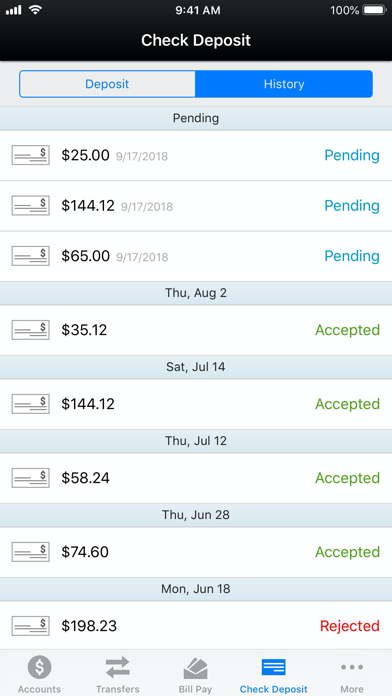
Access account balances and transaction history. Transfer funds between accounts. Pay bills and view cash back offers. Deposit checks via photo. Manage purchase rewards and locate nearby ATMs or branches. Contact customer support through the .
Pittsford FCU's Mobile Banking App provides quick, easy, and secure access to your accounts – anytime, anywhere.
Members can access their important PFCU financial information securely, right from their fingertips.
• Account Balance
• Account History
• Transfer Funds
• Pay Bills
• View and activate your cash back offers
• Deposit Checks
• Manage Purchase Rewards
• ATM / Branch Locator
• Contact Us
Banking on the go with PFCU's Mobile Banking App is safe and secure. Download it today and simply use the same username and password you have established for your PFCU Internet Banking access.
To access Pittsford FCU's Mobile Banking App you will need:
• A Pittsford FCU Account
• An Internet Banking Account
• An Internet Enabled Mobile Device
If you are not currently a Pittsford FCU member, visit www.PittsfordFCU.org or any branch to open your account today.
To learn how we protect your privacy, please visit https://www.pittsfordfcu.org/Disclosures/PrivacyPolicy.asp