Shake a photo H.D.
Express motion of soft things like jelly.
Yoshiyuki Hirose
iPhone Screenshots
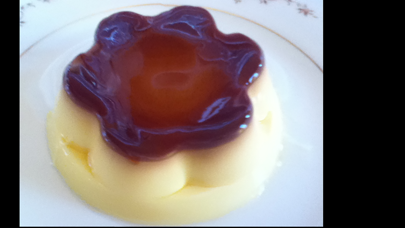
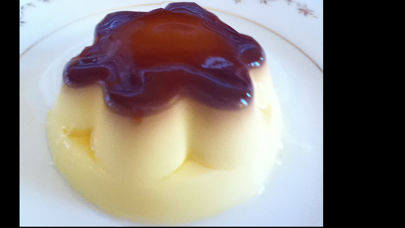
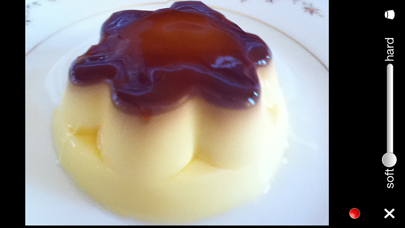
Description
The app allows users to draw shake areas on a photo and set softness levels. Users can then wobble these areas in four ways, including dragging, moving the background, or tilting and shaking the device.
This app can wobble anywhere you want in your photo and express the motion of soft things like jelly.
___
Features:
- Draw shake areas on a picture with a pen in 3 sizes.
- Set softness in five levels at each cell in a grid of shake areas.
- Wobble shake areas of a photo in 4 ways: Drag a shake area. Move the background. Tilt your iPhone. Shake your iPhone.
- Change surface softness with wobbling a photo.
- HD Mode by a small grid.
- Record the video of the screen while wobbling.
___
How to use
The usage is simple and easy.
Step 1: Select or take a picture.
Step 2: Set shake areas.
Step 3: Shake a photo!
You can
drag a shake area
move the background
tilt your iPhone or iPod
or shake your iPhone or iPod.
Please shake your device and picture gently.