
Mechanics Bank Mobile Banking
Check balances, deposit checks, transfer funds
Mechanics Bank
iPhone Screenshots
Description
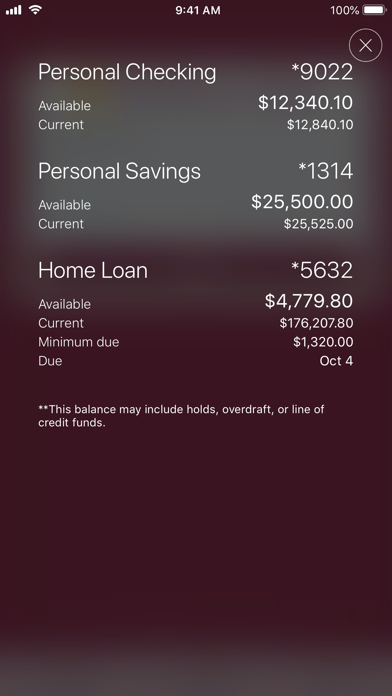
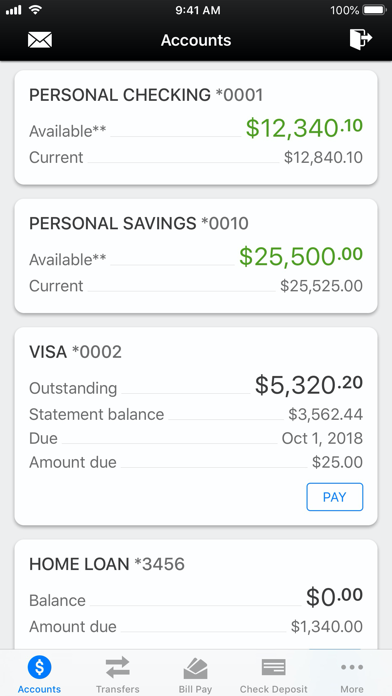
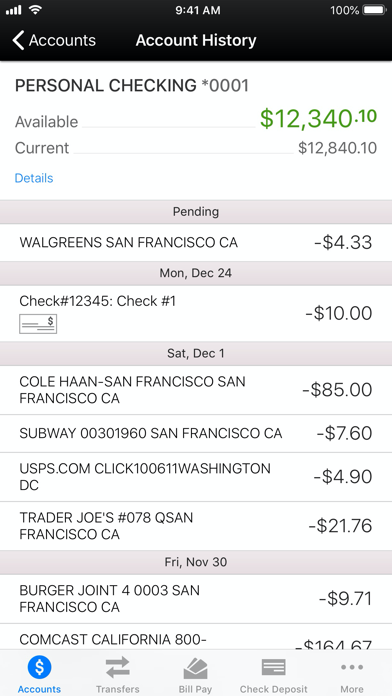
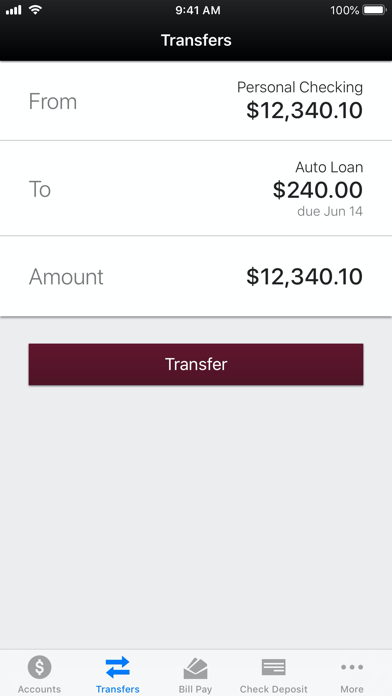
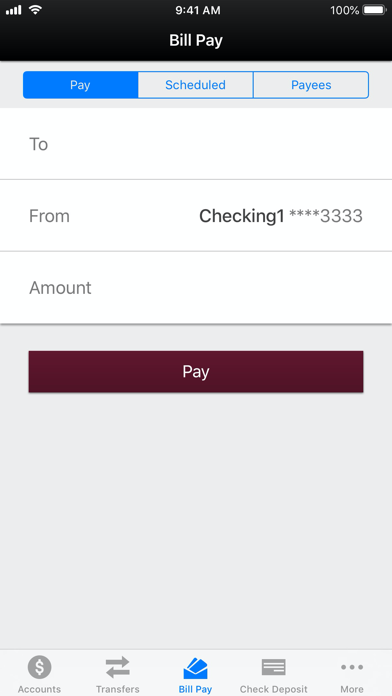
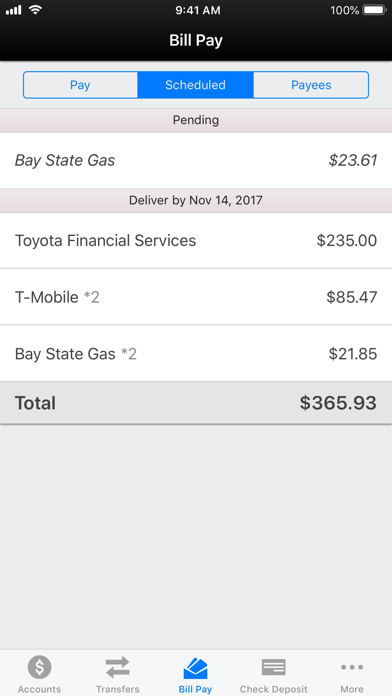
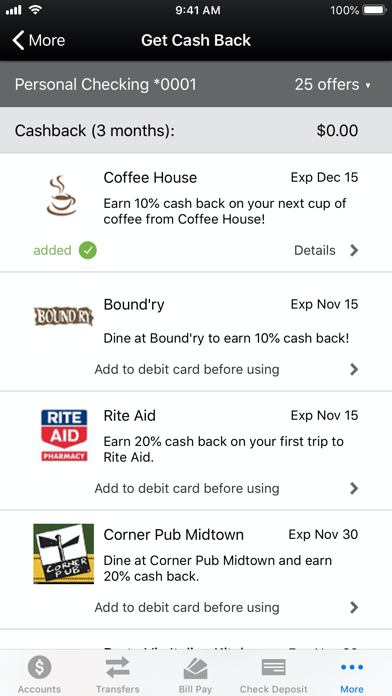
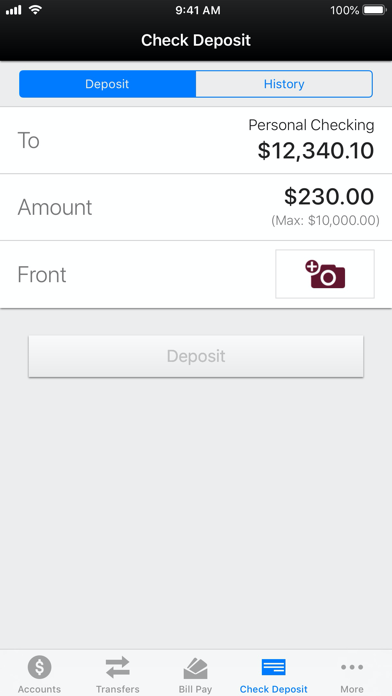
Check account balances and transfer funds between accounts. Deposit checks using deposit. Pay bills and view purchase rewards. Locate branches or ATMs. Login with fingerprint if available. Contact customer support through the .
Download the Mechanics Bank mobile app for convenient, secure and fast access to your accounts.
You’ll be able to:
• Check account balances
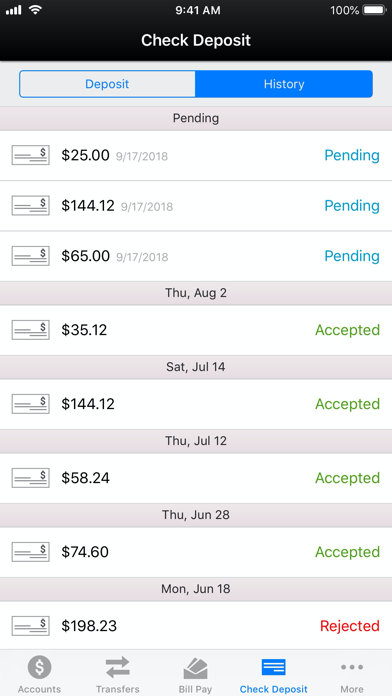
• Deposit checks with mobile deposit
• Login with your fingerprint (not available on all mobile devices)
• Transfer funds between Mechanics Bank accounts
• Pay bills
• Add/view purchase rewards
• Locate a branch or ATM
• Contact Mechanics Bank
To get started, download and launch the app, then sign on with your Mechanics Bank Online Banking User ID and Password. If you are not registered for Online Banking, go to mechanicsbank.com/register. If you have forgotten your User ID or Password, call Online Services at 800.797.6324.
Mechanics Bank Mobile Banking is a free service for our clients. Certain fees for performing banking transactions may apply. For more information, talk to your Banker or call 800.797.6324.
Additional data services may apply through your wireless carrier.
Mobile deposit service is for personal checking or savings accounts only and is subject to eligibility. Deposit limits and other restrictions apply.
Mechanics Bank, Member FDIC.
© 2018 Mechanics Bank. All Rights Reserved.