
Smart Zipper - RAR&7Zip Tool
Compress and decompress files swiftly
奇鹏 于
iPhone Screenshots
Description
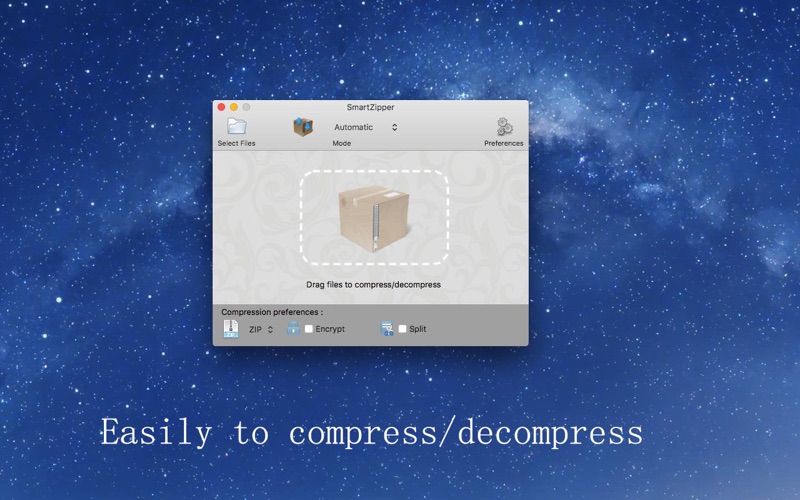
Decompress files by dragging compressed packages into the window. Batch decompress multiple files at once. Supports over 20 formats including RAR, 7z, ISO, and Zip. Compress files into 7z, Zip, Gzip, Tar, or Bzip2 with 5 compression levels.
Smart Zipper is an easy-to-use and efficient compression and decompression tool.
Extraction formats supported:
Over 20 different file types ranging from RAR, 7z, ISO, CAB, Zip, StuffIt, Lzma, Tar, Gzip, Bzip2 and much more.
Compression formats supported:
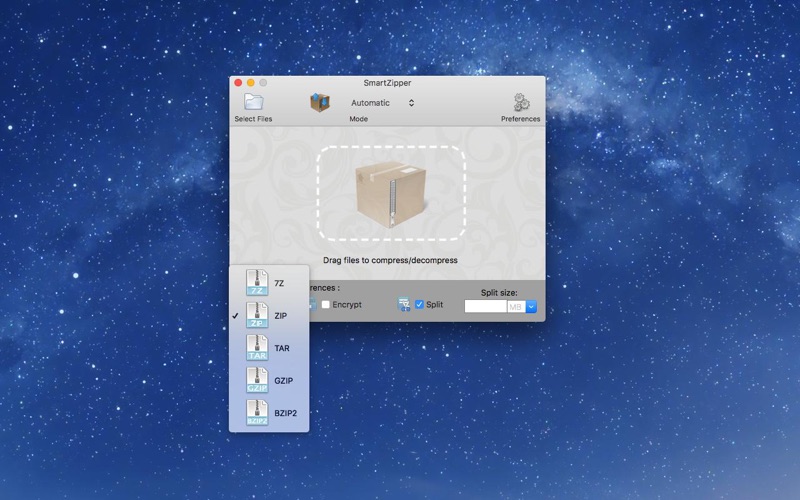
7z, Zip, Gzip, Tar, Bzip2 with 5 different compression levels.
Features:
● Decompress:
* You can drag a compressed package into the window to decompress.
* Quickly batch decompress multiple compressed packages.
* If the compressed packages have same password, you only need to enter the password once.
● Compress:
* You can drag multiple documents or folders into the window to compress.
* Can create a password to protect your data.
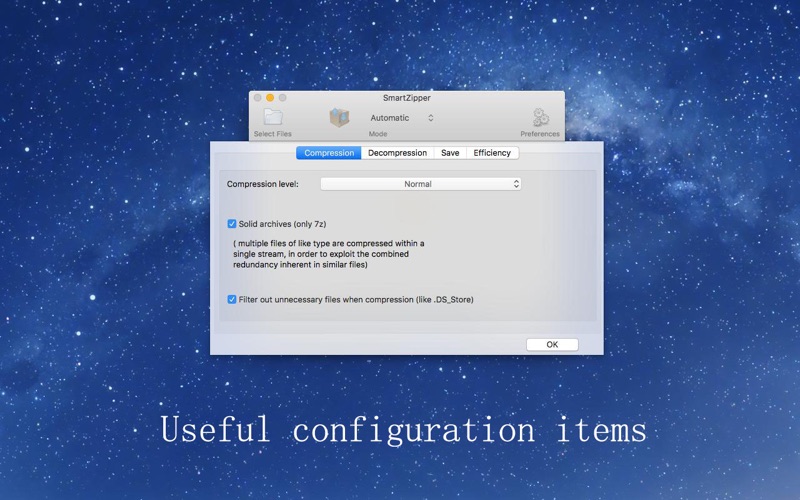
* Supported compression levels: No compression, fastest compression, fast compression, normal compression, high compression, maximum compression.
* Filter out unnecessary files when compression (like .DS_Store).
● Browse:
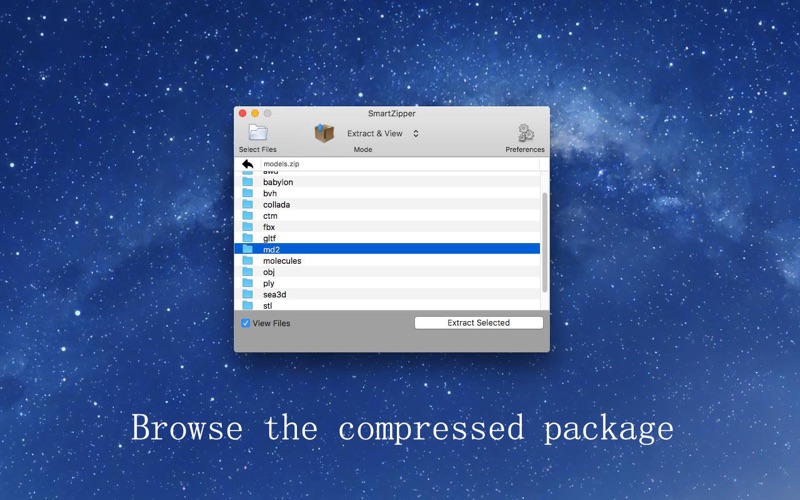
* Browse files inside an archive without extracting.
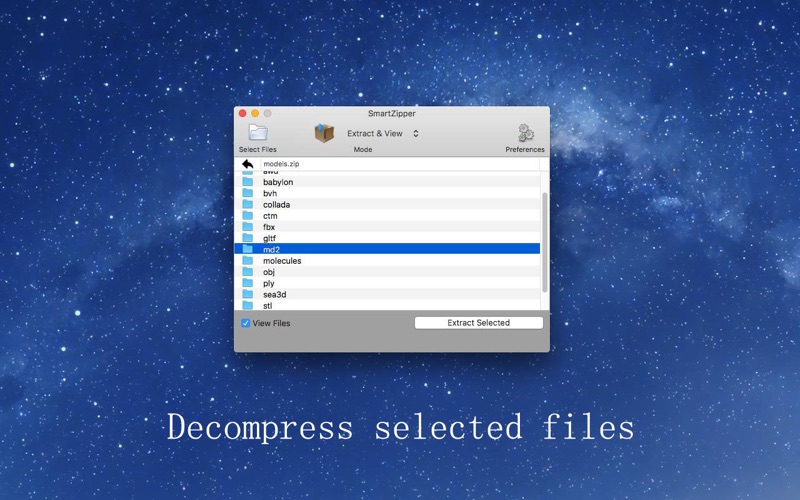
* Decompress single or multiple files from the list view.
* Drag and Drop files directly to the Finder to decompress from the list view.
If you are looking for an easy-to-use, efficient and stable compression/decompression tool, Smart Zipper is just what you want.