
VirtualPhoneSystem
Make calls, read voicemail, view faxes
COA Network
iPhone Screenshots


Description
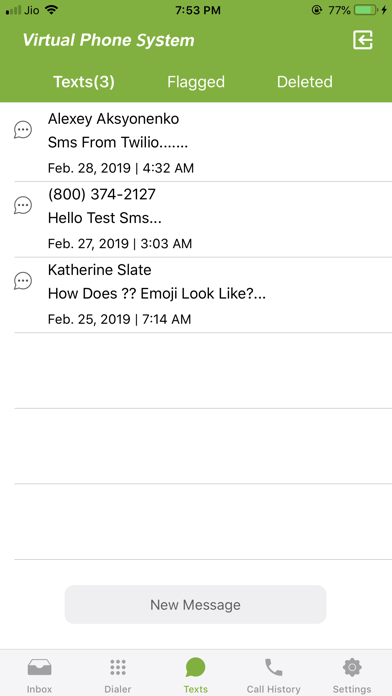
Use the Virtual Phone System to make calls with a virtual number as caller ID. Return calls from messages by tapping a button. View voicemails, faxes, and messages. Make calls through the virtual system while keeping your personal number private.
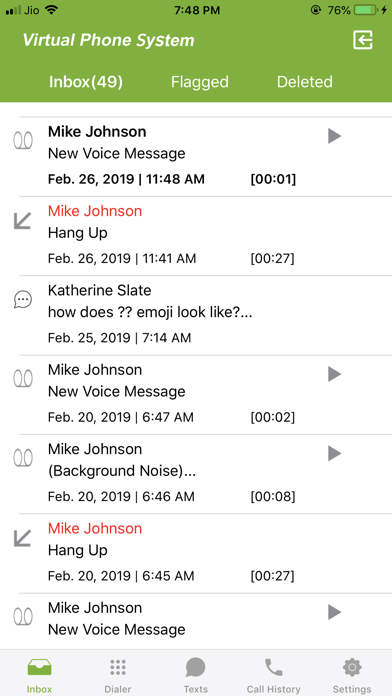
Download the Virtual Phone System app for iPhone – the mobile companion to your virtual phone system. Turns your mobile phone into your mobile office – take calls, read your voicemail, view faxes – make calls via Virtual Phone System and keep your mobile number private.
Use the Virtual Phone System app on your iPhone to:
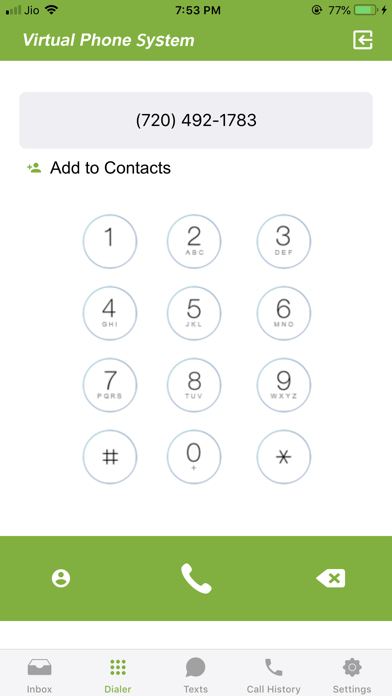
-Make calls using your Virtual Phone System number as caller ID – keep your personal number private!
-Return calls just by tapping the call back button on a message
-Keep your business messages and faxes separate from your personal ones
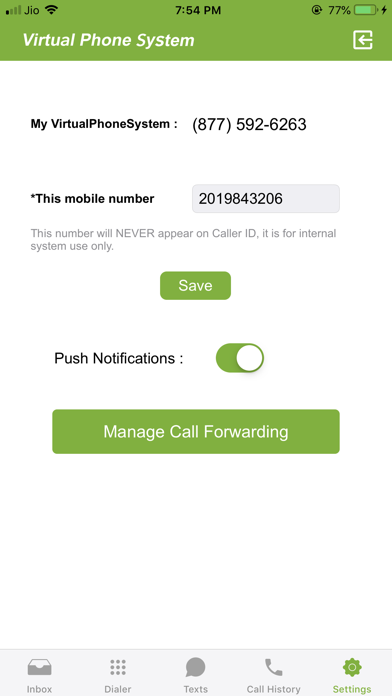
-Receive Push notifications for messages and faxes
-Read your Voicemail
-Receive and View Faxes
Get the Virtual Phone System that includes:
-Local, Vanity, 1 800 or other Toll Free Numbers
-Multiple Extensions
-Call Forwarding
-Call Transfer
-Call Recording
-Send/Receive Faxes Online
-Auto-Attendant
-Music on hold
-Instant Message/Fax Notification
-Read your Voicemail
-Professionally Recorded Greetings
-Dial by Name directory
Please note:You must have an active Virtual Phone System service plan in order to use the Virtual Phone System app on your iPhone.