DesktopShelves Lite
Access documents and downloads instantly
Rico Gundermann
iPhone Screenshots
Description
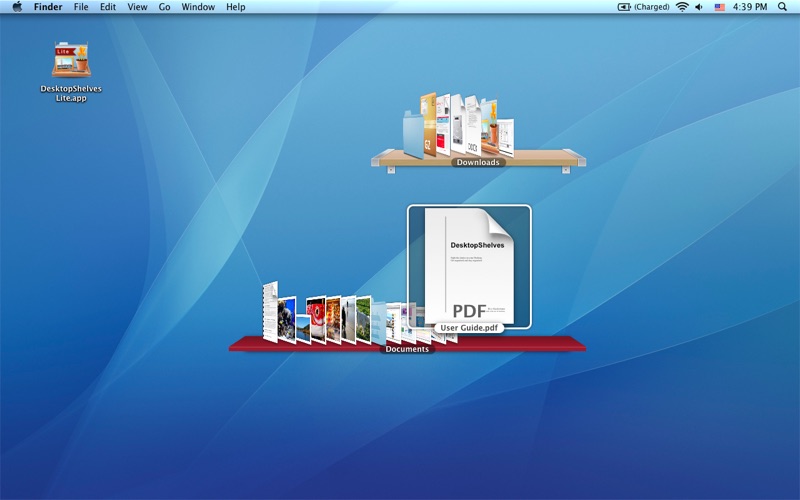
Access documents and downloads via desktop shelves with cover flow effect. Drag files between shelves and into other apps like Mail. Switch shelves with a dock icon click. Customize shelves to show any folder. Drop text selections into documents.
The app opens your Documents and Downloads folder as shelves on the desktop with a nice cover flow effect.
Quickly access your documents and downloads. Drop files onto the shelves or drag them from the shelves into other applications (for example as attachments into Mail.app).
A click on the app icon in the dock brings the two shelves to the foreground. A second click sends them back again.
You can change the two shelves to show any folder you like.
MORE FEATURES:
- Dropping a text selection on a shelf automatically creates a new text file
- Right-click and drag a file from a shelf to paste its contents into another app. Great for pasting text templates into email messages or blog posts
- Press Space when an item is selected to see a larger preview
- Right click on a shelf item to reveal it in Finder
- Double click a shelf item to open it