
BankGloucester Mobile Banking
Manage accounts, pay bills, find ATMs
BankGloucester
iPhone Screenshots

Description
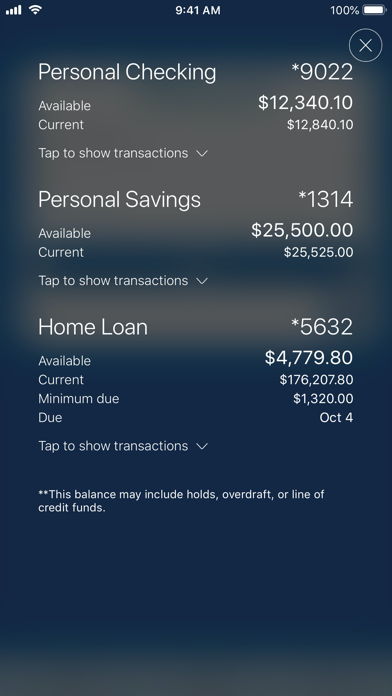
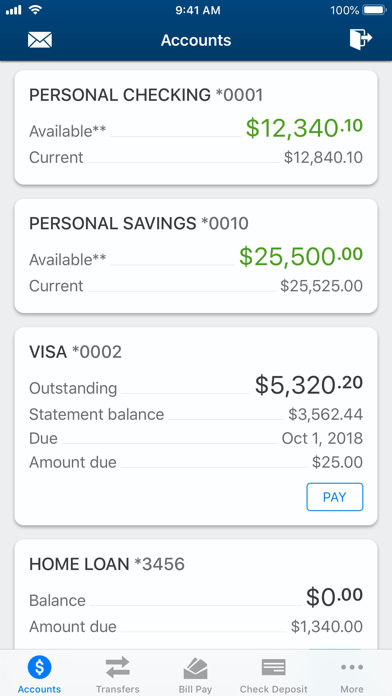
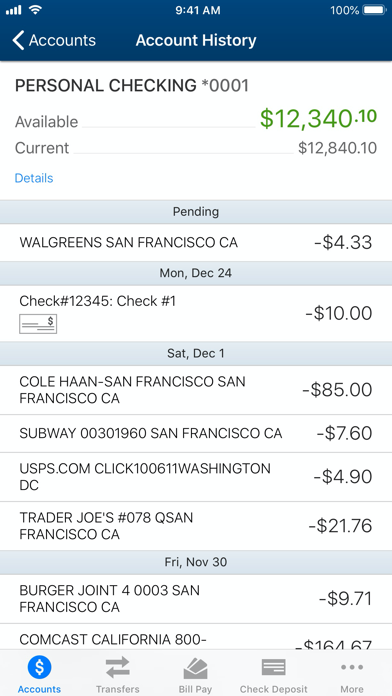
Check account balances and view transaction history. Pay bills and locate nearby ATMs. Deposit checks via photo. Set account alerts and manage account settings. Access features anytime from iPhone or iPad.
BankGloucester’s Mobile App makes it easy for you to bank on the go.
Do your banking right from your iPhone and iPad!
You can manage your accounts, pay bills, find ATMs and more!
Bank with confidence - BankGloucester’s Mobile App allows you to manage accounts from your mobile device...anytime, anywhere.
Now it’s easy to do banking 24/7, right from your iPhone and iPad.
It’s fast, secure and free. With BankGloucester Mobile, you can:
• Check available balances & transaction history
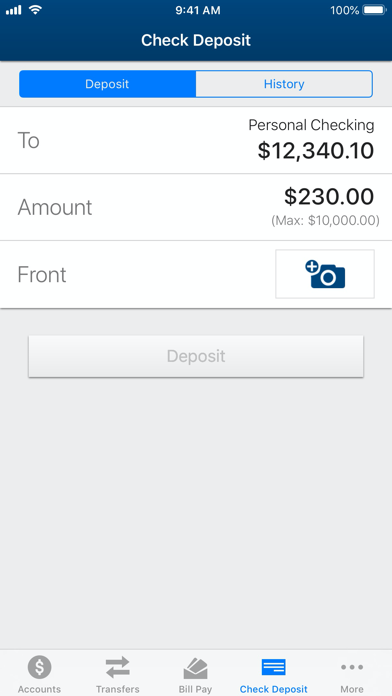
• Deposit checks directly from your iPhone or iPad
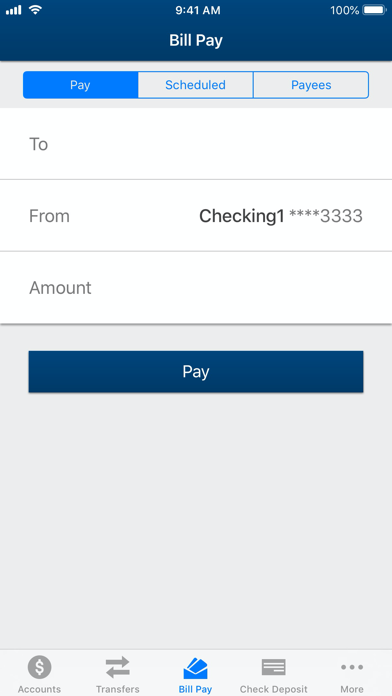
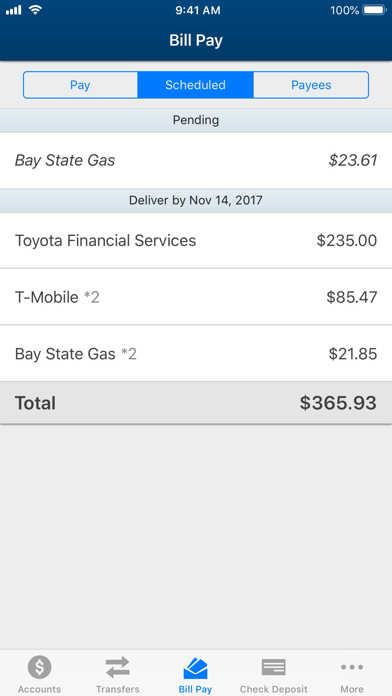
• Pay bills and credit cards
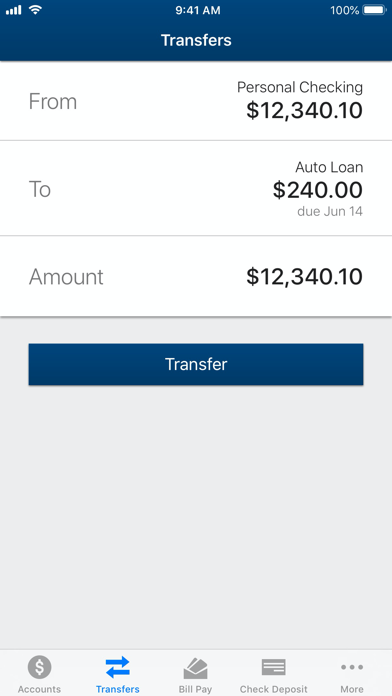
• Transfer money between BankGloucester accounts
• Find the nearest BankGloucester branches and ATMs
• Send us a message
To use BankGloucester Mobile, you must be a BankGloucester customer and enrolled in our online banking service. To sign up, visit www.bankgloucester.com