
MailBuzzr for Outlook
Receive emails and manage inboxes
Aversys Mobile
iPhone Screenshots
Description
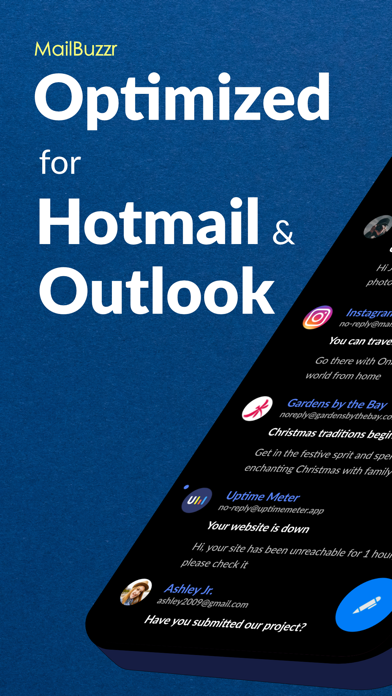
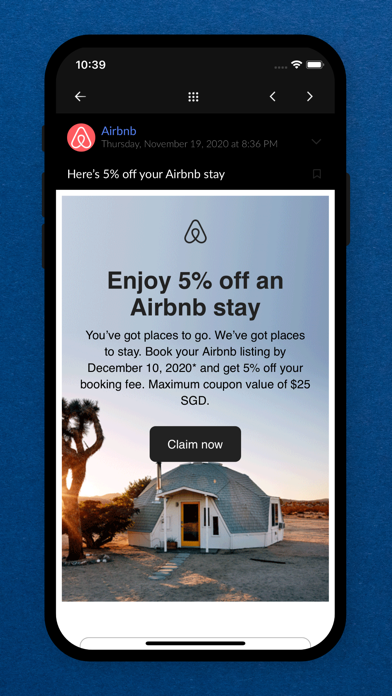
Manage emails from Hotmail and with unified inbox access. Customize smart notifications based on sender, priority, or content. View and reply to messages directly. Organize emails with folders and labels. Search across accounts instantly.
MailBuzzr – Smart, Fast & Beautiful Email for Hotmail and Outlook
MailBuzzr is a powerful yet simple email app built for speed, convenience, and clarity. Whether you’re using Hotmail, Outlook, or both, manage all your inboxes in one beautifully designed app — fast and frustration-free.
Smart Notifications
Know who emailed you — and what it’s about — just by the notification sound. Customize alerts based on sender, priority, or message content.
Why You’ll Love MailBuzzr
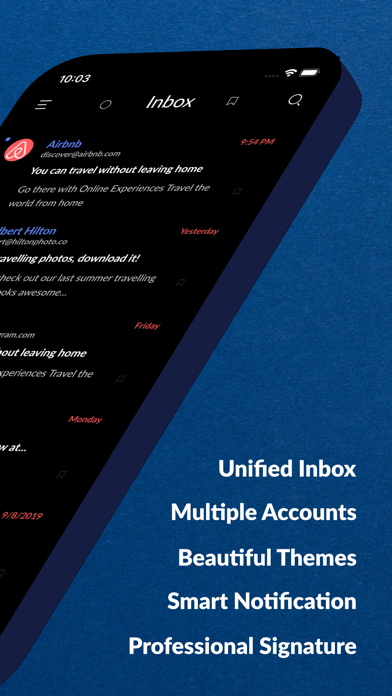
• Multiple Accounts – Add all your Hotmail and Outlook accounts. Switch between them with one tap.
• Unified Inbox – See all your emails in one place, or view them by account.
• Quick Peek – Long-press a message to preview without opening. Speed through your inbox effortlessly.
• Smart Tags & Filters – Automatically organize emails by sender, subject, or keywords.
• Undo Actions – Accidentally deleted or sent something? Quickly undo it with a tap.
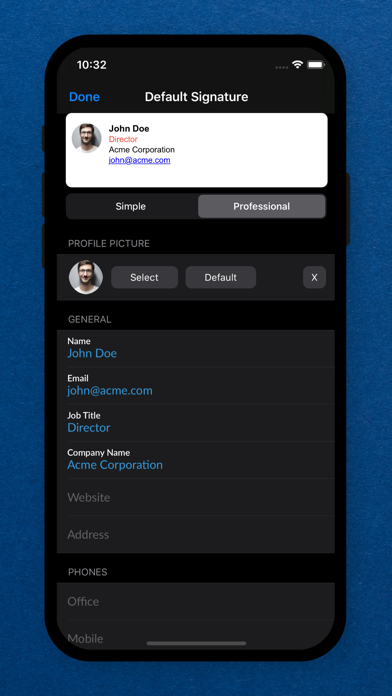
• Professional Signatures – Choose a clean and polished email signature that fits your style.
• Elegant Interface – Designed for ease of use with smooth performance and intuitive navigation.
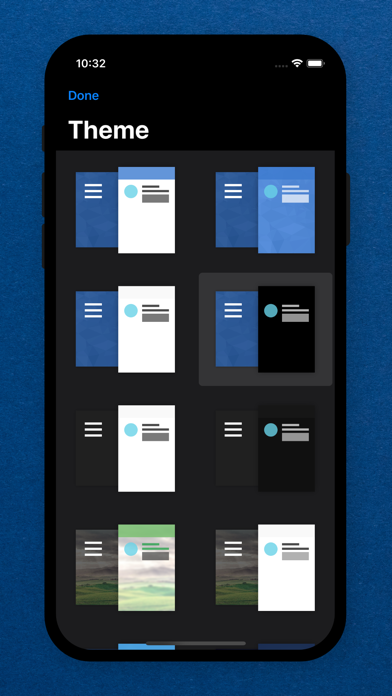
• Custom Themes – Pick from a variety of color themes to suit your mood or taste.
• Built-in File Viewer – View attachments like PDFs, Word, Excel, PowerPoint, and photos — no extra apps needed.
More Features You’ll Enjoy
• Swipe to delete, archive, reply, and more
• Draft minimization for multitasking
• Bulk editing and color-coded accounts
• Unread/flagged quick filters
• Contact import from Outlook and Google
• Push notifications with 5 customizable priority levels
• Lock the app with passcode or fingerprint
• Quiet time mode for peace of mind
• Advanced search: by keyword, sender, subject, or content
• Attach files from Google Drive, Dropbox, OneDrive, and more
• 30+ custom ringtones for notifications
Need help or have feedback? Contact us at [email protected]