
Guide for iCloud & iCloud Drive - Backup & Restore your Photos
Data across all devices
A Bodewell Production UG
iPhone Screenshots

Description
Teaches users to back up data across devices. Sync , contacts, calendars, and documents automatically. Use to store and access files. Manage backups and settings for seamless device coordination.
Guide for iCloud shows you how to use iCloud on your iPhone and iPad. iCloud backs up, syncs, and transfers all your music, photos, calendars, contacts, documents, and more on all your devices, automatically.
This guide shows you how to use iCloud to:
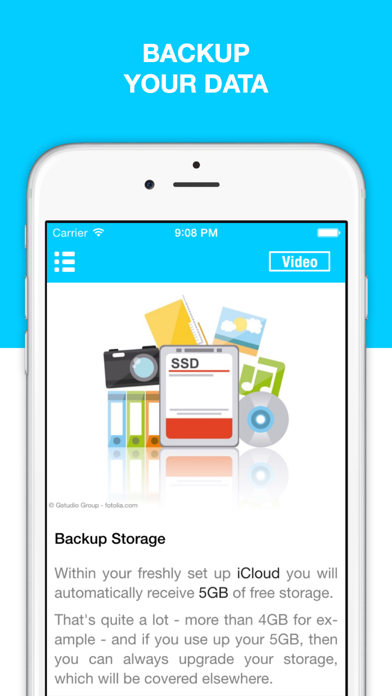
• Backup all your data safely on all your devices
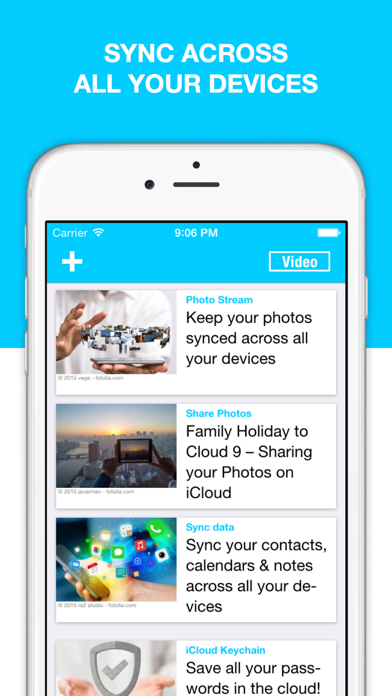
• Sync photos, contacts, videos, calendars, reminders, bookmarks, notes, mail, & more on every device
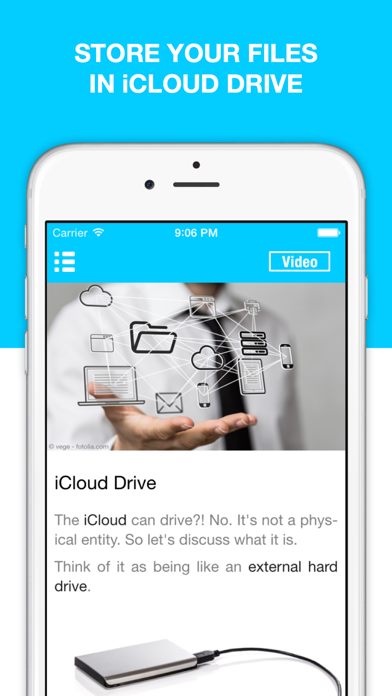
• Use iCloud Drive to keep all your important documents on all your devices
• Protect your iPhone & iPad from theft with Find my iPhone
• Keep your passwords safe with iCloud Keychain
• Edit your Microsoft Office & iWork documents on your iPhone
• And much more
** “I learned a lot about iCloud in this app. I never really knew how to use it, but now, I can work with my iPhone a lot more efficiently” - UK **
** “I downloaded this app, because I wanted to know how to use iCloud Drive. It taught me that, and some other neat functions. Good job! Thanks.” - Switzerland **