
Quorum Mobile Banking
Make deposits, check balances, view transactions
Quorum Federal Credit Union
iPhone Screenshots


Description
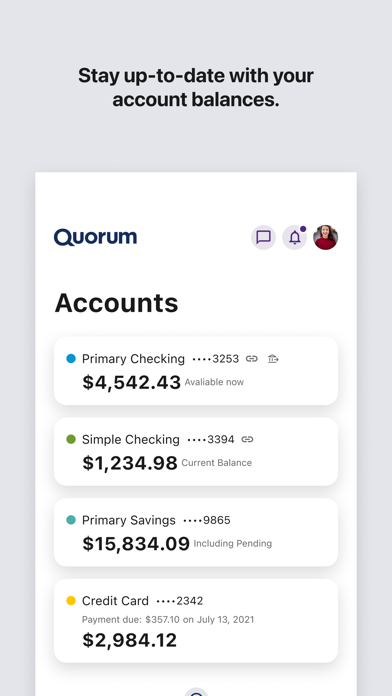
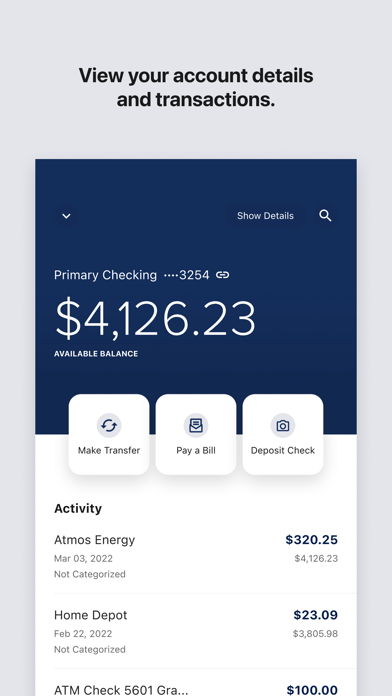
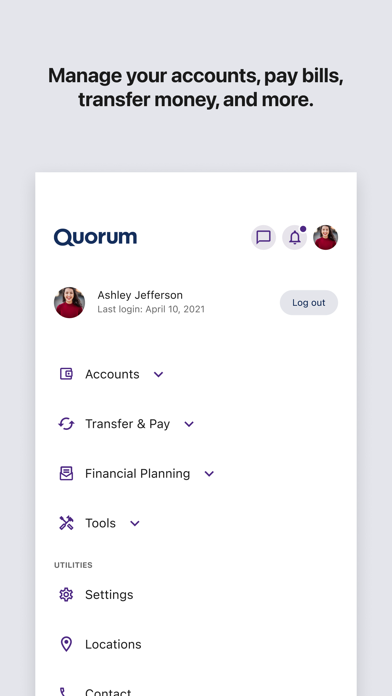
Manage accounts with balance checks and transaction history. View account details and transfer funds between accounts. Make deposits and locate ATMs. Receive messages and alerts. Requires online enrollment.
Quorum’s free Mobile Banking app gives you secure, convenient access to your accounts anytime, anywhere—so you can bank at the Speed of Life.
With the app, you can manage everyday banking tasks, keep an eye on your financial picture, and handle more from your phone—on your schedule.
Use Quorum Mobile Banking to:
• Deposit checks from your phone
• Check balances and view account details
• Review transactions and account history
• Transfer funds
• Send and receive money with Zelle®
• Open new accounts
• Set and track savings goals
• Monitor spending with financial wellness tools
• View your credit score and receive credit alerts
• Manage term account (similar to CDs) settings
• Dispute transactions
• Receive account messages and alerts
• Find ATMs and branch locations
To use the Quorum Mobile Banking app, you must be enrolled in Online Banking. To enroll, visit quorumfcu.org.