
iPhone Screenshots





Description
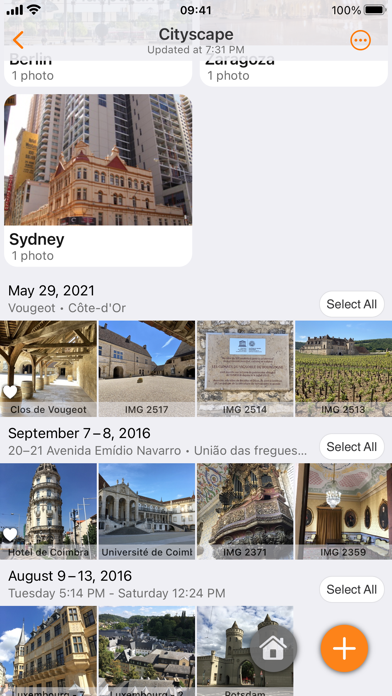
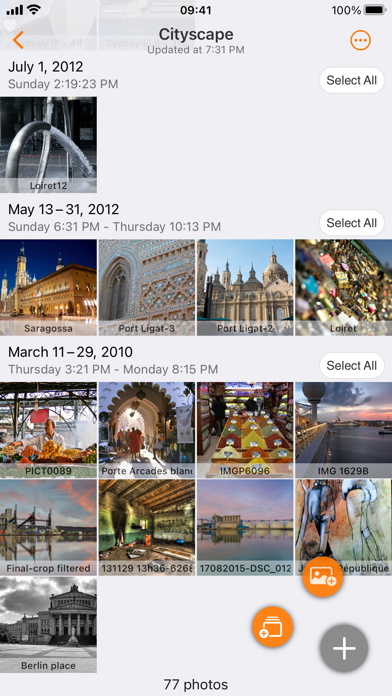
Browse and manage albums, create and rename folders, search and edit media files. Delete or move photos and videos between albums. Add to favorites, set album images, and upload with customizable size, quality, and metadata.
Piwigo for iPhone/iPad/iPod supplements the photo gallery software in the cloud Piwigo (v12.0 or higher):
• Browse your albums,
• Create, delete, move and rename albums,
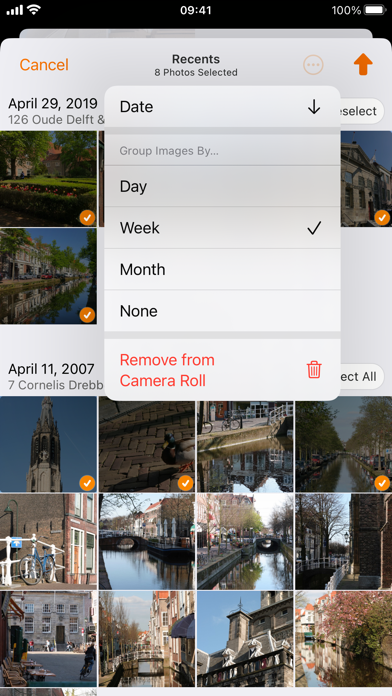
• Search, edit, download and delete photos and videos,
• Copy and move photos and videos between albums,
• Add and remove photos and videos from your favorites,
• Set a photo as album image,
• Upload photos and videos:
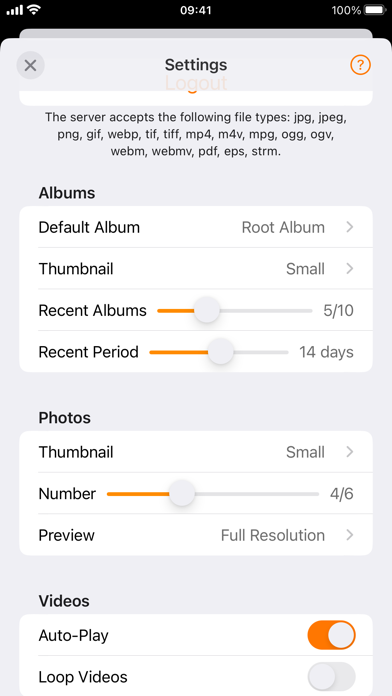
- of modifiable size and quality,
- with description, author, tags, EXIF metadata,
- with or without GPS metadata.
• Share albums, photos and videos.
Piwigo empowers you to create your own photo gallery on the web. It includes many powerful features such as albums, tags, geolocation, many levels of customization, upload by visitors, privacy, calendar or statistics.
Piwigo is free and opensource.
Piwigo is also compatible with the following extensions:
- Community: allows users to create albums and add photos
- rotateImage: enables you to rotate images
- Share Album: allows to share private albums with people who do not have an account
- piwigo-two_factor: adds two-factor authentication (2FA)
- piwigo-videojs: adds video support
Feedback or questions ?
Piwigo offers free support at https://piwigo.org/forum and we'd love to hear from you.