
iPhone Screenshots

Description
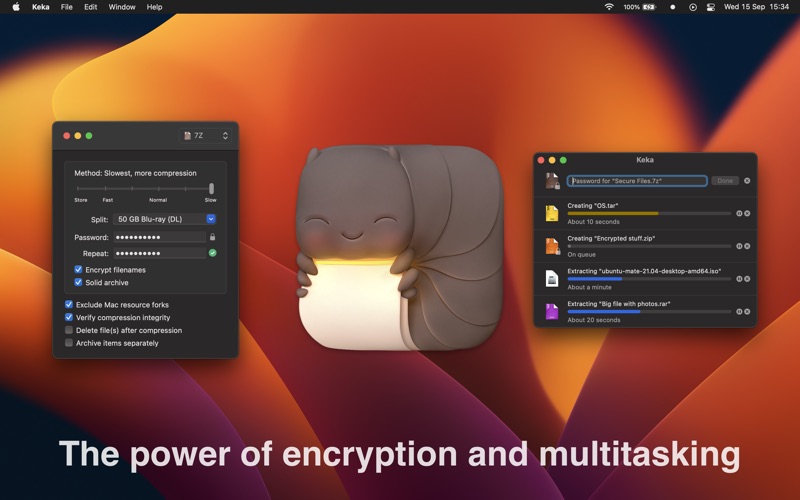
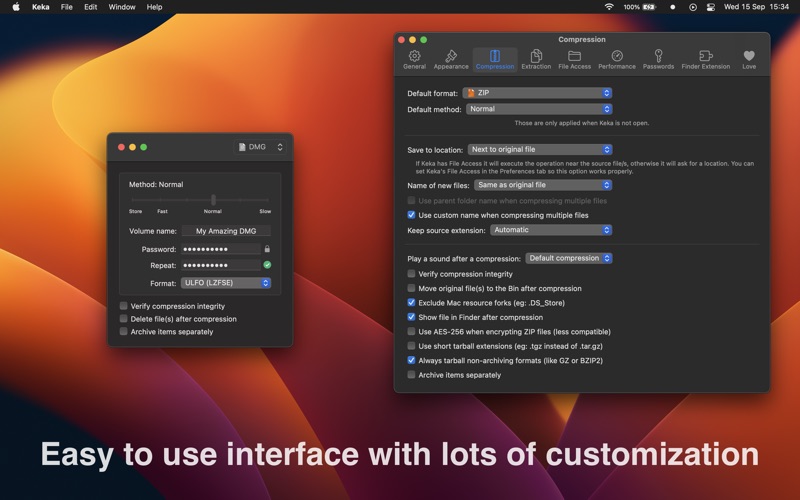
Archive and compress files in ZIP, 7Z, and RAR formats. Compress multiple files at once. Protect archives with passwords. Extract compressed files by double-clicking or dragging to the icon. Support for split archives and password-protected files.
Keka is a full featured file archiver, as easy as it can be.
With Keka you can compress as many files as you want in a bunch of formats. Divide files and protect them with a password is now a kids game. Just drop the files you want to compress to the Keka icon in the Dock or the main window.
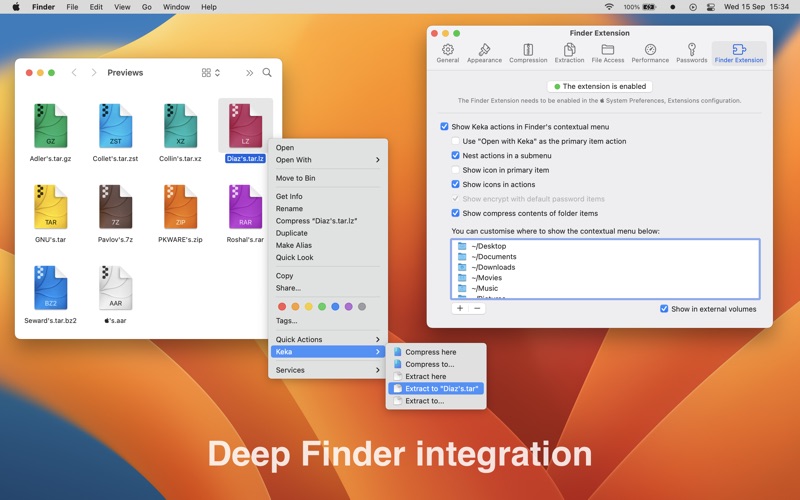
Also Keka can extract lots of compressed files, from ZIP and 7Z to RAR archives, even parted ones. Just double click on those files and they will be extracted using Keka, or drop them to the icon in the Dock or the main window.
Compression formats supported:
7Z, ZIP, TAR, GZIP, BZIP2, XZ, LZIP, LZ4, BROTLI, ZSTD, LRZIP, AAR, SNAPPY, WIM, DMG and ISO
Extraction formats supported:
7Z, ZIP, RAR, TAR, GZIP, BZIP2, XZ, LZIP, LZ4, BROTLI, ZSTD, LRZIP, DMG, ISO, LZMA, SNAPPY, EXE, CAB, WIM, MSI, PAX, JAR, APK, APPX, XPI, IPA, CPGZ, CPIO, XIP, CPT and more
Terms of Use: https://www.keka.io/termsofuse