
VR Mobile - Vibration Testing
Vibration testing and engineering tools.
Vibration Research
iPhone Screenshots
Description
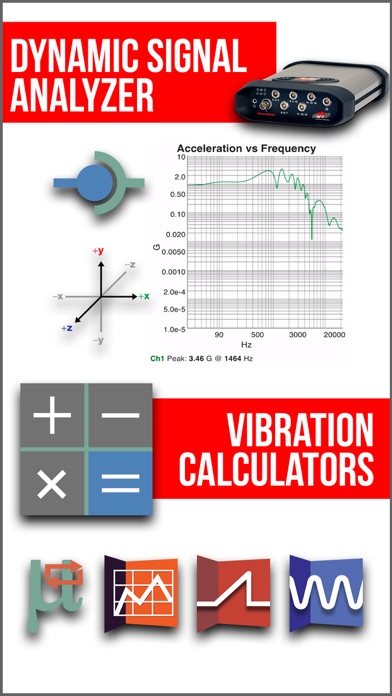
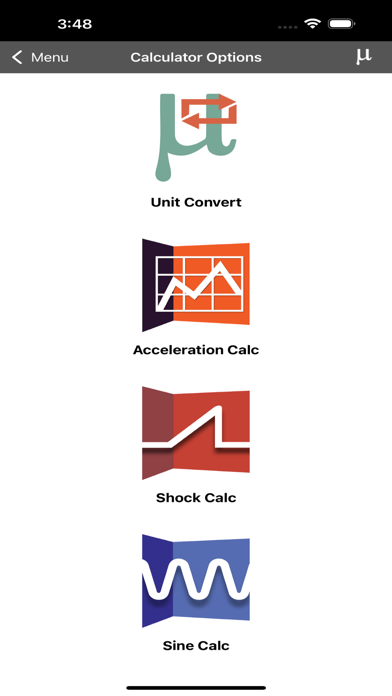
The app connects to Vibration Research hardware for live vibration test monitoring. It includes engineering calculators, a strobe light, a noise SPL meter, and an accelerometer.
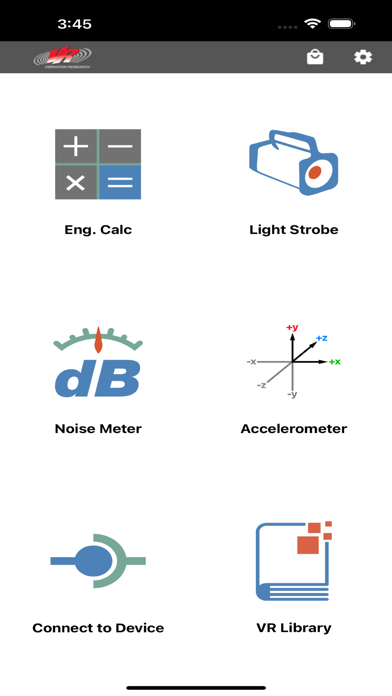
VR Mobile connects to any Vibration Research hardware device for live vibration test monitoring via an iPhone or iPad. It also contains engineering calculators, a light strobe, a noise SPL meter, and an accelerometer--all from your mobile device!
FEATURES:
Connect to the ObserVR1000 dynamic signal analyzer and data acquisition (DAQ) device
- Set up inputs and record & monitor data
- Live FFT Analysis
- Use your mobile device's camera to record video in sync with your ObserVR1000 and/or GoPro® camera(s)
Remotely control vibration tests running in the VibrationVIEW software
- Start/stop tests
- View graphs
- Adjust amplitude and frequency
VR Library
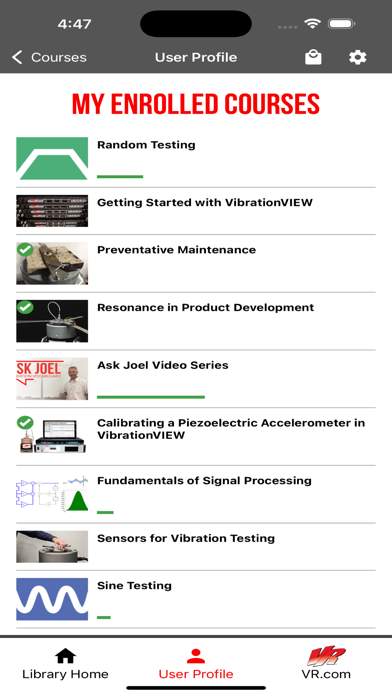
- Complete courses, take quizzes and earn certificates on VR University
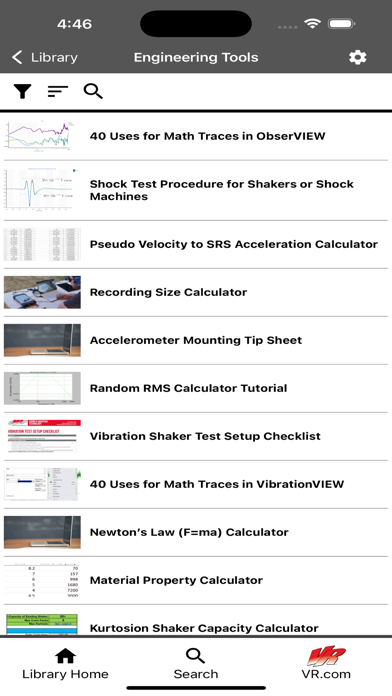
- Browse articles, case studies, engineering tools, research papers, and more
- Watch video tips and tech talks
- Gain access to VR product manuals
Max acceleration calculator
- Calculate the maximum acceleration a shaker can output based on system mass
Unit converter
- Convert acceleration, force, mass, velocity, displacement, and more
Sine calculator
- Calculate acceleration, frequency, velocity, and displacement based on sinusoidal motion
Shock calculator
- Select the impact type (plastic or elastic) and the pulse type, and the shock calculator will calculate the remaining two values given two inputs: acceleration, impact time, velocity change, and height change
Noise meter
- Measure the minimum, current, and maximum decibels (dB) from your mobile device's microphone
Accelerometer
- Measure the minimum, current, and maximum acceleration in each of your mobile device's accelerometer axes
- Zero-out acceleration to calibrate for an uneven surface
Strobe light
- Strobe your device's screen and/or flash LED from 1 to 30 Hz; strobing helps display objects vibrating too fast for the eye to see
VR products
- View VR's vibration test controllers and dynamic signal analyzers
- Watch YouTube videos from VR
- Visit VR's website
- Browse VR's LinkedIn page